EasyManua.ls Logo

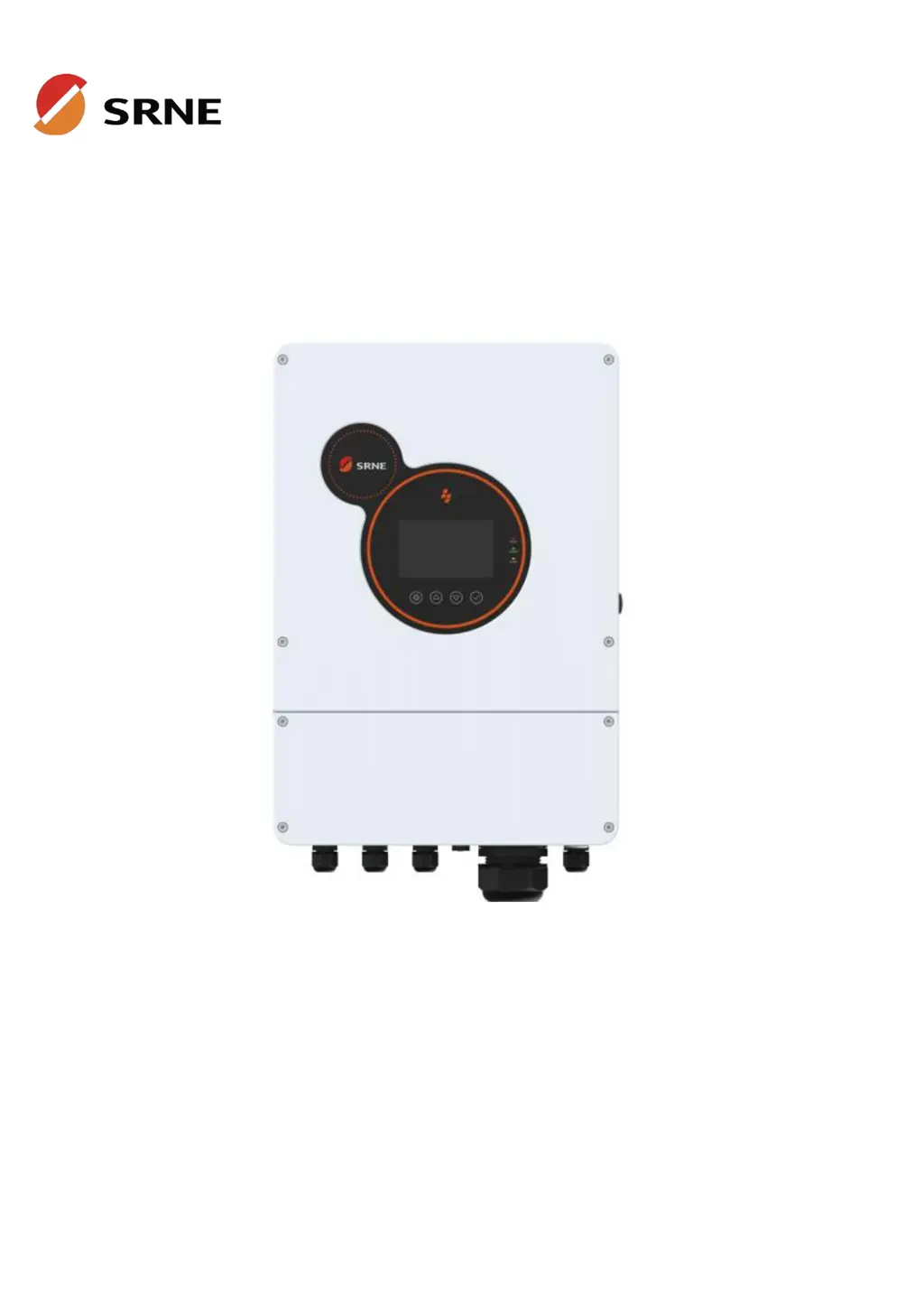
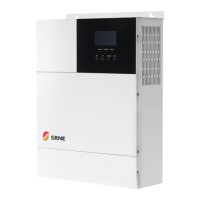
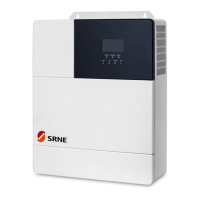
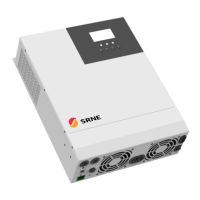
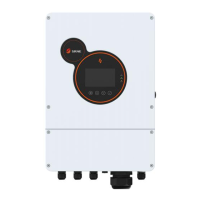
Srne HESP4840S100-H - User Manual

Srne HESP4840S100-H
59 pages
Print Icon
To Next Page IconTo Next Page
Loading...
V2.2
USER MANUAL
Solar Hybrid Inverter
HESP4840S100-H HESP4846S100-H HESP4850S100-H
HESP4855S100-H HESP4860S100-H

Questions and Answers

  • B
    Brandon GarciaSep 23, 2025
    What causes leakage current overload fault in Srne HESP4840S100-H?
    • J
      Jonathan FrazierSep 23, 2025
      If your Srne Inverter is experiencing a leakage current overload fault, ensure the system is properly grounded and that the loads are operating normally.
  • J
    John MorrisAug 25, 2025
    How to troubleshoot parallel connection fault on Srne HESP4840S100-H Inverter?
    • B
      Brett LongAug 25, 2025
      To resolve a parallel connection fault on your Srne Inverter, check if the parallel line is not connected well, such as loose or wrong connection.
  • Y
    Yvonne SmithAug 25, 2025
    What to do if my Srne HESP4840S100-H shows bypass overload protection or inverter overload protection?
    • J
      Jasmine StewartAug 26, 2025
      To troubleshoot a Srne Inverter bypass or inverter overload protection issue, reduce the amount of power being used by your equipment. Then, restart the unit to resume load output.
  • K
    Kimberly ShawAug 27, 2025
    How to fix no display on Srne HESP4840S100-H Inverter screen?
    • A
      Antonio RodriguezAug 27, 2025
      If your Srne Inverter screen is blank, verify that the battery or PV switch is closed and in the "ON" state. If the screen is in sleep mode, press any button to wake it.
  • G
    Gerald SuttonAug 27, 2025
    What to do when my Srne Inverter has short-circuit protection?
    • K
      Karla SchneiderAug 27, 2025
      To resolve a Srne Inverter short-circuit protection fault, carefully inspect the load connection and clear any short-circuit points. After doing so, power the unit up again to resume load output.
  • W
    wleeSep 16, 2025
    How to troubleshoot parallel mode error on Srne Inverter?
    • J
      Jason MitchellSep 16, 2025
      To resolve a parallel mode error on your Srne Inverter, check if there is a device in the parallel system with the wrong parallel mode setting.
  • A
    Amy DunnSep 13, 2025
    How to fix inconsistent system firmware version in parallel mode in Srne Inverter?
    • R
      Robert LynnSep 13, 2025
      To resolve an inconsistent system firmware version in parallel mode on your Srne Inverter, check whether the software version of each inverter is consistent.
  • R
    Rebecca BishopSep 15, 2025
    How to correct serial number error on Srne Inverter?
    • A
      Anthony WadeSep 15, 2025
      To resolve a serial number error on your Srne Inverter, check for incorrect device serial number settings.
  • C
    Christopher BaileySep 5, 2025
    How do I fix battery undervoltage protection on my Srne HESP4840S100-H Inverter?
    • E
      Emily WhitakerSep 5, 2025
      To resolve a battery undervoltage protection issue on your Srne Inverter, charge the battery until it reaches the low voltage disconnection recovery voltage.
  • A
    Andrew FlemingSep 3, 2025
    What should I do if my Srne HESP4840S100-H shows high grid frequency?
    • G
      Glenda ChapmanSep 3, 2025
      If you are getting a high grid frequency error on your Srne Inverter, check that the grid frequency is within the normal range. If it's abnormal, wait until it returns to normal.

Summary

Safety

How to Use This Manual

Guidance on effectively using the HESP series manual for product information.

Symbols in This Manual

Explanation of warning symbols like DANGER, WARNING, CAUTION, and NOTICE.

Safety Instructions

Critical safety guidelines for installation and operation to prevent hazards.

Production Instructions

Instructions

Overview of the HESP series solar energy storage inverter and its control algorithm.

Features

Detailed list of the HESP series inverter's capabilities, including MPPT, charging modes, and protection.

System Connection Diagram

Diagram illustrating the system components and their connections, including PV, Grid, and Loads.

Production Overview

Labeled diagram identifying all physical components and ports on the inverter unit.

Dimension Drawing

Technical drawings showing the physical dimensions and mounting hole specifications of the inverter.

Installation

Select the Mount Location

Guidelines for choosing an optimal installation location, considering environmental factors and safety.

Mount the Inverter

Step-by-step instructions for physically mounting the inverter unit to a wall.

Connection

Single-Phase Output

Details on the inverter's single-phase AC output specifications, waveform, and voltage settings.

Cable & Circuit Breaker Requirement

Specifications for cables and circuit breakers for PV, Grid, and Generator connections.

GRID & LOAD & GEN Connection

Instructions for wiring the live, neutral, and ground wires for Grid, Load, and Generator inputs/outputs.

Battery Connection

Procedure for correctly connecting the battery's positive and negative terminals to the inverter.

PV Connection

Instructions for connecting the PV strings' positive and negative wires to the inverter's PV terminals.

Grounding Connection

Guidelines for ensuring proper grounding of the inverter unit to the grounding bar.

Final Assembly

Steps to complete the installation, including closing circuit breakers and initial power-up.

Inverter Parallel

Introduction

Overview of parallel operation, including maximum units and connection requirements.

Precautions for Connecting Parallel Lines

Important warnings and guidelines for PV, battery, and load wiring in parallel setups.

Schematic Diagram of Parallel Connection in Single Phase

Diagrams showing single-phase parallel connection for 2 to 6 inverters.

Schematic Diagram of Parallel Connection in Three Phase

Diagrams illustrating three-phase parallel connection configurations for multiple inverters.

Operation

Operation and Display Panel

Description of the inverter's LCD screen, indicators, and physical buttons for operation.

Setting

Configuration options for basic, work mode, battery, grid, and advanced settings.

Time-slot Charging;Discharging Function

Functionality for scheduling battery charging and discharging based on electricity tariffs.

Battery Parameter

Detailed parameters for Lead-acid and Li-ion batteries, including voltage, current, and protection.

Communication

Dry Contact

Description of dry contact functions for RSD, generator control, and CT connection.

RS485;CAN Communication Port

Details of RS485 and CAN communication ports for BMS integration.

DIP Switch

Explanation of DIP switch functions for single and parallel inverter configurations.

WIFI Port

Information on the WIFI port for mobile monitoring and data acquisition.

USB-A Port

Function of the USB-A port for updating screen firmware.

USB-B Port

Details of the USB-B port for upper computer communication and driver installation.

Parallel Port

Description of parallel ports for communication between inverter modules.

External CT Port

Details of the external Current Transformer (CT) port and its specifications.

Fault and Remedy

Fault Code

List of fault codes, their names, impact on output, and descriptions.

Troubleshooting

Guide to diagnosing and resolving common faults based on fault codes and symptoms.

Protection and Maintenance

Protection Features

Explanation of various protection features implemented in the inverter for safety and longevity.

Maintenance

Recommendations for regular maintenance checks to ensure optimal inverter performance.

Datasheet

Srne HESP4840S100-H Specifications

General IconGeneral
BrandSrne
ModelHESP4840S100-H
CategoryInverter
LanguageEnglish

Related product manuals