EasyManua.ls Logo

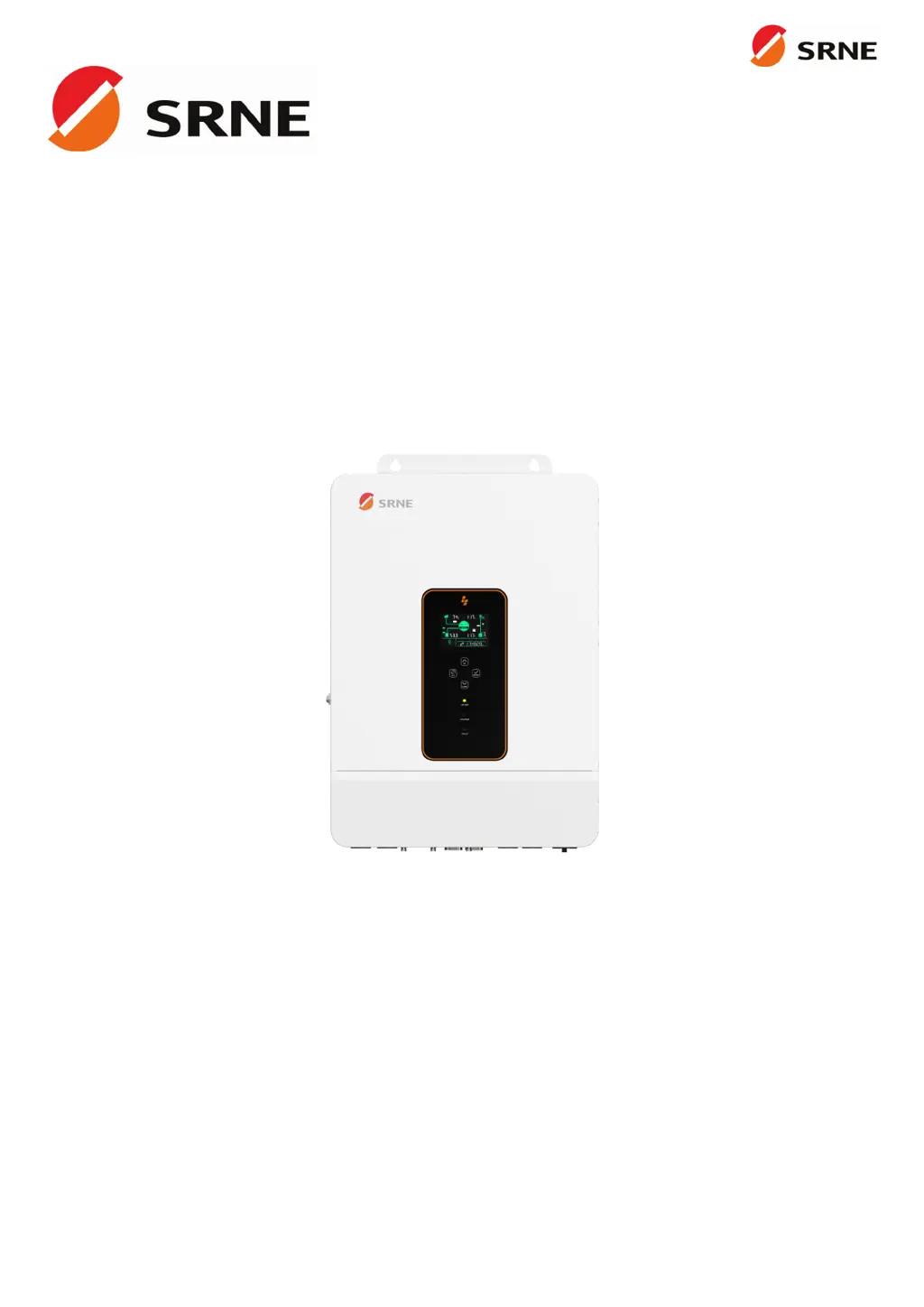
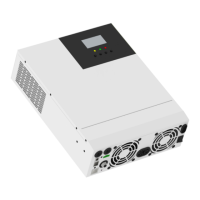
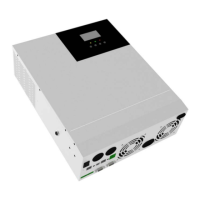
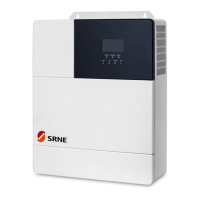
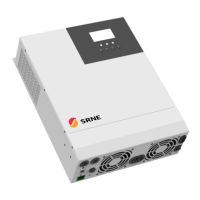
Srne ASF48100S200-H - User Manual

Default Icon
41 pages
Print Icon
To Next Page IconTo Next Page
Loading...
V2.1
USER MANUAL
ASF4880S180-H
ASF48100S200-H
All-in-one solar charge inverter

Questions and Answers

  • J
    Jessica KnightAug 14, 2025
    How to fix Srne ASF48100S200-H Inverter screen with no display?
    • C
      Carla MoralesAug 14, 2025
      If your Srne Inverter screen isn't displaying anything, it could be due to no power input or the device being in sleep mode. First, ensure the circuit breaker is closed and the rocker switch is turned ON. If it's in sleep mode, push any button on the panel to wake it up.
  • M
    Mrs. Cynthia Wilson DDSAug 17, 2025
    What to do if the Srne ASF48100S200-H Inverter says the battery is not connected?
    • R
      richard75Aug 17, 2025
      If your Srne Inverter indicates that the battery is not connected, there are a few things to check: * Ensure the battery is reliably connected. * Verify that the battery's circuit breaker is closed. * If you're using a Li-ion battery, make sure its BMS (Battery Management System) is communicating properly.
  • M
    Monica RamirezAug 21, 2025
    What causes bypass overload on a Srne ASF48100S200-H Inverter and how to fix it?
    • J
      Jennifer Peterson DDSAug 21, 2025
      A bypass overload on your Srne Inverter, detected by software, typically occurs when the bypass output power or current is too high for an extended period. To resolve this, reduce the load power being drawn and then restart the device. More details can be found in item 11 of the protection features.
  • T
    Timothy WintersAug 25, 2025
    Why is my Srne Inverter showing a battery under-voltage error?
    • G
      gregory02Aug 25, 2025
      The battery under-voltage error on your Srne Inverter means the battery voltage is lower than the value set in parameter [14]. To fix this, charge the battery until its voltage is higher than the value specified in parameter [14].
  • G
    Gary PierceAug 27, 2025
    What to do if Srne Inverter shows battery over-discharge?
    • J
      Jessica KingAug 27, 2025
      If your Srne Inverter is showing a battery over-discharge, it means the battery voltage is lower than the value set in parameter [12]. You can manually reset it by powering off and restarting the inverter. Alternatively, it will automatically reset once you charge the battery to a voltage higher than the value set in parameter [35].
  • P
    Phyllis NewtonAug 31, 2025
    Why is my Srne Inverter showing a battery over-voltage error during charging?
    • J
      Joel GonzalezAug 31, 2025
      If your Srne Inverter displays a battery over-voltage error during charging, it indicates that the battery voltage is too high. You should manually power off and restart the inverter. Check if the battery voltage exceeds the limit. If it does, discharge the battery until the voltage is below the battery's over-voltage recovery point.
  • L
    Luis WalkerSep 3, 2025
    How to resolve a utility input phase fault on a Srne ASF48100S200-H?
    • R
      Ruth RobinsonSep 3, 2025
      A utility input phase fault on your Srne Inverter indicates that the AC input phase doesn't match the AC output phase. To correct this, ensure that the phase of the AC input is the same as the phase of the AC output. For example, if the output is in split-phase mode, the input must also be in split-phase.
  • M
    Michael GrossSep 6, 2025
    What to do when Srne ASF48100S200-H Inverter reports a fan failure?
    • F
      Franklin BrooksSep 6, 2025
      If your Srne Inverter reports a fan failure, which is detected by hardware for 3 seconds, manually toggle the fan after switching off the device. Check the fan for any blockage by foreign objects.
  • C
    Charles GraySep 10, 2025
    What should I do if my Srne ASF48100S200-H shows an AC input relay short-circuit error?
    • P
      paulfloresSep 10, 2025
      If your Srne Inverter indicates an AC input relay short-circuit, which suggests the relay for AC input is sticking, manually power off and restart the device. If the fault reappears after restarting, you need to contact the after-sales service to repair the machine.

Summary

Safety Information and Manual Usage

Critical Safety Instructions

Provides critical safety precautions for operating and installing the inverter.

Installation Guide

Selecting the Mount Location

Guidelines for choosing a suitable and safe installation site for the inverter.

Mounting the Inverter

Step-by-step instructions for physically mounting the inverter onto a wall.

Connection Procedures

Cable and Circuit Breaker Requirements

Specifies necessary cable sizes and circuit breaker ratings for different connections.

AC Input and Output Wiring

Details the correct wiring procedure for AC input and output terminals.

Battery Connection

Provides instructions for connecting the battery to the inverter.

Inverter Operation and Settings

System Settings Configuration

Instructions on how to access and configure inverter parameters via the menu.

Fault Diagnosis and Troubleshooting

Fault Code Reference

Lists error codes, their meanings, and potential impacts on operation.

Troubleshooting Common Issues

Provides solutions for common operational issues and faults.

Technical Datasheet

Srne ASF48100S200-H Specifications

General IconGeneral
ModelASF48100S200-H
CategoryInverter
Input Voltage48V
Max. DC Input Voltage58V
Output Power2000W
Rated Power2000W
Output Frequency50Hz/60Hz
Max. Charging Current100A
Max. Discharging Current100A
Cooling MethodFan Cooling
Output Voltage230V AC
Protection FeaturesOverload, Over Voltage, Short Circuit, Over Temperature
Operating Temperature-10°C to 50°C
Storage Temperature-20°C to 60°C

Related product manuals