EasyManua.ls Logo

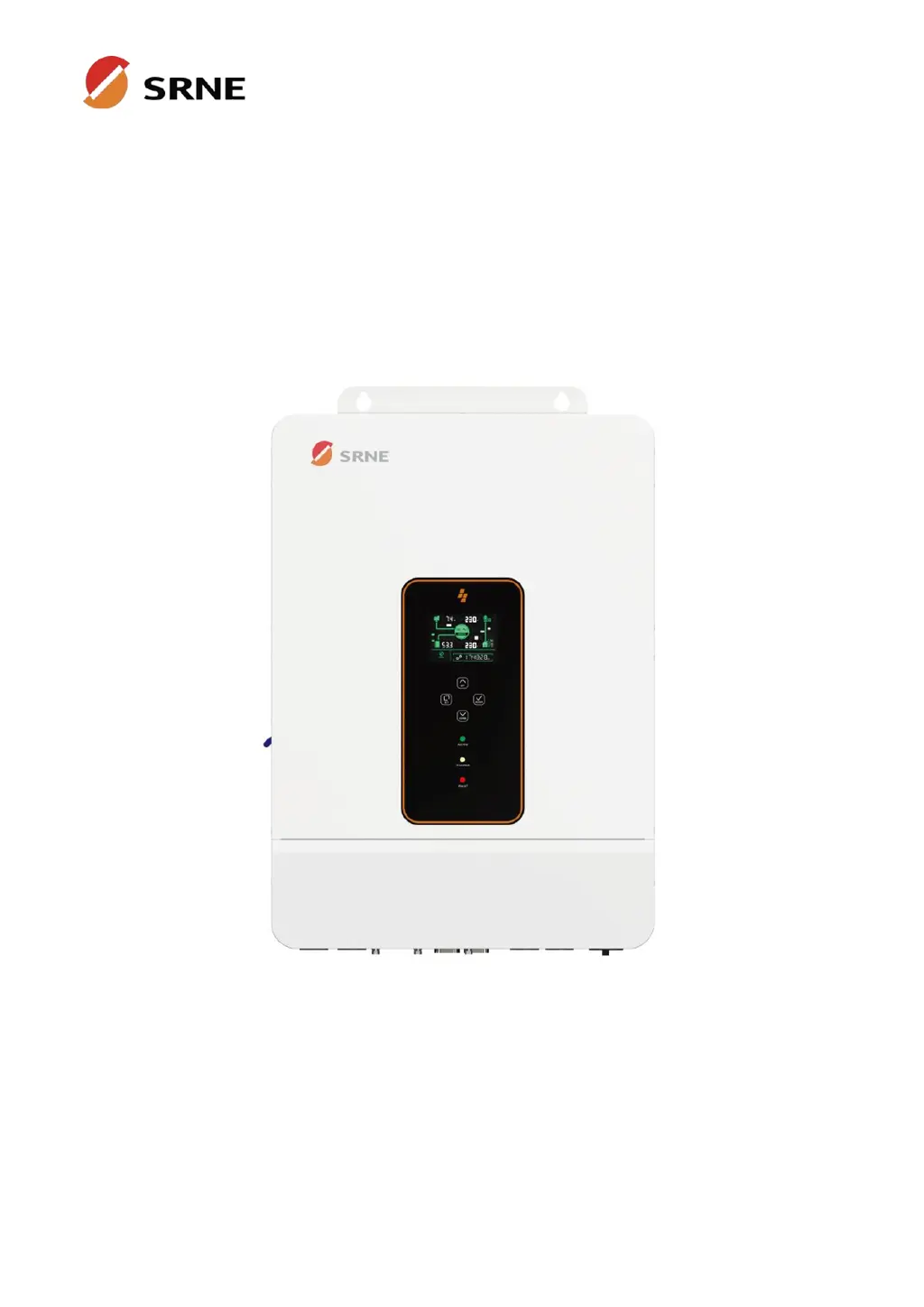
Srne ASF48120SH3 - User Manual

Default Icon
43 pages
Print Icon
To Next Page IconTo Next Page
Loading...
File version: V1.0
Solar Storage Inverter
User Manual
Product Models
ASF4880SH3
ASF48100SH3
ASF48120SH3

Questions and Answers

  • D
    Dr. Abigail DaviesAug 14, 2025
    How to fix Srne ASF48120SH3 with no screen display?
    • Q
      qgrahamAug 14, 2025
      If your Srne Inverter shows no screen display, first ensure that the battery or PV air circuit-breakers are turned on. Then, check if the power switch located on the bottom of the unit is in the "ON" position. Finally, press any button on the screen to ensure it is not in sleep mode.
  • J
    James Mccarty MDAug 17, 2025
    Why is my Srne Inverter showing battery under-voltage?
    • J
      Jason WestAug 17, 2025
      If your Srne Inverter indicates a battery under-voltage, it means the battery voltage is lower than the value set in parameter [14]. To resolve this, charge the battery and wait until its voltage exceeds the value specified in parameter [14].
  • K
    Keith SchmidtAug 20, 2025
    What to do if Srne Inverter says battery not connected?
    • J
      Jessica MurphyAug 21, 2025
      If your Srne Inverter is showing a 'Battery not connected' error, this could be due to a loose connection or the BMS being in discharge protection state. Check that the battery is reliably connected and that the battery circuit-breaker is not off. Also, make sure that the BMS can communicate properly.
  • L
    Leah PerezAug 25, 2025
    Why is my Srne Inverter showing battery over-voltage when charging?
    • R
      rhondafieldsAug 25, 2025
      If your Srne Inverter displays a battery over-voltage error during charging, it means the battery voltage is too high. You should manually power off and restart the inverter. Check if the battery voltage exceeds the limit. If it does, discharge the battery until the voltage drops below the battery over-voltage recovery point.
  • F
    floreslisaAug 27, 2025
    What to do if Srne ASF48120SH3 shows bypass overload error?
    • B
      Bill WilliamsAug 27, 2025
      If your Srne Inverter indicates a bypass overload (software detection), it means the bypass output power or current has exceeded the limit for some time. Reduce the load power connected to the inverter and then restart the device. More details can be found in item 11 of the protection function description.
  • K
    Kimberly JohnsonAug 30, 2025
    How to fix Srne ASF48120SH3 battery over-discharge error?
    • K
      Kristen LunaAug 31, 2025
      If your Srne Inverter is showing a battery over-discharge, it means that the battery voltage is lower than the value set in parameter [12]. You can manually reset the inverter by switching it off and then restarting it. Alternatively, the inverter will automatically reset once you charge the battery so that its voltage is higher than the value set in parameter item [35].
  • A
    austinlucasSep 3, 2025
    Why does my Srne ASF48120SH3 show a utility input phase fault?
    • D
      danielle09Sep 3, 2025
      If your Srne Inverter reports a utility input phase fault, it indicates that the AC input phase does not match the AC output phase. Ensure that the phase of the AC input is the same as the phase of the AC output. For example, if the output is in split-phase mode, the input must also be in split-phase mode.
  • Z
    Zachary KingSep 6, 2025
    What does fan failure mean on Srne ASF48120SH3?
    • S
      Samuel RoachSep 6, 2025
      If your Srne Inverter reports a fan failure, it means the hardware has detected a problem with the fan. After powering off the machine, manually toggle the fan to check for any blockage caused by foreign matter.
  • A
    Aaron ParsonsSep 9, 2025
    What to do if Srne ASF48120SH3 shows AC input relay short-circuit?
    • F
      franklinaustinSep 10, 2025
      If your Srne Inverter displays an AC input relay short-circuit error, it indicates that the relay for the AC input is sticking. Manually turn off and restart the machine. If the fault reappears after restarting, contact after-sales service to repair the machine.

Summary

Safety Instructions

Essential Safety Precautions

Critical safety instructions for installation, operation, and maintenance.

Inverter Installation Guide

Location Selection Criteria

Criteria and considerations for selecting a suitable mounting location.

Mounting the Inverter

Step-by-step instructions for physically mounting the inverter.

Wiring and Connection Procedures

Cable and Circuit Breaker Requirements

Specifications for cables and circuit breakers for various connections.

Battery Connection Steps

Procedure for connecting the battery to the inverter.

PV Module Connection Steps

Procedure for connecting PV modules to the inverter's inputs.

Inverter Startup Sequence

Step-by-step guide for safely starting up the inverter.

Inverter Operation and Settings

Parameter Setting and Configuration

Guide to navigating menus and setting inverter parameters.

Troubleshooting and Fault Codes

Inverter Fault Code Reference

Detailed list of fault codes, their meanings, and affected outputs.

Resolving Common Inverter Issues

Guidance on diagnosing and resolving common inverter faults.

Inverter Protection and Maintenance

Srne ASF48120SH3 Specifications

General IconGeneral
ModelASF48120SH3
Input Voltage48 VDC
Frequency Range50 Hz/60 Hz (Auto sensing)
Efficiency (Peak)93%
Transfer Time10 ms (For Personal Computers); 20 ms (For Home Appliances)
WaveformPure Sine Wave
Battery Voltage48 VDC
Floating Charge Voltage54 VDC
Overcharge Protection60 VDC
Maximum AC Charging Current60 A
Humidity5% to 95% Relative Humidity (Non-condensing)
Output Voltage230 VAC
Frequency50 Hz/60 Hz
Rated Power12 kW
Output Power12000W
Selectable Voltage Range170-280 VAC
Output Voltage Regulation±5%
Surge Power24 kW
Peak Power24 kW
MPPT Range @ Operating Voltage120~450VDC
Maximum PV Array Open Circuit Voltage500VDC
Storage Temperature-15°C to 60°C
Protection FeaturesOverload, short circuit

Related product manuals