EasyManua.ls Logo

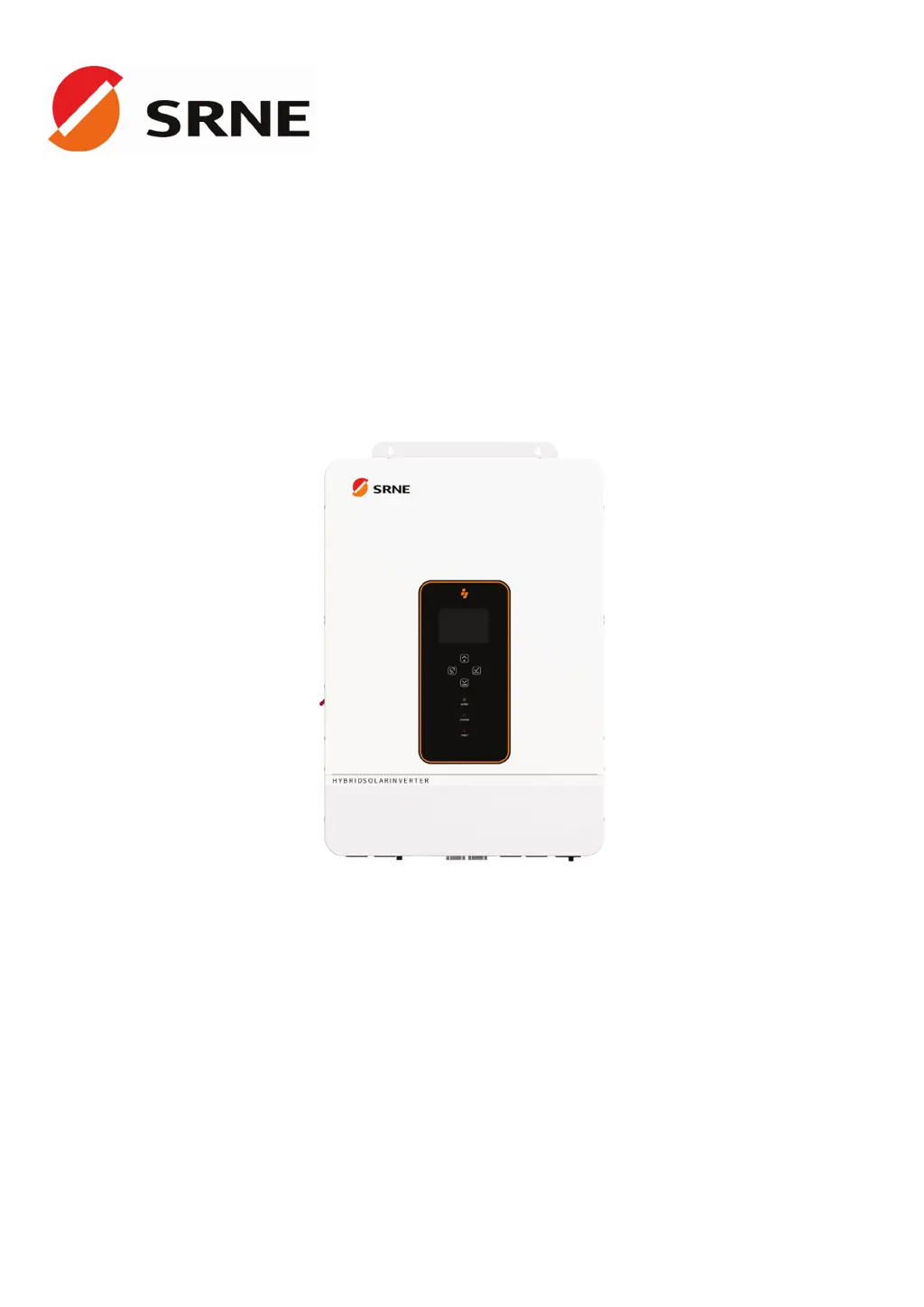
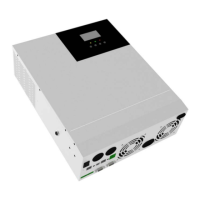
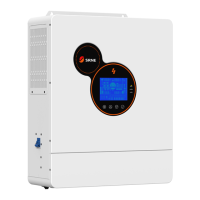
Srne ASF48100U200-H - User Manual

Default Icon
42 pages
Print Icon
To Next Page IconTo Next Page
Loading...
V2.3
USER MANUAL
ASF4880U180-H
ASF48100U200-H
All-in-one solar charge inverter

Questions and Answers

  • A
    Ashley GallowayAug 14, 2025
    How to fix Srne ASF48100U200-H screen when it shows no display?
    • P
      Patrick LloydSep 12, 2025
      If your Srne Inverter screen isn't displaying anything, first ensure the circuit breaker is closed and the rocker switch is turned ON. If it's in sleep mode, push any button on the panel to wake it up. This should resolve the issue.
  • P
    Paul LeeAug 17, 2025
    What to do if Srne ASF48100U200-H Inverter shows battery not connected?
    • M
      Melissa JimenezAug 17, 2025
      If your Srne Inverter indicates that the battery is not connected, take these steps: * Check that the battery is securely connected. * Ensure the battery's circuit breaker is closed. * For Li-ion batteries, verify that the BMS is communicating correctly.
  • P
    patricia33Aug 21, 2025
    Why is my Srne ASF48100U200-H Inverter showing a battery under-voltage error?
    • L
      latoyagilbertAug 21, 2025
      The Srne Inverter displays a battery under-voltage error when the battery voltage is lower than the value set in parameter [14]. To resolve this, charge the battery until its voltage exceeds the value specified in parameter [14].
  • M
    Mary CookAug 25, 2025
    What to do if Srne ASF48100U200-H shows battery over-discharge?
    • G
      Gregory HernandezAug 25, 2025
      If your Srne Inverter is showing a battery over-discharge error, you can try the following: * **Manual Reset:** Power off the inverter and then restart it. * **Automatic Reset:** Charge the battery until its voltage is higher than the value set in parameter [35].
  • C
    clarkpaulAug 27, 2025
    Why does my Srne Inverter show battery over-voltage when charging?
    • M
      Mary KingAug 27, 2025
      If your Srne Inverter indicates a battery over-voltage during charging, it means the battery voltage is too high. You should manually power off the inverter and restart it. Check if the battery voltage exceeds the limit. If it does, discharge the battery until the voltage is below the battery's over-voltage recovery point.
  • M
    Michael BanksAug 31, 2025
    How to fix Srne ASF48100U200-H bypass overload error?
    • B
      Brenda WilliamsAug 31, 2025
      A bypass overload error on your Srne Inverter indicates that the bypass output power or current has been too high for a certain period. To resolve this, reduce the load power connected to the inverter and then restart the device. For more details, refer to item 11 of the protection features.
  • S
    Susan MarshSep 3, 2025
    What causes a utility input phase fault in Srne ASF48100U200-H Inverter?
    • D
      darrell17Sep 3, 2025
      A utility input phase fault in your Srne Inverter occurs when the AC input phase does not match the AC output phase. To fix this, ensure that the phase of the AC input is the same as the phase of the AC output. For example, if the output is in split-phase mode, the input must also be in split-phase.
  • K
    Kari LopezSep 6, 2025
    What to do when Srne ASF48100U200-H reports a fan failure?
    • D
      Daniel CalderonSep 6, 2025
      If your Srne Inverter is reporting a fan failure, manually toggle the fan after switching off the inverter to check for any obstructions caused by foreign objects.
  • S
    sjonesSep 10, 2025
    What does AC Input relay short-circuit mean for Srne Inverter?
    • S
      Scott WilsonSep 10, 2025
      An AC input relay short-circuit in your Srne Inverter suggests that the relay for the AC input is sticking. You can try to manually power off and restart the inverter. If the fault reappears after restarting, you need to contact the after-sales service to repair the machine.

Summary

Safety Information

Safety Instructions

Details critical safety precautions for installation and operation, emphasizing high voltage and proper handling.

Electrical Connections

Connection Overview

Presents diagrams and specifications for split-phase and single-phase AC output configurations.

Cable and Breaker Requirements

Specifies required cable diameters and circuit breaker ratings for PV input, AC input, and battery connections.

AC Input and Output Wiring

Provides step-by-step instructions and diagrams for connecting AC input and output terminals safely.

Inverter Startup Procedure

Outlines the sequence of steps for safely powering on the inverter after installation and connection.

System Operation

Display Panel and Controls

Describes the inverter's front panel, including the LCD screen, indicators, and touchable keys for operation.

Parameter Settings

Provides an overview of menu navigation for entering and editing device parameters, covering various operational settings.

AC Output Modes

Details different AC output modes like Utility Priority, Solar Priority, and Hybrid, explaining their operational logic.

Battery Charging Modes

Explains various battery charging modes including Hybrid, Utility Priority, Solar Priority, and Only Solar options.

Faults and Troubleshooting

Fault Code Reference

Lists fault codes, their meanings, impact on outputs, and recommended instructions for resolving issues.

Troubleshooting Guide

Provides a table linking fault codes to their causality and suggests remedies for common operational problems.

Protection and Maintenance

Inverter Protection Features

Details the various protection mechanisms built into the inverter, such as over-voltage, over-current, and short-circuit protection.

Srne ASF48100U200-H Specifications

General IconGeneral
BrandSrne
ModelASF48100U200-H
CategoryInverter
LanguageEnglish

Related product manuals