EasyManua.ls Logo

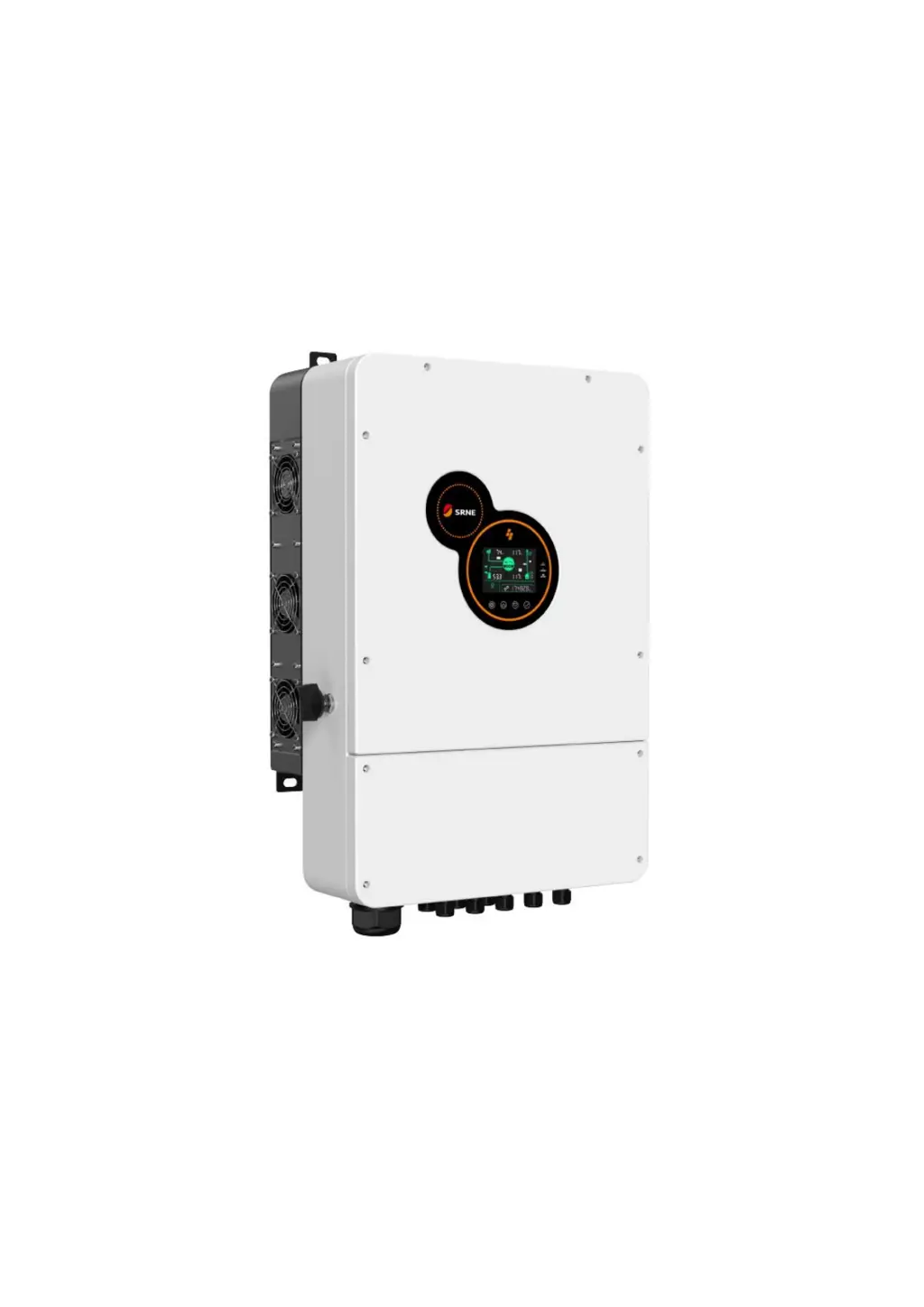
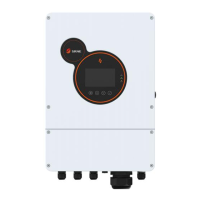
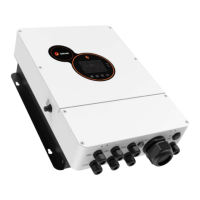
Srne HES4880S200-H - User Manual

Srne HES4880S200-H
41 pages
Print Icon
To Next Page IconTo Next Page
Loading...
V1.0
USER MANUAL
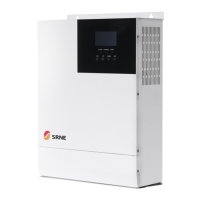
All-in-one solar charge inverter
HES4880S200-H
HES48100S200-H
HES48120S200-H

Questions and Answers

  • B
    Benjamin TuckerAug 14, 2025
    How to fix Srne HES4880S200-H screen with no display?
    • E
      emccoyAug 15, 2025
      If your Srne Inverter displays no screen, first, ensure the circuit breaker is closed and the rocker switch is turned on. If the screen is still blank, push any button on the panel to take the inverter out of sleep mode.
  • J
    Juan GoodwinAug 17, 2025
    What to do if Srne HES4880S200-H Inverter shows battery under-voltage?
    • K
      Kelly WalkerAug 17, 2025
      If your Srne Inverter shows a battery under-voltage error, it means the battery voltage is lower than the value set in parameter [14]. To resolve this, charge the battery until its voltage exceeds the value specified in parameter [14].
  • C
    Cheyenne PrestonAug 21, 2025
    Why is my Srne HES4880S200-H Inverter showing battery not connected?
    • C
      Cynthia ThompsonAug 21, 2025
      If your Srne Inverter indicates a battery not connected error, verify that the battery is securely connected. Also, check that the battery's circuit breaker is closed. If you're using a Li-ion battery, ensure its BMS can communicate properly.
  • M
    Mr. Philip DudleyAug 25, 2025
    What to do if Srne Inverter has bypass over-load?
    • M
      mmillerAug 25, 2025
      If your Srne Inverter is showing a bypass overload error, it means the output power or current has been too high for too long. To fix this, reduce the power being drawn by the connected devices and then restart the inverter. For more information, refer to item 11 of the protection features.
  • R
    reginacarrAug 27, 2025
    What to do if Srne HES4880S200-H shows battery over-voltage when charging?
    • D
      David Gilbert Jr.Aug 27, 2025
      If your Srne Inverter displays a battery over-voltage error during charging, it means the battery voltage is too high. You should manually power off the inverter and restart it. Check if the battery voltage exceeds the limit. If it does, discharge the battery until the voltage drops below the over-voltage recovery point.
  • I
    idavisAug 31, 2025
    What to do if Srne HES4880S200-H Inverter shows battery over-discharge?
    • F
      fstokesAug 31, 2025
      If your Srne Inverter indicates a battery over-discharge issue, it means the battery voltage is lower than the value set in parameter [12]. You can manually reset this by powering off the inverter and restarting it. Alternatively, the inverter will automatically reset once the battery is charged above the voltage set in parameter [35].
  • K
    Kristina GravesSep 3, 2025
    How to fix Srne Inverter utility input phase fault?
    • J
      Jamie FrancoSep 4, 2025
      If your Srne Inverter reports a utility input phase fault, it means the AC input phase doesn't match the AC output phase. Make sure the phase of the AC input is the same as the phase of the AC output. For example, if the output is in split-phase mode, the input must also be in split-phase.
  • R
    Rebecca JonesSep 7, 2025
    What to do if Srne HES4880S200-H has fan failure?
    • E
      Eric JohnsonSep 7, 2025
      If your Srne Inverter reports a fan failure, manually toggle the fan after switching the inverter off to check if any foreign objects are blocking it.
  • A
    Alicia TurnerSep 10, 2025
    What to do if Srne HES4880S200-H has AC Input relay shortcircuit?
    • R
      Ryan WilliamsSep 10, 2025
      If your Srne Inverter displays an AC input relay short circuit error, manually power it off and restart it. If the error persists after restarting, contact after-sales service for repair.

Srne HES4880S200-H Specifications

General IconGeneral
ModelHES4880S200-H
DC Input Voltage48V
AC Output Voltage230VAC
Output Frequency50/60Hz
Protection FeaturesOverload, Over Temperature, Short Circuit
Cooling MethodIntelligent Fan Cooling
Operating Temperature50°C
Humidity5% to 95% (Non-condensing)

Related product manuals