Installation and configuration
Page 12
5 Installation and configuration
5.1 What’s in the box
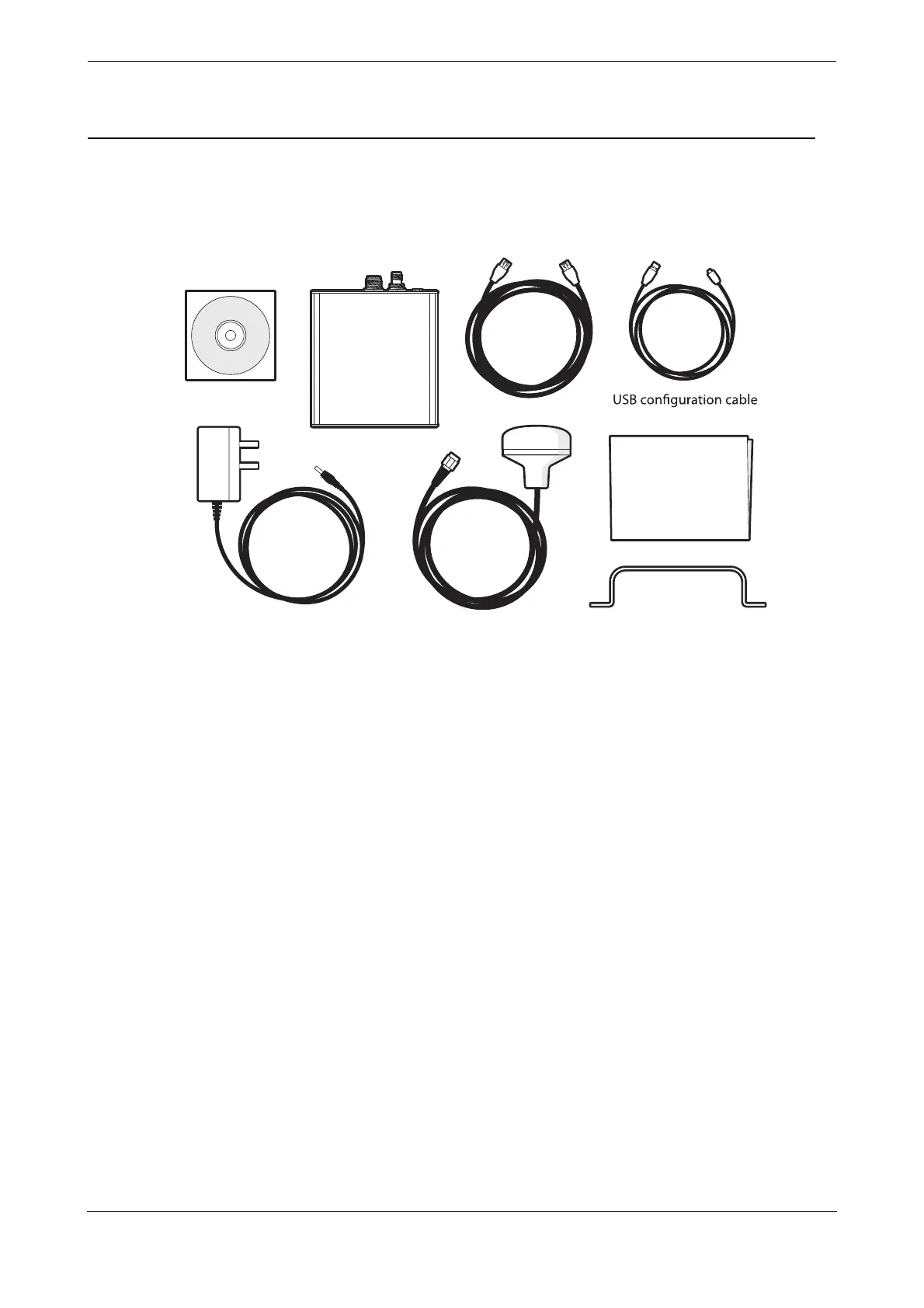
Figure 6 shows the items included with the Coast Station transceiver. The following section gives a brief
overview of each item. Please ensure all items are present and if any are missing please contact your supplier.
Figure 6 What’s in the box - typical configuration
● The Coast Station transceiver.
● An Ethernet cable for connection to an Internet access point (router) and for network configuration.
● A mains power supply with interchangeable plug heads for international use.
● A CD containing product documentation and configuration software.
● A GPS Antenna with 10m cable.
● A USB cable for connection to a PC for AIS configuration using proAtoN.
● A quick-start guide providing simple instructions of how to complete basic product set-up.
● A bracket for securing the Coast Station to a desk or shelf.
Product CD
AIS Coast
Station
GPS
antenna
Ethernet
cable
Mains
adaptor
Quick-Start
Guide
Bracket



 To Next Page