Preparation
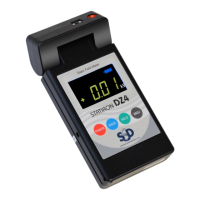
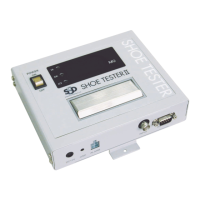
Attaching the Main Device to the Measurement Stand
1.Connect the measurement signal cable
to the bottom of the main device.
Connect the cable to the measurement signa
connector on the bottom of the main device.
2.Connect the AC adapter to the power
connector of the main device.
3. Connect the earth lead to the earth
connector and ground it securely.
Insert the earth lead to the earth connector
securely, and connect the clip to a grounding object.
Make sure to ground the earth terminal to ensure
accurate measurements.


 To Next Page