4-5
4.7.1 Watview Software Installation
1. Install software according to the installation instructions that came with
Watview software.
2. After Watview software has established communication with the 1200
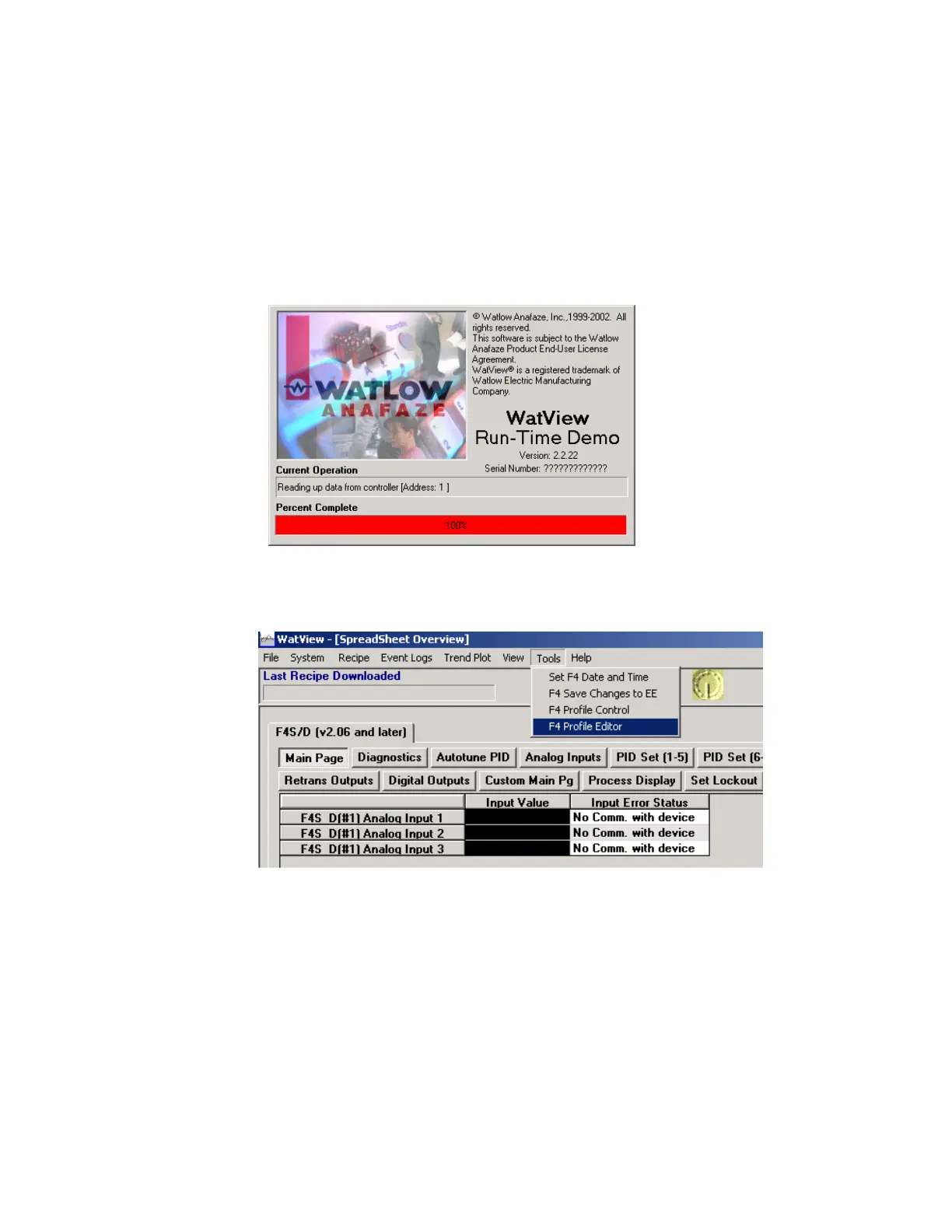
controller, launch the Watview software. The software will begin reading
data from the controller as shown below.
3. From Watview Spreadsheet Overview, choose “Tools” from the menu
bar then choose “Profile Editor” from the dropdown menu.



 To Next Page