4-6
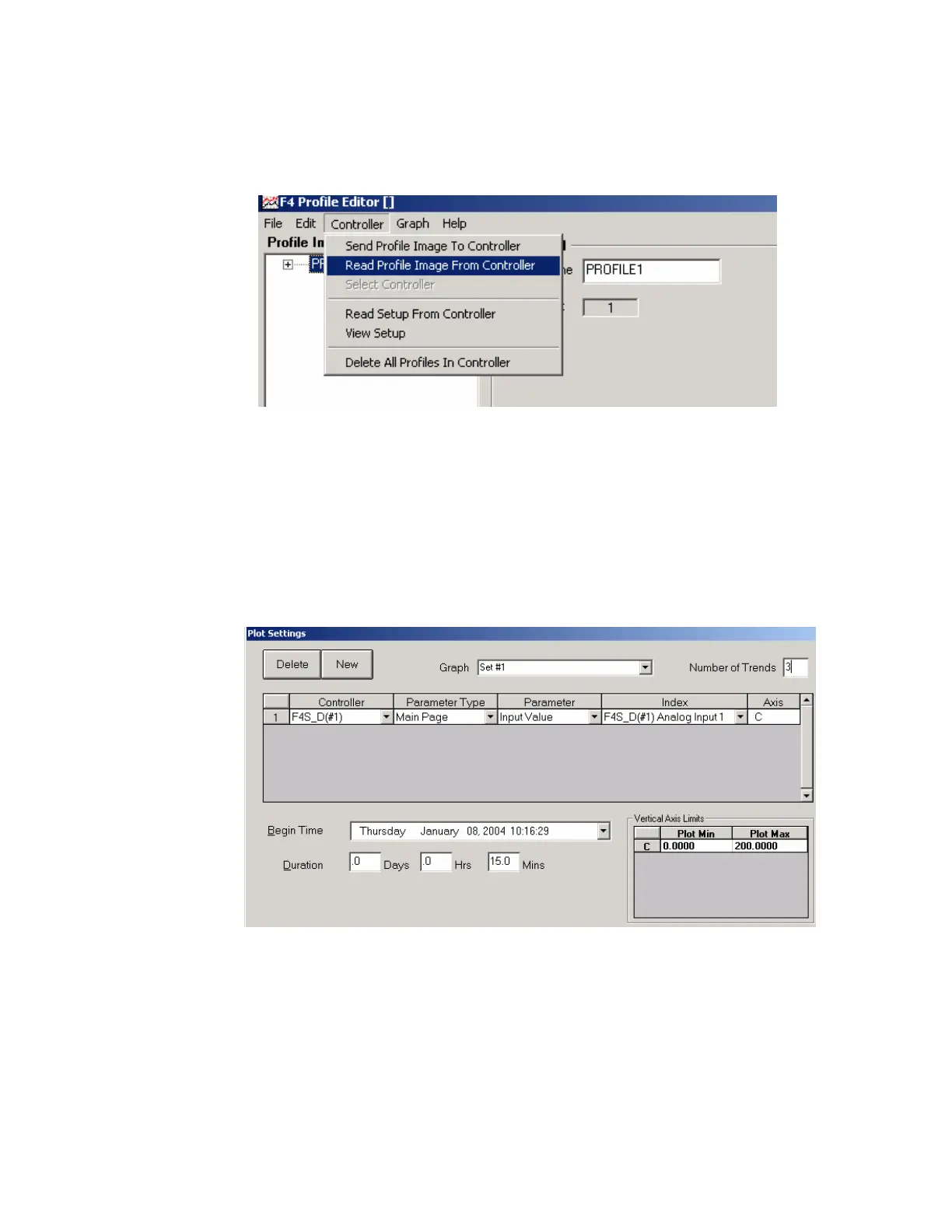
4. From the screen below choose “Read Profile Image From Controller.”
The software will download all profiles stored on its memory and display
it on the left as shown below. Save this profile image to the computer.
How to change the default value of a graph temperature unit from F to C.
1. Change the "Parameter Type" field value to “Main Page” from the
dropdown menu.
2. Change "Parameter" field to “Input value” from the dropdown menu.
3. Change "Index" field to “Analog Input 1” from the dropdown menu.
4. The axis value will automatically change once the input value is changed,
since the controller temperature unit is in C.



 To Next Page