40245-1206
1
18
®
SAFE FEATURES
IMPORTANT
NOTE: You can store your Key #, Serial # and
Combination on Stack-On’s SECURE web site –
www.stack-on.com under Service.
Storing your Key # or Combination will provide
instant access to this important information should
you ever lose your keys or your combination.
Only you will have access to this information.
Tools required: 10mm wrench, drill, 3/8” (9.5mm) drill bit.
Instructions
• Record the serial number from the tag on the
door front.
• Record your combination number.
• Keep keys in a secure place away from children.
• DO NOT store keys or your combination in the safe.
Serial #:
Your Combination #:
Safe Opening Options
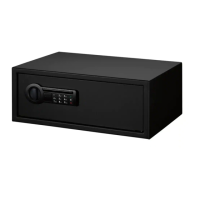
MODELS:
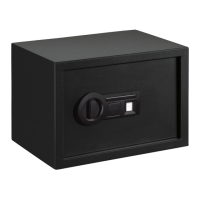
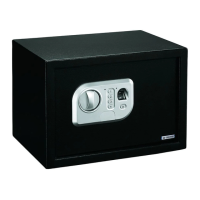
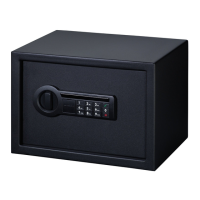
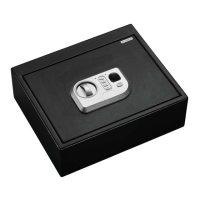
Personal Safes: PS-7-B, PS-10-B, PS-20-B
1. Knob to open and close door
2. Red indicator light
3. Four number key pad
4. Green indicator light
5. Fingerprint scanner
6. ENTER button
7. Key lock cover plate
8. Red Reset button
9. Battery compartment
You can open your safe using your
recorded fingerprint. Up to 32 fingerprints
can be recorded.
You can also open your safe using the
number key pad which you will program
with your own combination.
The safe also has a back up key for
emergency opening and for opening the
safe for the first time.

 Need help?
 General

 To Next Page