Bluetooth™
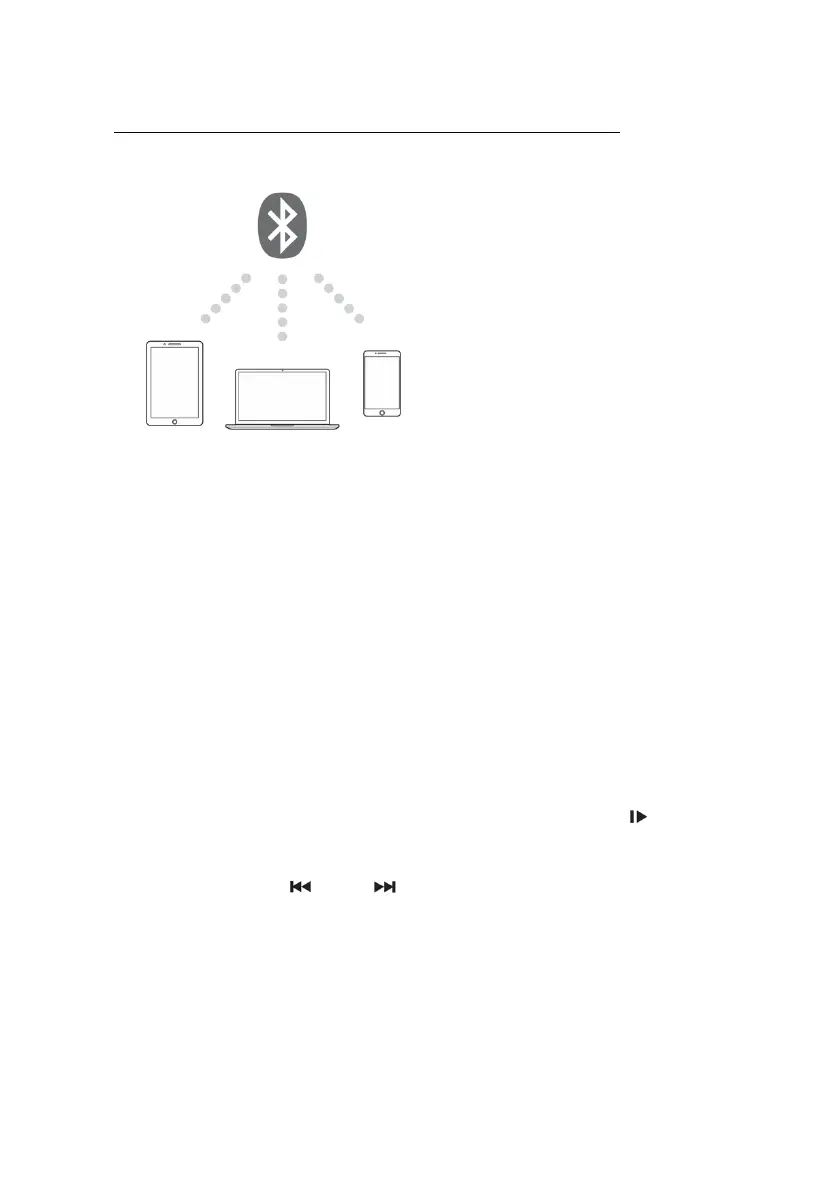
Setting up a Bluetooth™ Connection with Mobile Devices
The built-in audio player includes a
Bluetooth™ receiver allowing you to
stream music wirelessly from your
mobile devices such as smartphones,
tablets and notebooks.
1.Press the MODE button (repeatedly) on the audio player or the remote
control until the display indicates "BLUE".
2.Activate the Bluetooth™ function on your mobile device and pair it to the
receiver. The Bluetooth™ name of the speaker is "Stagg AS" and has a
range of approx. 10 meters.
3.Once the Bluetooth™ receiver is connected to your mobile device, the
media player’s display indicates "Stagg AS" and is ready to play music.
Then play music on your mobile device and the sound will come out from
the speaker system.
4.To interrupt or continue the playback, press the button
5.With the buttons and you can skip titles in forward or backward
direction.
6.To switch over to playback of a USB device press the button [MODE]
(repeatedly).
• Bluetooth™ version: 5.0
• Frequency: 2.4G
• Distance: 20m
• Supported Codecs: SBC, AAC



 To Next Page