EasyManua.ls Logo

Standard Horizon Eclipse DSC+ GX1100E - User Manual

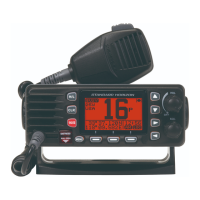
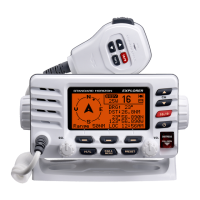
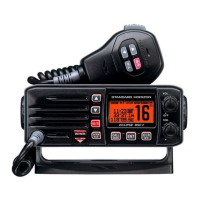
Standard Horizon Eclipse DSC+ GX1100E
68 pages
Print Icon
To Next Page IconTo Next Page
Loading...
Page 1GX1100E
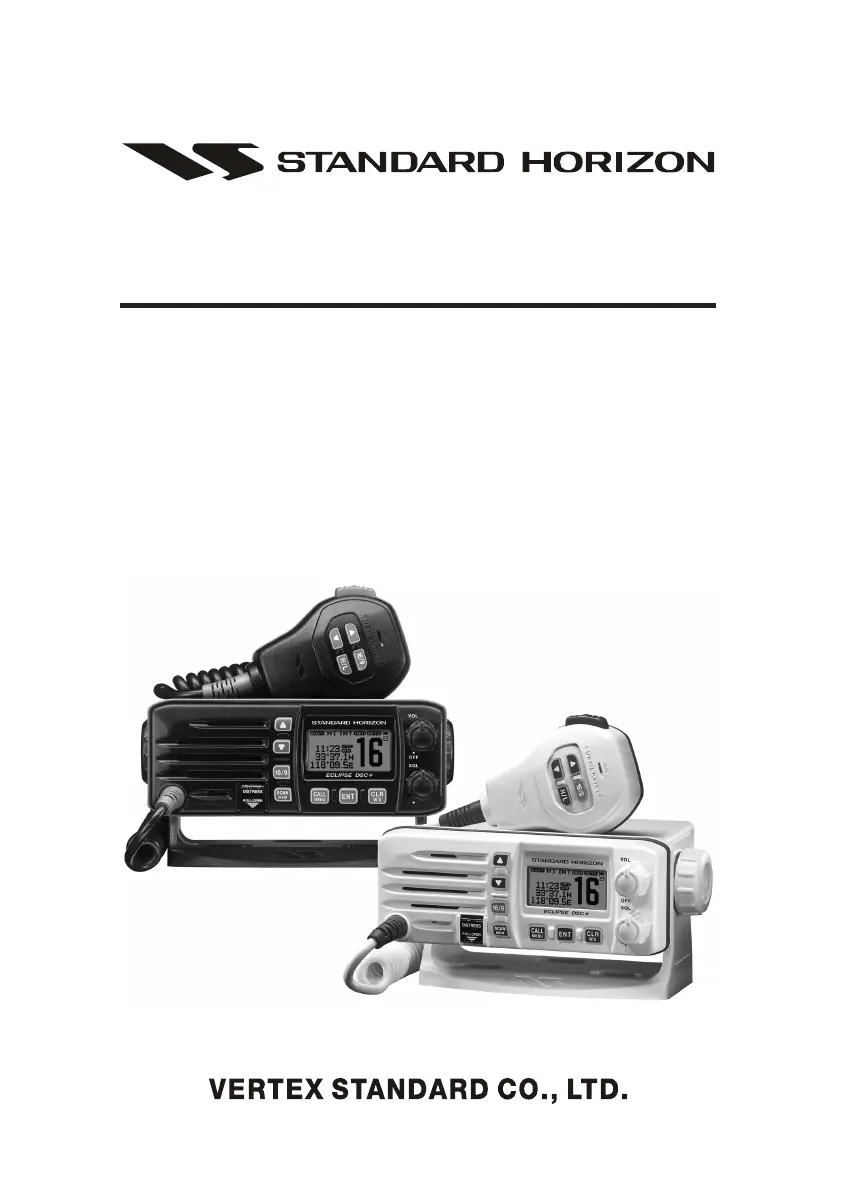
ECLIPSE DSC+ GX1100E
25 Watt VHF/FM
Class D DSC Marine Transceiver
Owner's Manual
z Affordable Ultra Compact Fixed Mount VHF radio
z Submersible IPX7 Front Panel
z DSC (Digital Selective Calling) Class D with Position Report and Re-
quest
z Programmable Scan, Priority Scan, and Dual Watch
z Dot Matrix Display of various indication includes the GPS Latitude/Lon-
gitude shown
Ú
z Simple Operation
z All USA / International and Canadian Marine Channels
Ú
When Attached to GPS Receiver

Table of Contents

Questions and Answers

  • E
    Edgar AtkinsJul 29, 2025
    Why does my Standard Horizon Transceiver say “HI BATTERY” or “LO BATTERY”?
    • G
      Gregory ThompsonJul 30, 2025
      If your Standard Horizon Transceiver displays a “HI BATTERY” or “LO BATTERY” message when turned on, it means the power supply voltage is either too high or too low. Ensure the connected power supply voltage is between 10 and 17 volts DC and check the generator for malfunctions.
  • T
    Tyler Cruz DVMAug 3, 2025
    How to fix a Standard Horizon Eclipse DSC+ GX1100E Transceiver that fails to power up?
    • T
      Toni SampsonAug 3, 2025
      If your Standard Horizon Transceiver isn't powering up, the issue could be due to no DC voltage reaching the transceiver, or a blown fuse. * Check the 12VDC battery connections and the fuse. * Ensure the PWR key is rotated clockwise to turn the radio on.
  • T
    Tiffany SimpsonAug 7, 2025
    What to do if my Standard Horizon Eclipse DSC+ GX1100E Transceiver blows a fuse?
    • M
      Melissa BrownAug 8, 2025
      If your Standard Horizon Transceiver blows a fuse when connected to the power supply, the power wires may be reversed. Check the power cable for DC voltage and replace the fuse (6A 250V). Ensure the red wire connects to the positive (+) battery post and the black wire to the negative (-) battery post. If the fuse continues to blow, contact your Dealer.
  • J
    jerry22Aug 11, 2025
    What to do if the Standard Horizon Transceiver transmit power is low?
    • R
      Rebecca HansenAug 12, 2025
      If you are receiving reports of low transmit power from your Standard Horizon Transceiver, even when set to HI power, the antenna might be the problem. Have the antenna checked, or test the transceiver with an alternate antenna. If the issue continues, contact your Dealer for servicing.
  • M
    Matthew NguyenAug 15, 2025
    How to eliminate popping noise from Standard Horizon Eclipse DSC+ GX1100E Transceiver speaker?
    • K
      Katrina ShawAug 15, 2025
      If you hear popping or whining noises from the speaker of your Standard Horizon Transceiver while the engine is running, it's likely due to engine noise. Try rerouting the DC power cables away from the engine. You can also add a noise suppressor on the power cable, change to resistive spark plug wires, and/or add an alternator whine filter.
  • J
    Jonathan ObrienAug 20, 2025
    Why is my Standard Horizon Eclipse DSC+ GX1100E not displaying my position?
    • H
      Hannah PattersonAug 20, 2025
      If your Standard Horizon Transceiver is not displaying your position, there may be an issue with the accessory cable connection or the GPS navigation receiver settings. Check the accessory cable connection. Some GPS units use the battery ground line for NMEA connection. Also, verify the output signal format of the GPS navigation receiver. This radio requires NMEA0183 format with GLL, RMB, GGA, or GNS sentence as an output signal. If the GPS has a baud rate setting, ensure it is set to 4800 with parity set to NONE.
  • D
    Dillon GreerAug 25, 2025
    What to do if there is no sound from Standard Horizon Eclipse DSC+ GX1100E Transceiver speaker?
    • R
      roger41Aug 25, 2025
      If sound is not emitted from the internal or external speaker of your Standard Horizon Transceiver, check the accessory cable connections for a possible short circuit on the External speaker cable WHITE/SHIELD.

Summary

Installation Notes and Preparation

Installation Note

Provides important notes regarding the installation of the equipment and RF exposure limits.

Getting Started

Covers initial setup, including understanding VHF radio principles and selecting antennas.

Radio Installation Procedures

Electrical Connections

Details how to connect the power cord and antenna to the transceiver.

Connecting Peripherals and Setup

Accessory Cable Connections

Explains the wiring and connection of accessory cables for speakers and GPS.

Transceiver Controls and Indicators

Key Operational Controls

Distress Alert Key

Explains the function of the DISTRESS key for sending DSC distress calls.

Basic Radio Operations

Channel Usage and Modes

Emergency (Channel 16 Use)

Procedures for making an emergency call on Channel 16.

Vessel Communication Procedures

Calling Another Vessel (Channel 16 or 9)

Guidance on using channels 16 and 9 for making contact with other vessels.

Scan Type Configuration

Memory Scanning (M-SCAN)

Detailed steps for programming and using Memory Scan.

Priority Scanning (P-SCAN)

Detailed steps for programming and using Priority Scan.

Digital Selective Calling (DSC) Overview

Maritime Mobile Service Identity (MMSI)

Explains what an MMSI is and its importance for DSC functions.

MMSI Programming

Programming the MMSI Number

Step-by-step guide to programming the transceiver's MMSI number.

DSC Distress Alert Procedures

Transmitting a Distress Alert

Detailed instructions for sending a DSC Distress Alert.

Receiving a Distress Alert

How to handle an incoming DSC Distress Alert.

All Ships Call Functions

Transmitting an All Ships Call

Steps to initiate an All Ships Call (Urgency or Safety).

Individual Call Operations

Setting up the Individual; Position Call Directory

Guide to programming the directory for individual calls.

Transmitting an Individual Call

Instructions for sending an Individual DSC Call.

Group Call Operations

Setting up a Group Call

Guide to programming group MMSI numbers for group calls.

Transmitting a Group Call

Instructions for sending a Group DSC Call.

Position Exchange via DSC

Position Request Overview

How to request another vessel's location via DSC.

Transmitting a Position Request

Steps to send a Position Request DSC call.

DSC Position Reporting

Position Report Overview

How to send your vessel's position to another vessel via DSC.

DSC Transmission Test

Performing DSC Transmission Test

Steps to perform a DSC transmission test.

Manual GPS Location Input

Radio Setup Options

ATIS Code Programming

Programming the ATIS Code

Instructions for programming the ATIS code for European inland waters.

Troubleshooting Guide

Troubleshooting Chart

A table listing symptoms, probable causes, and remedies for common issues.

Channel Assignments

Standard Horizon Eclipse DSC+ GX1100E Specifications

General IconGeneral
Output Power25W / 1W
DSC CapabilityYes
DSC ClassD
Display TypeLCD
DisplayBacklit
Waterproof RatingIPX7
Weight2.2 lbs
TypeFixed Mount
ChannelsUSA, International, Canada
GPS InputYes

Related product manuals