EasyManua.ls Logo

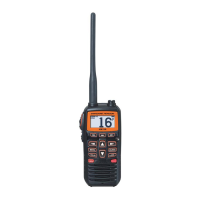
Standard Horizon HX890EBK - User Manual

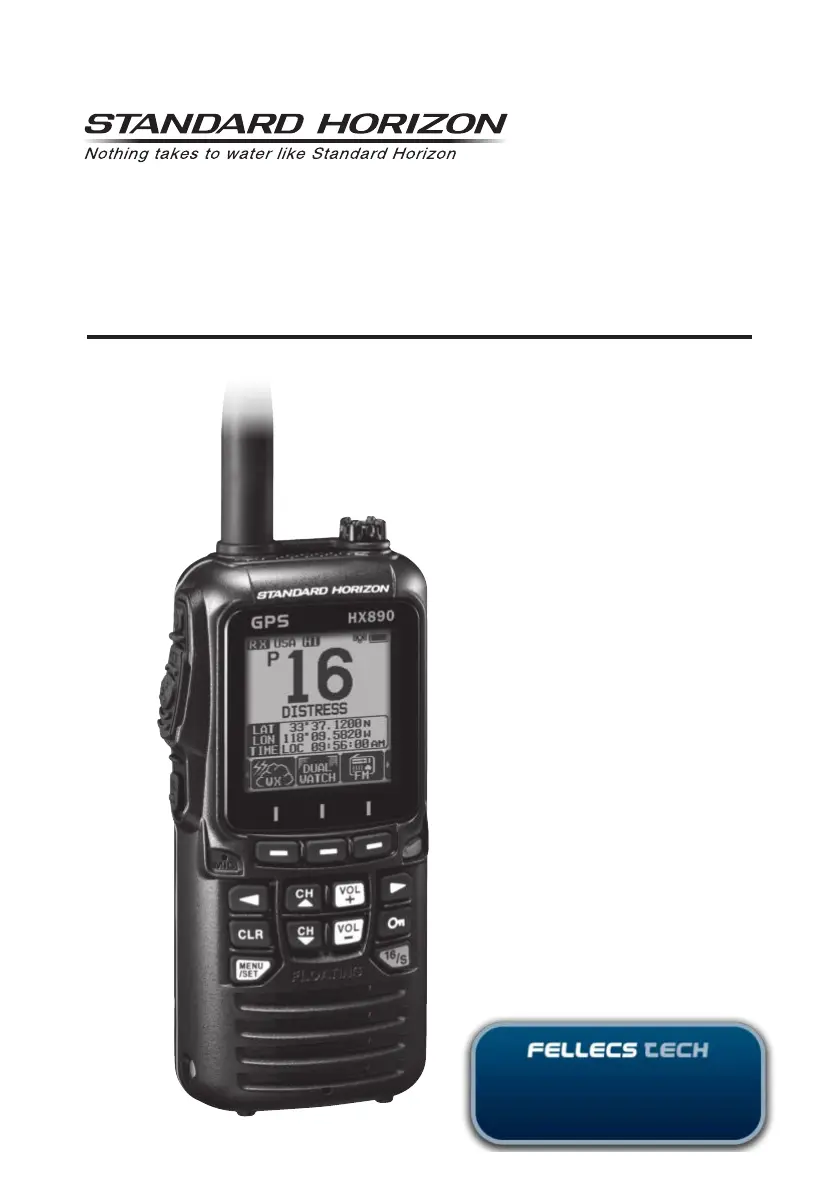
Standard Horizon HX890EBK
116 pages
Print Icon
To Next Page IconTo Next Page
Loading...
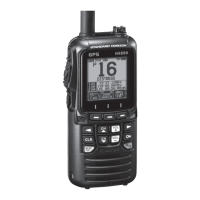
HX890
HX890E
Class-H DSC GPS Transceiver
Owners Manual
Ihr Partner für Funktechnik
www.fellecs-tech.com
inbox@fellecs-tech.com

Questions and Answers

  • J
    James VincentAug 16, 2025
    What to do if Standard Horizon HX890EBK charge indicator does not appear when charging?
    • R
      rodriguezgabrielAug 16, 2025
      If the charge indicator doesn't appear when charging your Standard Horizon Transceiver, first ensure the transceiver is properly set onto the SBH-32 Charger Cradle. Also, verify that power is supplied to the SBH-32 Charger Cradle by connecting SAD-25 or E-DC-19A for AC/DC power.
  • J
    jacobmillerAug 19, 2025
    What to do if charge indicator does not appear on Standard Horizon HX890EBK?
    • R
      Robert CooperSep 12, 2025
      If the charge indicator doesn't appear when charging your Standard Horizon Transceiver, there are a few potential reasons: 1. The transceiver might not be correctly placed on the SBH-32 Charger Cradle. Ensure it's properly set. 2. The SBH-32 Charger Cradle may not be receiving power. Connect the SAD-25 or E-DC-19A to the SBH-32 Charger Cradle to supply AC/DC power. 3. The battery SBR-13LI may be defective.
  • J
    James ConnerAug 22, 2025
    What to do if the Standard Horizon HX890EBK Transceiver charge indicator does not appear when charging?
    • J
      Jose ZimmermanAug 22, 2025
      If the charge indicator doesn't appear when charging your Standard Horizon Transceiver, there might be a few reasons. First, ensure the transceiver is correctly placed on the SBH-32 Charger Cradle. Second, check that the SBH-32 Charger Cradle is receiving power by connecting the SAD-25 or E-DC-19A for AC/DC power. If the issue persists, the battery (SBR-13LI) may be defective, in which case you should contact a Standard Horizon dealer.
  • P
    paul32Aug 26, 2025
    What to do if Standard Horizon HX890EBK Transceiver cannot fix the GPS satellites?
    • T
      tballardAug 26, 2025
      If your Standard Horizon Transceiver cannot fix the GPS satellites, it might be due to the internal GPS receiver being turned off. Ensure the internal GPS receiver is turned on. Another possible cause is a poor location for GPS satellite reception. Try moving to a less obstructed position to improve reception.
  • J
    Jamie NavarroAug 28, 2025
    Why Standard Horizon HX890EBK Transceiver cannot output sound by pressing and holding the [SQL] key?
    • K
      Kelly RichardsonAug 28, 2025
      If your Standard Horizon Transceiver cannot output sound when pressing and holding the [SQL] key, it could be due to a low battery. Try charging the battery. Alternatively, the audio volume level might be too low. Press the [VOL+] key until background noise outputs.
  • J
    Jeff EwingAug 31, 2025
    How to fix USA/INTL/CAN modes on Standard Horizon Transceiver?
    • M
      michaelvaldezAug 31, 2025
      Specify the item number from “SETUP MENU” – “CH SETUP” – “CH GROUP” to fix the USA/INTL/CAN modes on your Standard Horizon Transceiver.
  • V
    vandrewsSep 3, 2025
    What to do if Standard Horizon HX890EBK Transceiver cannot acquire GPS satellites?
    • W
      William JonesSep 3, 2025
      If your Standard Horizon Transceiver is unable to acquire GPS satellites, it might be because: * The internal GPS receiver is off. Turn the internal GPS receiver on. * The current location is not suitable for GPS satellite reception. Move to a less obstructed position.
  • A
    Anthony SandovalSep 6, 2025
    Why Standard Horizon HX890EBK Transceiver cannot fix the GPS satellites?
    • K
      Kayla OlsonSep 6, 2025
      If your Standard Horizon Transceiver cannot fix GPS satellites, ensure that the internal GPS receiver is turned on. Also, move to a location with a clearer view of the sky, as the current position might have poor GPS satellite reception due to obstructions.
  • R
    rhondathomasSep 9, 2025
    What to do if Standard Horizon Transceiver cannot output sound by pressing and holding the [SQL] key?
    • J
      Jesse HamiltonSep 9, 2025
      If your Standard Horizon Transceiver doesn't output sound when pressing and holding the [SQL] key, it could be due to a low battery. In this case, charge the battery. Alternatively, the audio volume level might be too low. Try pressing the [VOL+] key until background noise is audible.
  • M
    Michael BernardSep 12, 2025
    Why Standard Horizon HX890EBK Transceiver cannot transmit a DSC Call?
    • J
      Joseph RuizSep 12, 2025
      If your Standard Horizon Transceiver cannot transmit a DSC call, it is possible that the MMSI number has not been programmed. Program the MMSI number.

Standard Horizon HX890EBK Specifications

General IconGeneral
TypeHandheld VHF Marine Transceiver
Frequency Range156.000 - 163.425 MHz
DSCYes
BluetoothYes
FloatationYes
Power Output6W / 2.5W / 1W
Waterproof RatingIPX8 (1.5M for 30 minutes)
Weight0.77 lbs (350 g)
GPSIntegrated GPS
Battery7.4 V 1800 mAh Li-Ion

Related product manuals