2. Operation Procedure
14
03PFP310A70
Stopper Handle 2
Stopper Handle 1
2-2 Irregular Size Sheet Folding
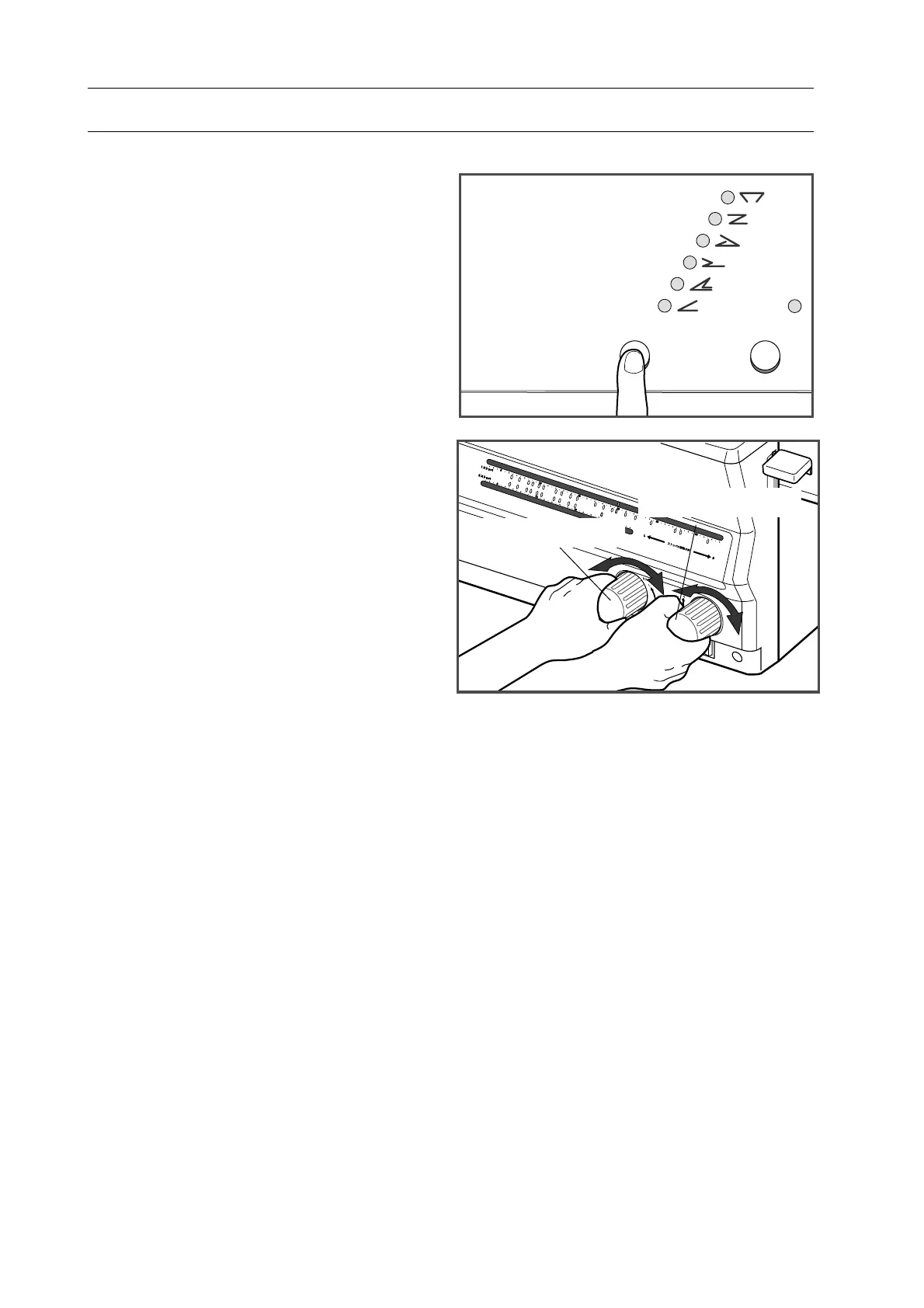
3. Complete step 1 to 6 in "2-1 Operation
Procedure" (Page 8 to 9) and select
folding pattern with folding pattern
select button.
4. Set stopper.
- Set stopper 1 to the length 1.
- Set stopper 2 to the length 2.
- Start folding with referring to "2-1 Op-
eration Procedure" step 10 through 16
(Page 10 to 11).


 To Next Page