EasyManua.ls Logo

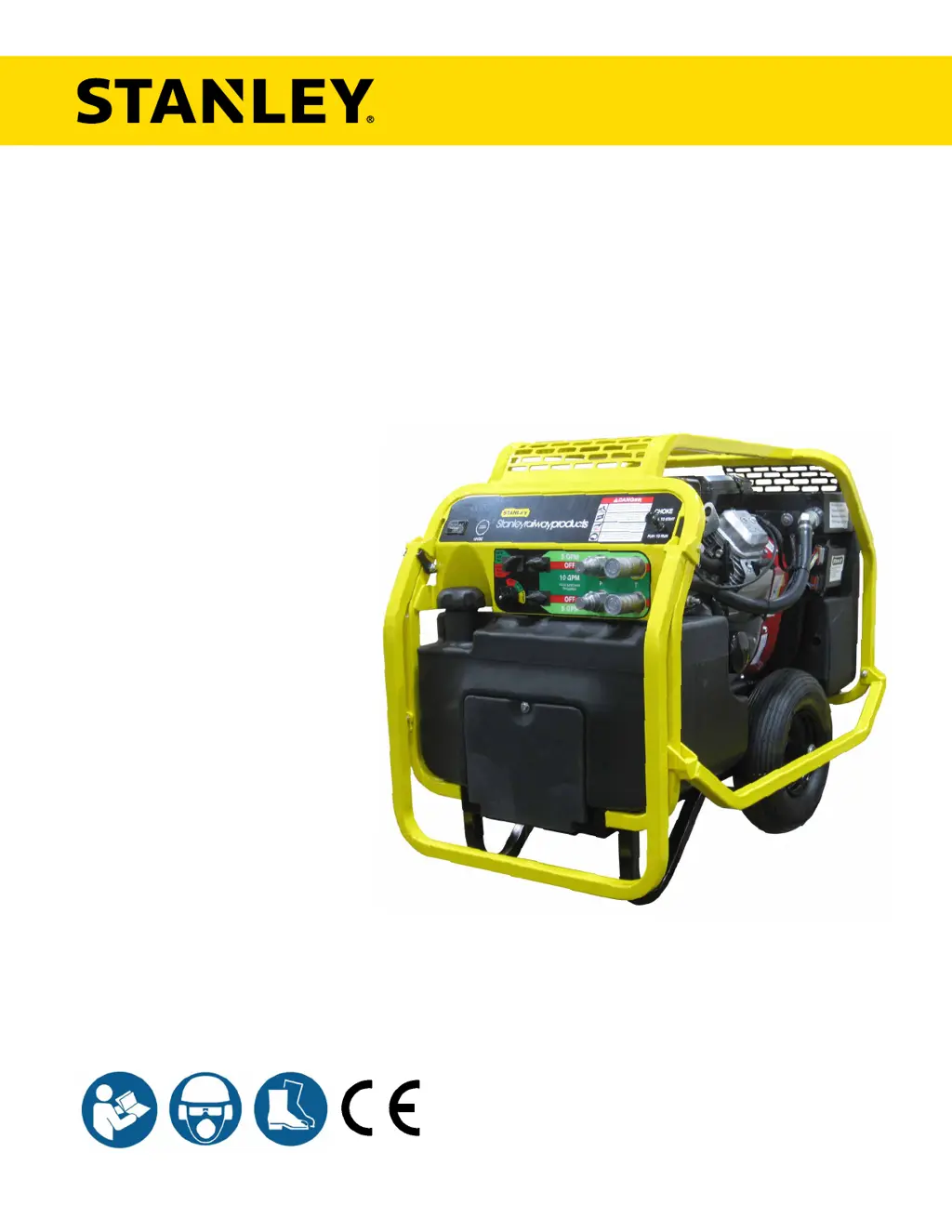
Stanley HP210BA - User Manual

Stanley HP210BA
24 pages
Print Icon
To Next Page IconTo Next Page
Loading...
© 2017 STANLEY Black & Decker, Inc.
New Britain, CT 06053
U.S.A.
81119 10/2017 Ver. 3
USER MANUAL
Safety, Operation and Maintenance
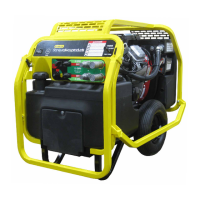
HP210
HYDRAULIC
POWER UNIT
(HP210BA, HP210B, HP210BK,
HP210BBA, HP210BY)
*
*Model HP210BA & HP210BBA Only

Questions and Answers

  • C
    Christopher WalkerAug 21, 2025
    Why won't my Stanley HP210BA engine start?
    • R
      Rebecca TurnerAug 21, 2025
      If your Stanley Portable Generator's engine won't start, there are several potential causes: * The flow switch may not be in the “FLOW OFF” position. Ensure it is before starting. * The battery might not be connected. Check and re-attach the battery cables. * The battery charge could be weak. Test the voltage and charge or replace the battery if needed. * There might be no fuel. Add fuel, ensuring the unit is cool. * The fuel filter could be plugged. Replace it. * The spark plugs may be defective. Check the gap and replace if necessary.
  • A
    Alexis FischerSep 1, 2025
    Why is hydraulic fluid blowing out of the vent on my Stanley HP210BA Portable Generator?
    • C
      corey50Sep 1, 2025
      If hydraulic fluid is blowing out of the fluid reservoir vent of your Stanley Portable Generator, it could be due to: * An overfilled hydraulic fluid tank. Remove some fluid. * A leaking hydraulic pump. Check the pump connections and tighten if necessary.
  • A
    Amy MaddoxNov 11, 2025
    What to do if the hydraulic tool connected to my Stanley HP210BA won't operate?
    • O
      Omar ParrishNov 11, 2025
      If the hydraulic tool connected to your Stanley Portable Generator won't operate, consider the following: 1. Ensure the Flow Selector Knob is in the correct position for your tool. 2. Check the connection hoses from the power unit to the tool, making sure the pressure and return hoses are in the proper ports. 3. Disconnect the fittings from the hose to ensure there is free flow from each end of the fittings. 4. Check the fluid level in the hydraulic fluid tank and add more if necessary. 5. Power down the unit and check the coupling between the hydraulic pump and the engine. 6. Adjust the valve or replace if necessary. 7. Visually check the suction hose for a kink, and make sure the hose has a smooth curve. 8. Check electrical connections and replace if necessary. 9. Refer to the ...

Stanley HP210BA Specifications

General IconGeneral
BrandStanley
ModelHP210BA
CategoryPortable Generator
LanguageEnglish

Related product manuals