page 14 page 15
D. Direction Selection
The rocker switch on the le side of the control panel in the center
of the dash is the drive selector. This is a three position switch.
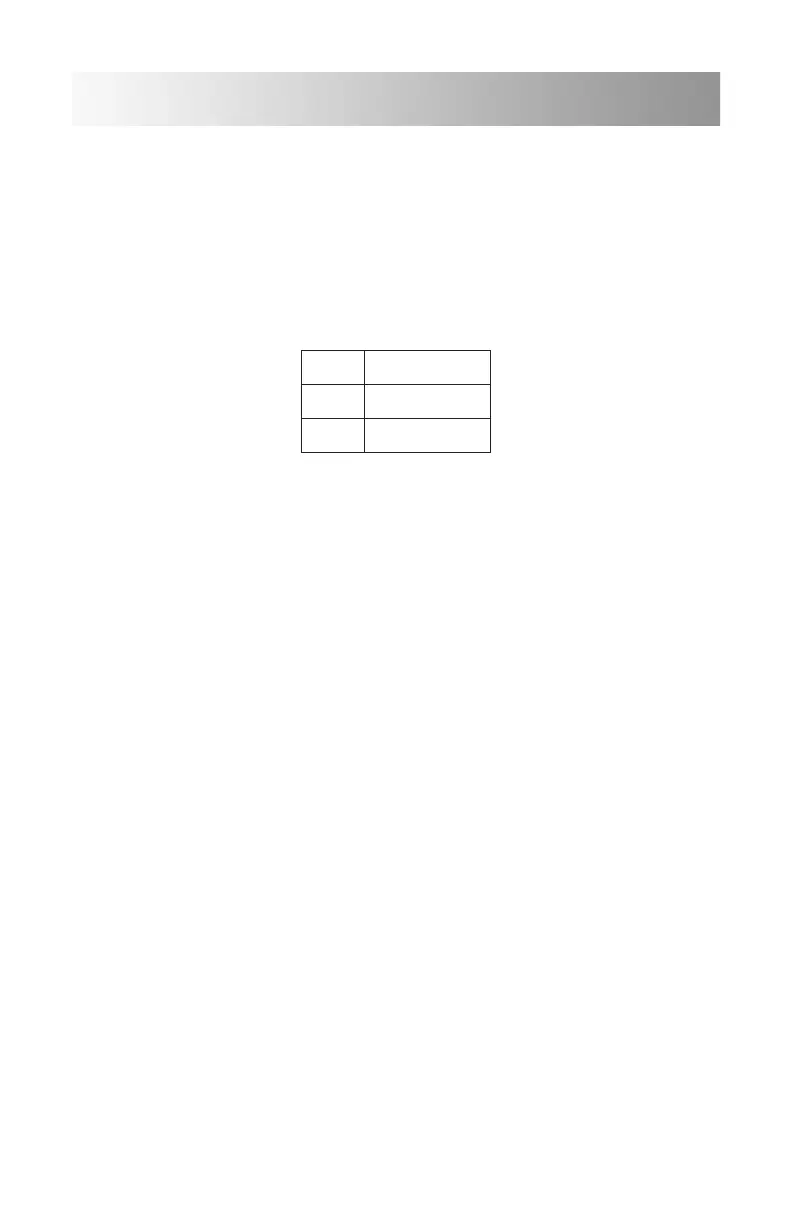
Confirmation of your selection can be seen in the digital display with
one of the following symbols:
D Drive
N Neutral
R Reverse
1. Drive
The direction selector must be placed in “Drive” in order to move in a
forward direction. Although there is an electronic failsafe to prevent
direction changes while in motion, it is heavily discouraged to do so.
Make sure your vehicle comes to a complete stop before selecting a
dierent direction.
2. Neutral
The direction selector should be positioned in Neutral when not
operating vehicle.
Basic Operation


 To Next Page