10
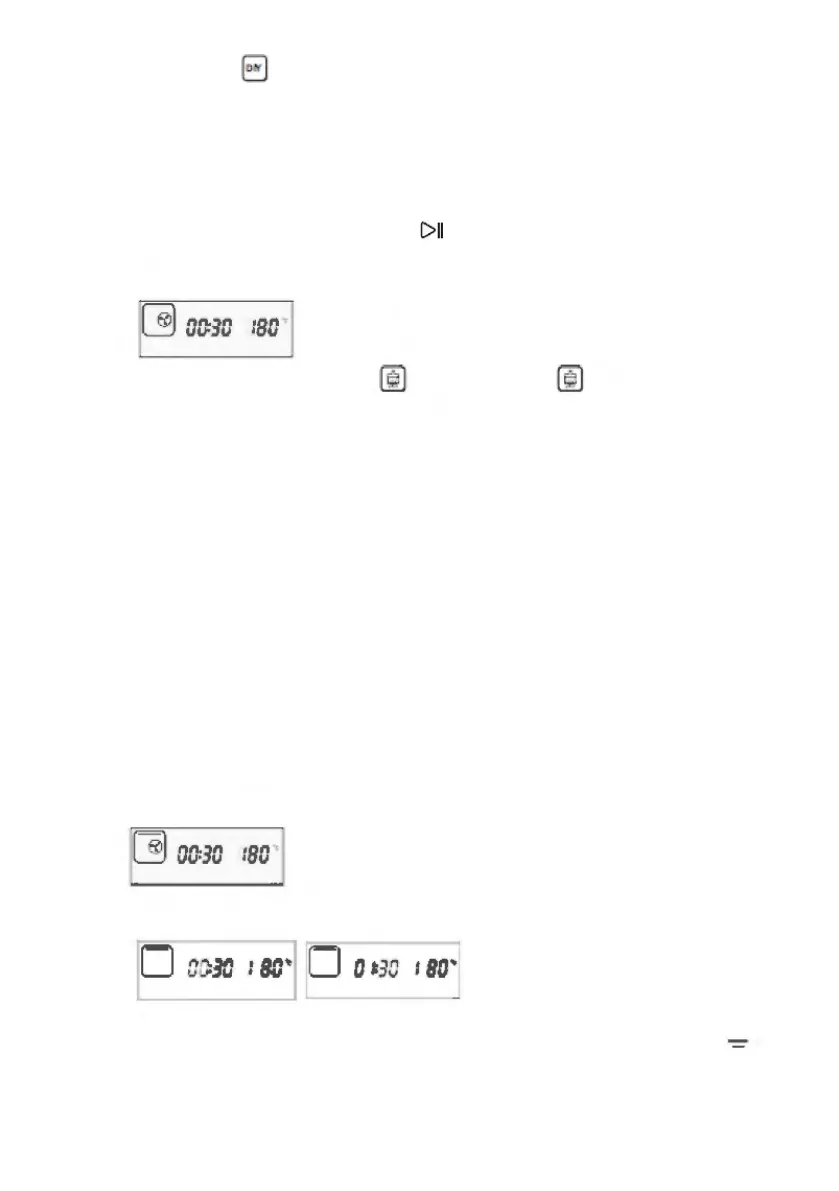
9) When the menu , is selected, the “steam” function icon in upper left corner
is ON. The display column at the left side of the screen will show the
corresponding function icon, as shown in the following figure. There are 9 DIY
regular function modes. Each gear of the key corresponds to a function. The
key moves a gear, the function icon will automatically jump down to flash, and
the frame will not flash. After the desired function is selected, it can be
confirmed by press the ENTER key .
10) When the menu “Descaling” is selected, the , icon is ON to remove
the scale. (Working time of 50 minutes is not adjustable. The work process
cannot be paused.)
3. Setting of working hours and temperature
After the desired function is selected, it shall be confirmed by pressing the
ENTER key to enter the setting of working hours. The hour bit will flash. Press
the selection key to set the hour bit. After it is confirmed by pressing the ENTER
key, the minute bit will flash, and then press the selection key to set the minute
bit. After it is confirmed by pressing the ENTER key, the temperature bit will
flash, and then press the selection key to set the working temperature for “Top
heater pipe” and “Bottom heater pipe”. After the setting of working temperature
is finished, press the ENTER key to start working.
For example, the setting of “Top heater pipe” working mode”:
1. Select function
2. Setting of working hours
3. Setting of working hours and temperature, top heater pipe icon will
flash.
C>II
~
arno
:
sa
liJ
~
00:30
1
80
0
OC:
30
:
BC
..
, 0 0 ~
30
:
so
·


 To Next Page