11
4. Start work
Attention: all functions shall be adjusted according to this adjustment order
except for the fixed time and temperature.
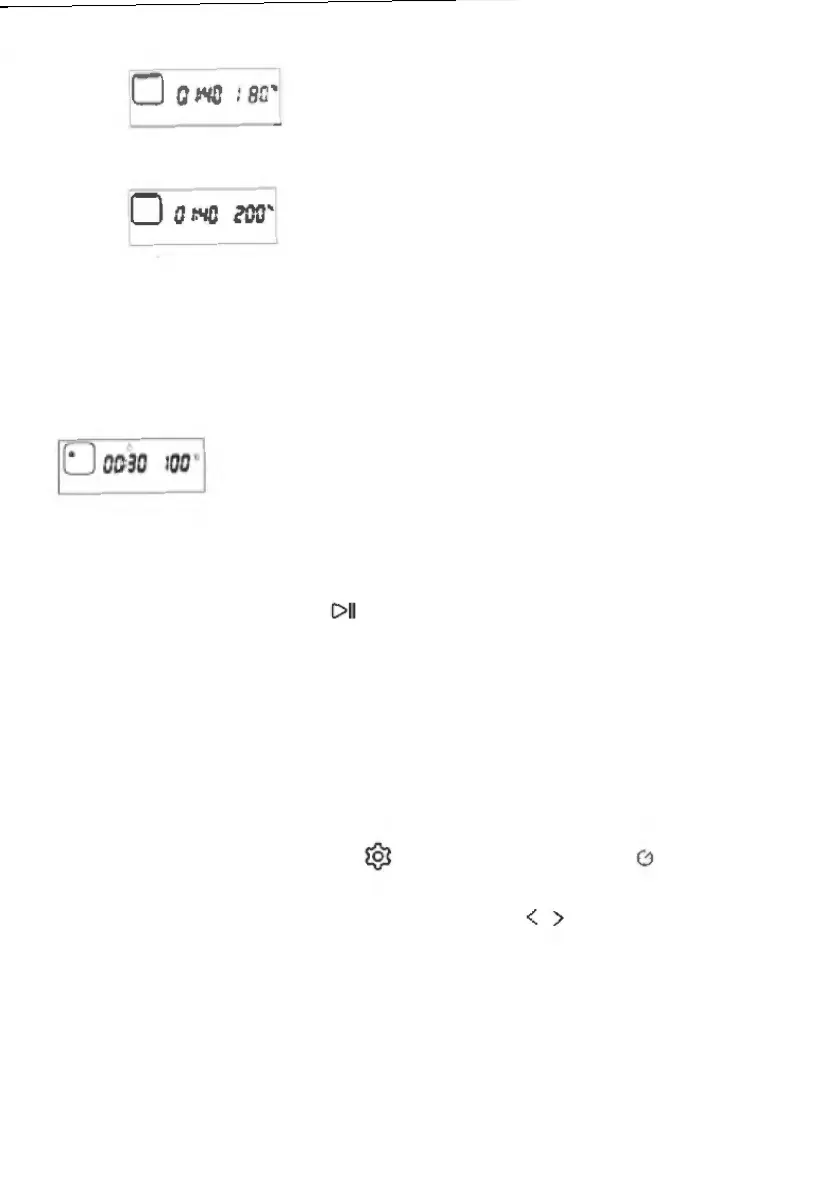
Note: water tank icon will be displayed when a steam-related function is
selected (such as, steam, high-temperature steam, ferment, unfreeze etc.), for
example:
5. During the work
1) Pause
During the working process, the machine will pause the work if the
ENTER key , is pressed, the working time will stop the
countdown, the display interface will stay in the working state
interface, and the time bit number will keep its original data to flash
and beat, which indicates that the machine is in a working status
of pause. Press the ENTER key again, the machine is started to
continue the work until the cooking is completed.
2) Add the time and adjust the temperature in the midway
During the cooking/Baking / Roasting process, if you want to adjust
the cooking time or temperature, the operation is as follows:
① Press Setting key until the “Time-delay” icon on the screen
is ON. At this time, the minute bit will flash. The minute bit can be
adjusted by pressing the selection key (setting of hour bit is not
available for delay time function).
② After the minute bit is adjusted, press the ENTER key to enter the
setting of temperature. If you do not need to adjust the temperature,
please press the ENTER key to directly start the work;
③After the temperature is adjusted, press the ENTER key to start the
work;
,_
IEJ
OQ30
100
' I
C>U
0
< >


 To Next Page