STAR TRAC PRO STEPPER O
WNER
’
S
M
ANUAL
19
3. You can adjust the difficulty LEVEL during the program, using either of the following methods.
■ Use the keys to enter a difficulty LEVEL (from 1 to 20). When the desired level has been entered, press the
key to confirm the difficulty L
EVEL.
■ Press the or key, as desired, to increase or decrease the difficulty LEVEL in 1 unit increments.
4. You can scroll through workout data during the program (see “Viewing Workout Data During a Program” for details).
5. If you wish to pause the program, stop stepping. The Stepper will enter pause mode and display your workout results for
one entire cycle.
6. When you have reached your workout goal, the Stepper enters the Cooldown cycle (see “Cooldown Cycle” for details). If
you wish to exit the program before you have reached your workout goal, stop stepping and allow the Pause timer to
expire. If you wish to skip the Cooldown cycle, press the key to view your workout summary.
PRESET PROGRAMS
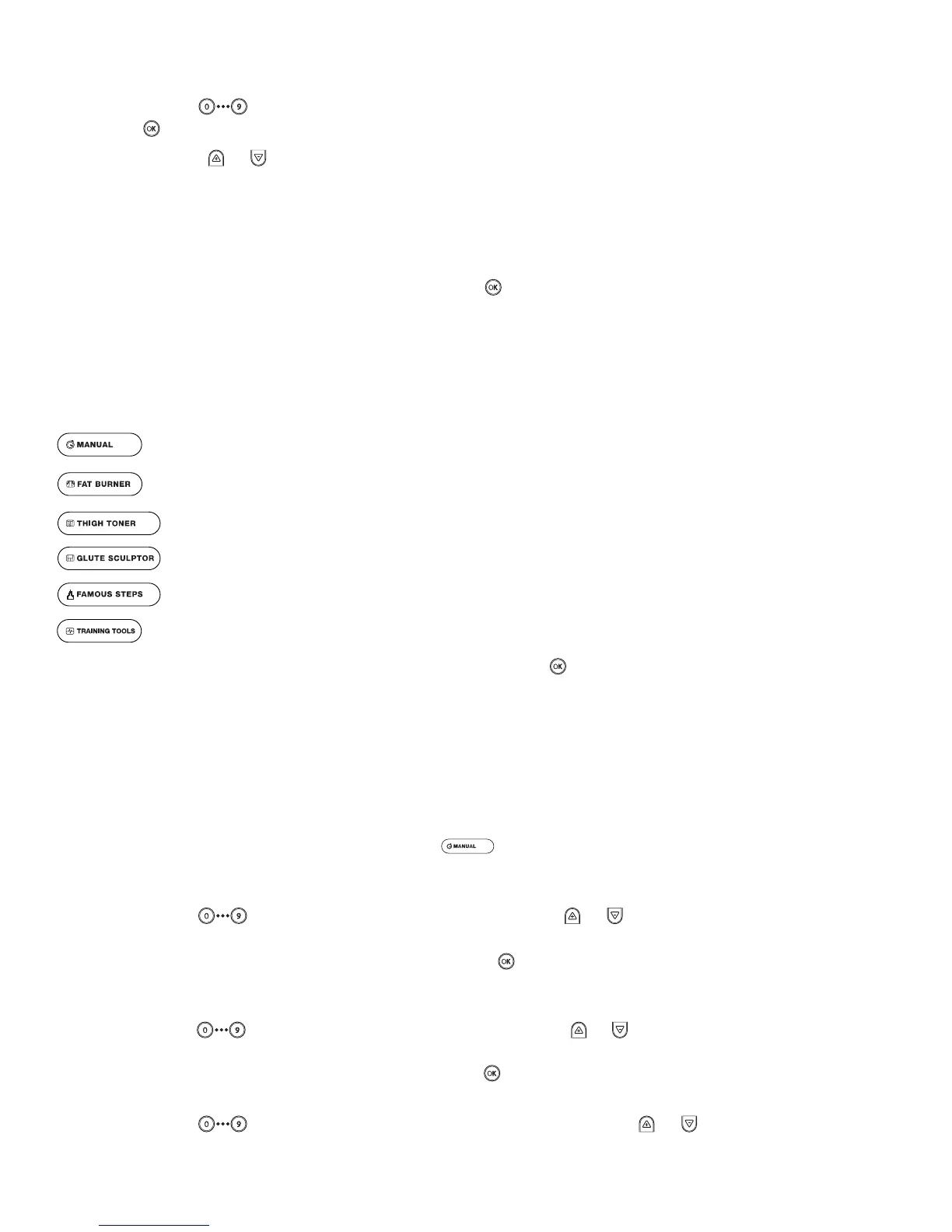
The STAR TRAC PRO STEPPER offers 8 preset programs to add variety and challenge to your workout. Additionally, the HR
TRAINING feature lets you select one of two cardio-intensive training programs, or a Fitness Test.
Pre-set programs include:
Allows the user to pre-program a time goal and user weight. Difficulty is determined by the user during the pro-
gram.
Provides a high intensity interval workout.
Provides a workout designed to target the thigh muscles.
Provides a workout designed to target the gluteal muscles.
Provides a motivational workout in which the user can climb one of nine famous landmarks.
Advanced programs that offer the user the ability to train in specific HR zones, or perform a Fitness Test.
NOTE: When entering setup data for any program, if the key is not pressed, the system will “auto-advance”
through the prompts.
M
ANUAL
P
ROGRAM
The MANUAL program allows the user to pre-program a time goal, difficulty L
EVEL and user weight. Difficulty LEVEL can be adjust-
ed by the user during the program.
To operate the MANUAL program:
1. Mount the Stepper, begin stepping, and press the key.
2. You are prompted to enter your weight. The Stepper displays a default weight as set in Manager/Maintenance Mode. You
may enter any weight from 1 to 350 pounds (1 to 158 kg).
■ Use the keys to enter your current weight; or press the or key, as necessary, to increase or decrease
the displayed weight in 1 pound (or 1 kg) increments.
■ When your correct weight has been entered, press the key to accept the displayed value.
3. You are prompted to enter a time goal. The default time is 20 minutes, or equal to the time parameter set in Manager/
Maintenance Mode if less than 20 minutes. You may enter any time from 1 to 99 minutes.
■ Use the keys to enter your desired time goal; or press the or key, as necessary, to increase or decrease
the displayed value in 1 minute increments.
■ When your desired goal has been entered, press the key to accept the displayed value.
4. You are prompted to enter a difficulty LEVEL.
■ Use the keys to enter a difficulty LEVEL (from 1 to 20) or press the or key, as desired, to increase or
decrease the difficulty LEVEL in 1 unit increments.


 To Next Page