Moneris Go Appétit: Hardware Installation Guide 9
Kitchen tickets not printing when orders are received There is most likely an issue where your Kitchen
Display tablets are not on the same Wi-Fi network
that your printer is connected to. This can occur
when there are multiple routers in a building, and the
kitchen tablet is accessing the network from a
different router than the one the kitchen printer is
physically connected to.
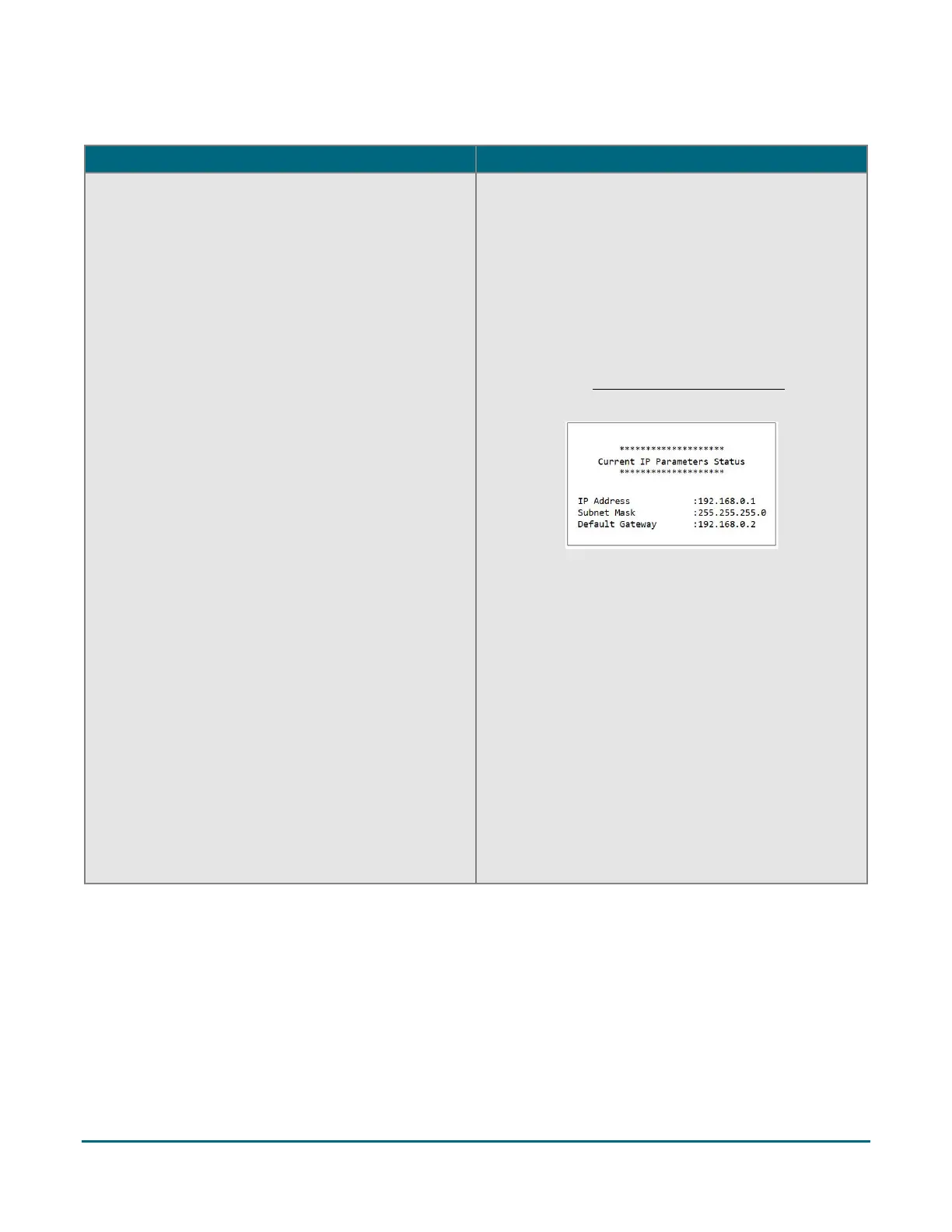
Before you begin troubleshooting, be sure you have
the IP address obtained from the receipt that printed
in step 6 of the Set up the printer hardware section
on page 4.
1. Open your kitchen tablet’s Settings page, and
locate the Wi-Fi settings.
2. In the Wi-Fi settings, locate the IP address.
3. Check if the first 3 sets of numbers in the IP
address printed on the receipt match the first 3
numbers of the IP address displayed on the
tablet’s screen. For example, if your tablet IP
address is 192.168.10.20, and your printer shows
192.168.8.5, then they are indeed on different
networks.
4. Try changing the Kitchen Display tablet to a
different network, then comparing the IP
addresses until you can ensure that they are on
the same network following step 3 above.


 To Next Page