10 11
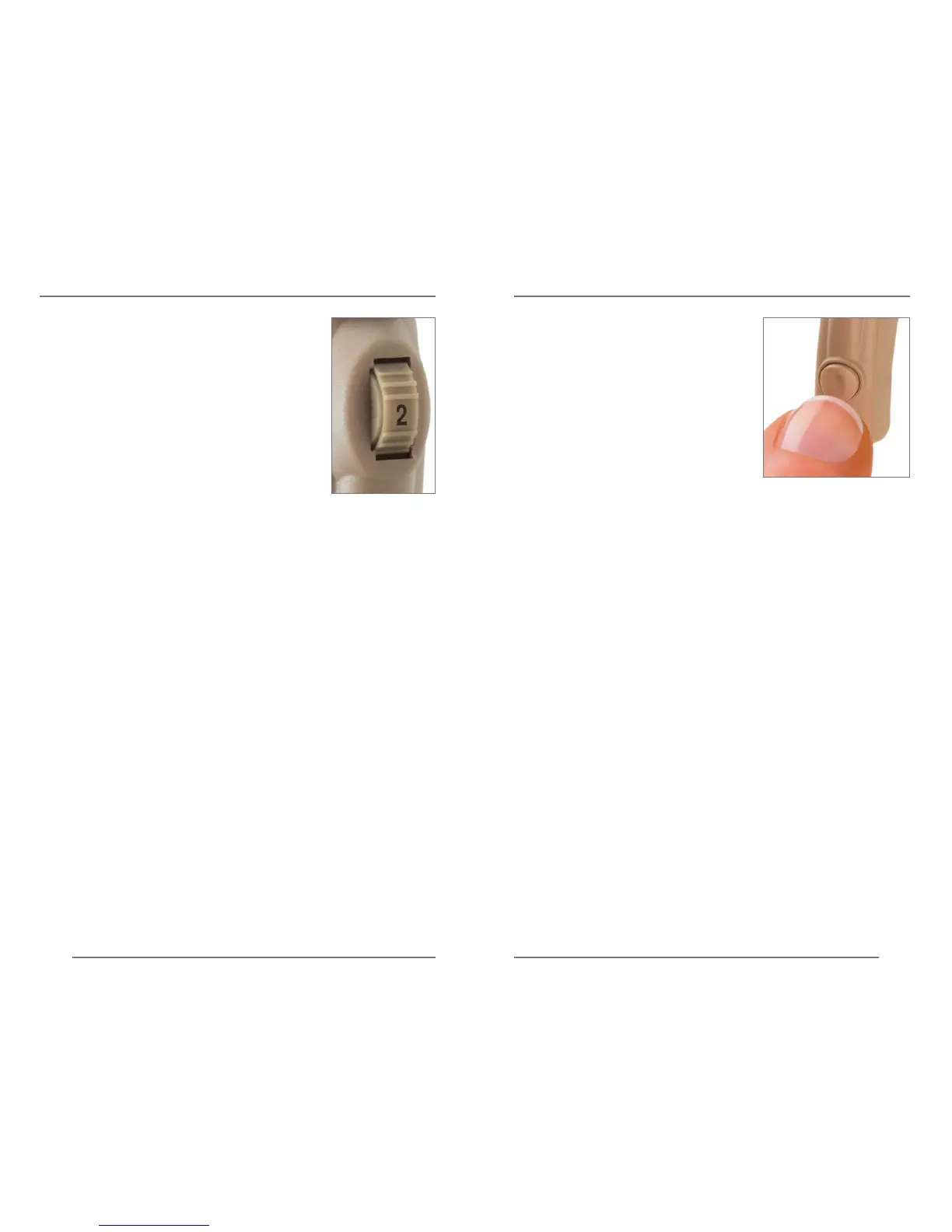
MULTIMEMORY SETTINGSON, OFF AND VOLUME CONTROL
The numbers on the control
provide an orientation for the proper
volume setting. When the control
is set at “4,“ the volume is at the
maximum level.
To make sounds louder, rotate the
control upward. To make sounds
softer, rotate the control downward.
The softest level is set at “1.”
The multimemory push button
allows you to select a different
setting for your current
listening environment. For
example, when you are using
the telephone or sitting in a
noisy restaurant.
When first turned on, your instruments are
programmed for normal listening environments.
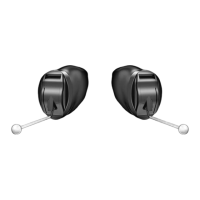
The additional settings are accessed by pressing the
button on the hearing instrument.







 To Next Page