Instruction Manual
1
Introduction
Overview
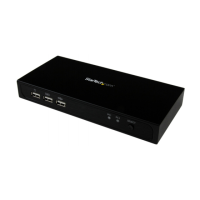
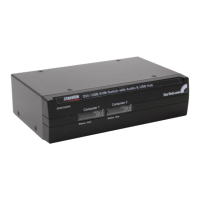
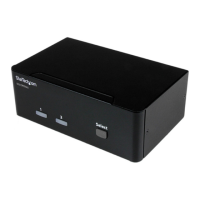
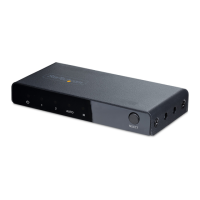
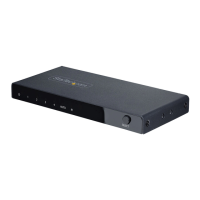
The StarView SV231 is a computer switch that allows access to two IBM compatible
computers from one keyboard, mouse and monitor. Switching between computers
is as easy as pressing the push button or entering hot-key commands from your
keyboard. There is no interface card and software to install and the StarView is
independent of the computer operating system. The space-saving design enables you
to connect all the cables to the back of the SV231.
Automatic Mouse Conversion
The StarView Switch enables you to connect computers with PS/2 or serial mouse ports
(using adapters supplied with each SV231), and control both computers from one PS/2
mouse. The StarView automatically identies the mouse and switches to proper mouse
protocol.
Features
• Supports both PS/2 and serial mouse
• Cascade conguration expands system capability
• Auto scan automatically selects computers sequentially
• Supports Microsoft IntelliMouse (Pro), IntelliTrackball
• Hot-key functions allow easy computer access
• Built in buzzer for hot-key command conrmation.
• Keyboard states automatically saved and restored when switching computers
• Operating system independent, transparent to all applications
• True plug and play system conguration
• Keyboard and mouse can be hot plugged at any time
• High VGA resolution 1600x1200
• DDC2B compatible
• Power-free operation






 To Next Page