7
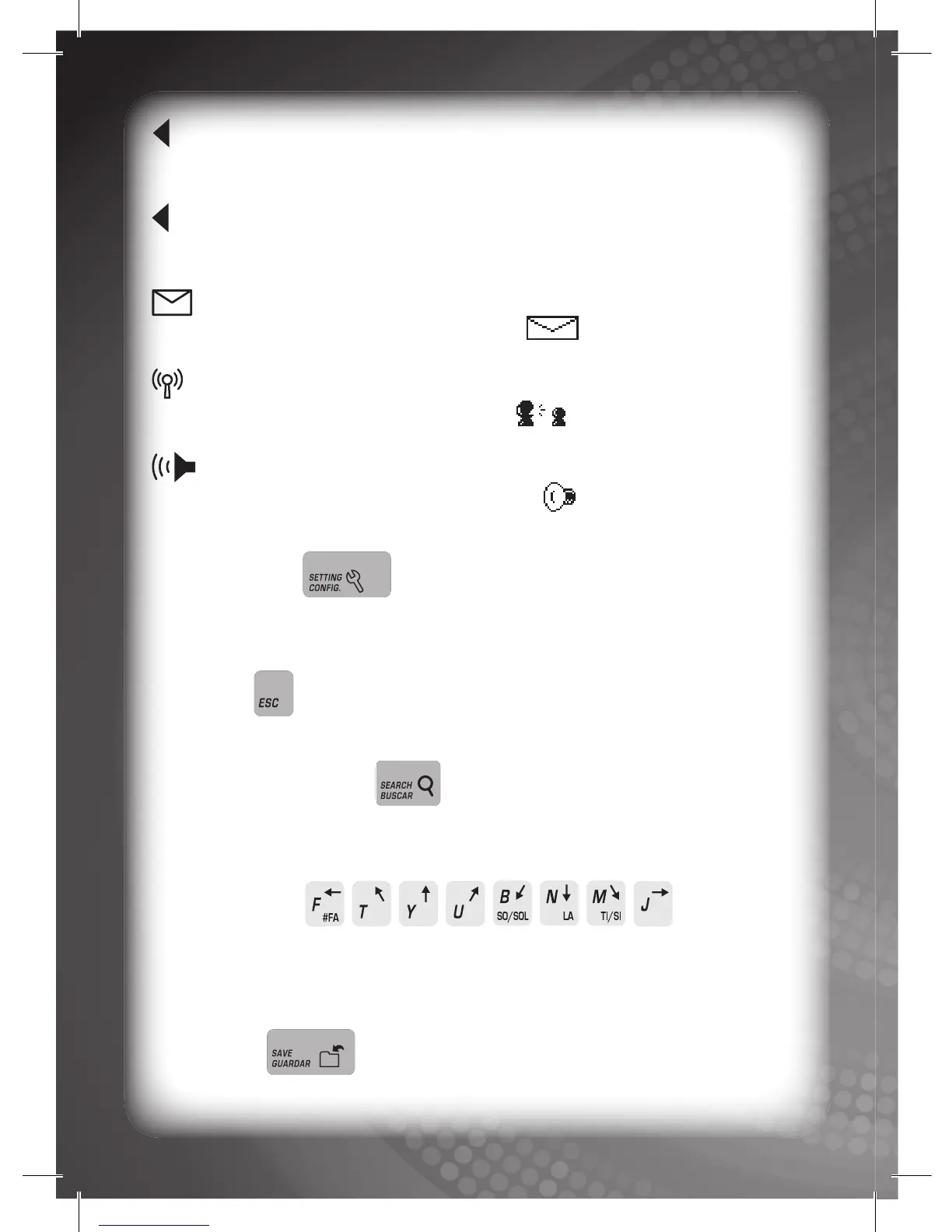
Language 1: Displayed when language 1 is selected as the
operating language.
Language 2: Displayed when language 2 is selected as the
operating language.
New Message: Displayed when you have a new message. For
details please refer to the EMAIL mode .
Online Connection: Displayed when you choose the ONLINE
CONNECTION icon in the main menu .
Volume: Displayed when the volume is on. You can choose
the volume level in the VOLUME mode . The icon will indicate
the relevant volume level.
SETTING Key:
Press this key to change your settings. For details, please refer to
Description of Activities.
ESC Key:
Press this key to escape from the current activity.
QUICK SEARCH Key:
Press this key to access a category/sub-category/activity mode
quickly. For details, please refer to Activity Selection.
ARROW Keys:
Press these letter keys (‘T’, ‘Y’, ‘U’, ‘J’, ‘M’, ‘N’, ‘B’, and ‘F’) to select
an option or control the cursor in certain activities. For details, please
refer to Description of Activities.
SAVE Key:
Press this key to save all your data in the Bilingual Super Notebook™.



 To Next Page