15
screen. You can press the letter key ‘C’ or select the ‘C’ icon
on the operator panel to clear the screen and input another equation.
Conversions
Selecting a category
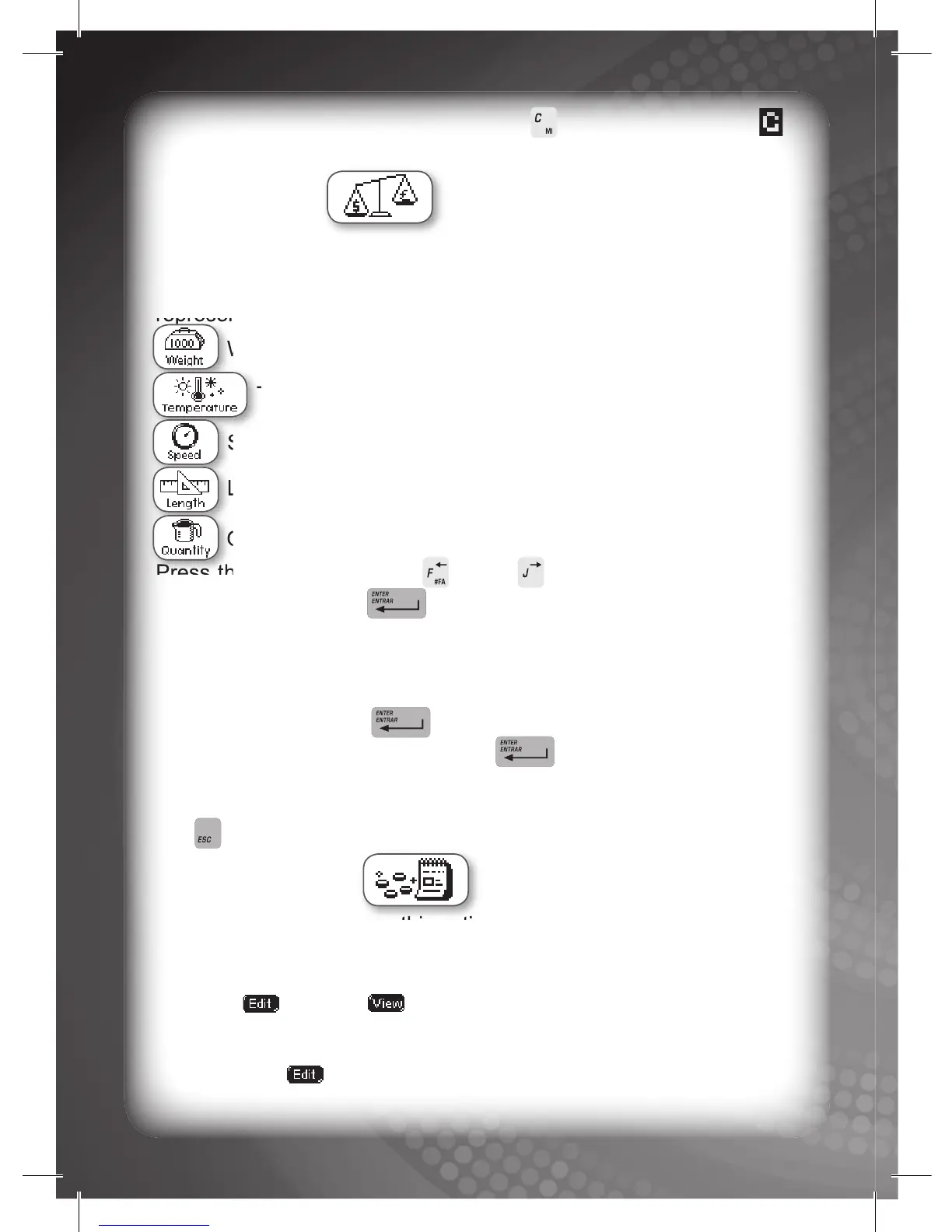
Five (5) different icons will be displayed on the screen, each
representing a category as follows:
Weight (Kilogram, Gram, Pound, and Ton)
Temperature (Degree Celsius, and Degree Fahrenheit)
Speed (Km/hour, and Mile/hour)
Length (Inch, Centimeter, Foot, Yard, Kilometer, and Millimeter)
Quantity (Gallon, Cup, Liter, Tablespoon, and Teaspoon)
Press the ARROW keys (‘F’ and ‘J’ ) to select a category, and
press the ENTER key to confi rm the selection.
Converting a quantity
After you enter a category, different measurements will be displayed
on the screen. Select the measurement you want to convert then
press the ENTER key . You will be required to input the
quantity then press the ENTER key again. Finally you will be
required to select a second measurement to convert to. The
conversion will be displayed on the screen. You can press the ESC
key any time to convert another measurement.
Budget Planner
Note: You cannot access this activity mode if you log in in Unknown
Mode.
Two (2) icons will be displayed on the screen. You can choose either
the EDIT or VIEW icon.
Adding/Editing new item(s)
Choose EDIT to add a new item or edit your budget. You will be
required to input the name of any new item, then press the ENTER



 To Next Page