_________________________________________________________________________________
TOLO SAUNA info@tolosauna.com www.tolosauna.com
Change colors automatically(S2-1): touch
, move the cursor on screen to colored lights,
press to choose the work model “ change colors automatically”, then wait for 5 seconds,
it will back to home page.
Lock the color (S2-2): the same way as setting (S2-1).
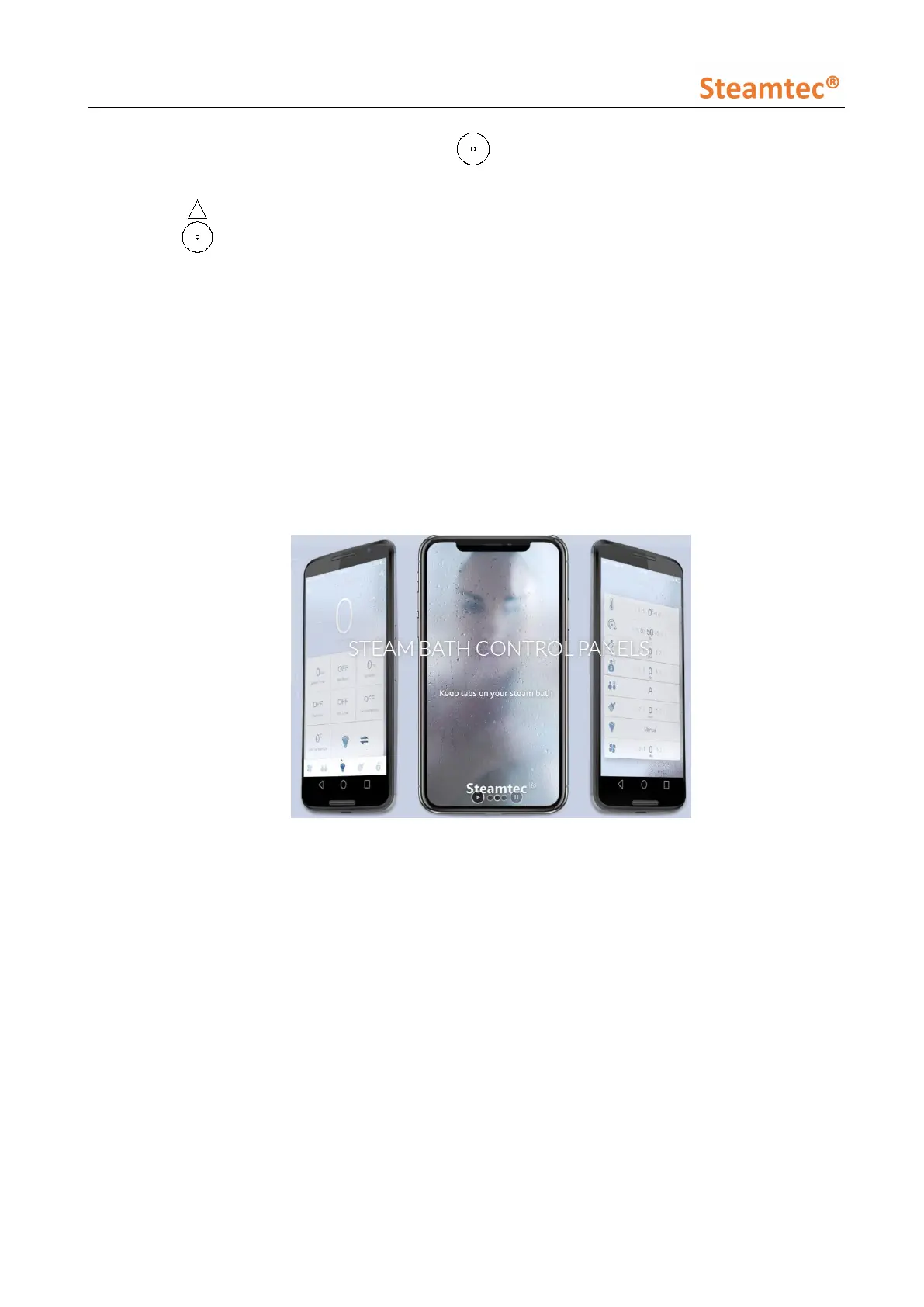
S3 APP: Steamtec Sauna in AppStore
Connect well the WiFi kit to the central function box. Make your phone and steam generator
WiFi kit under the same wireless local area network (WLAN). Open the App in your iPhone or
Android phone, then you can operate the steam generator by your Phone now. More
information, please browse “Steamtec Sauna” App operation guide.
After your Phone connect well to steam generator, the all-in-one controller screen will show
“App”.
S4 Heating instructions:
S4 lights: steam generator is heating
S5 Domestic model:
S5 lights: steam generator is under domestic model. (Change to commercial model, please
cut off the general power supply, then switch the button inside the central function box).
S6 Commercial model:
It is special for commercial place like spa center or sauna center. Under commercial model,
water tank always keep the water temperature at 80°C, once the customer go into the steam


 To Next Page