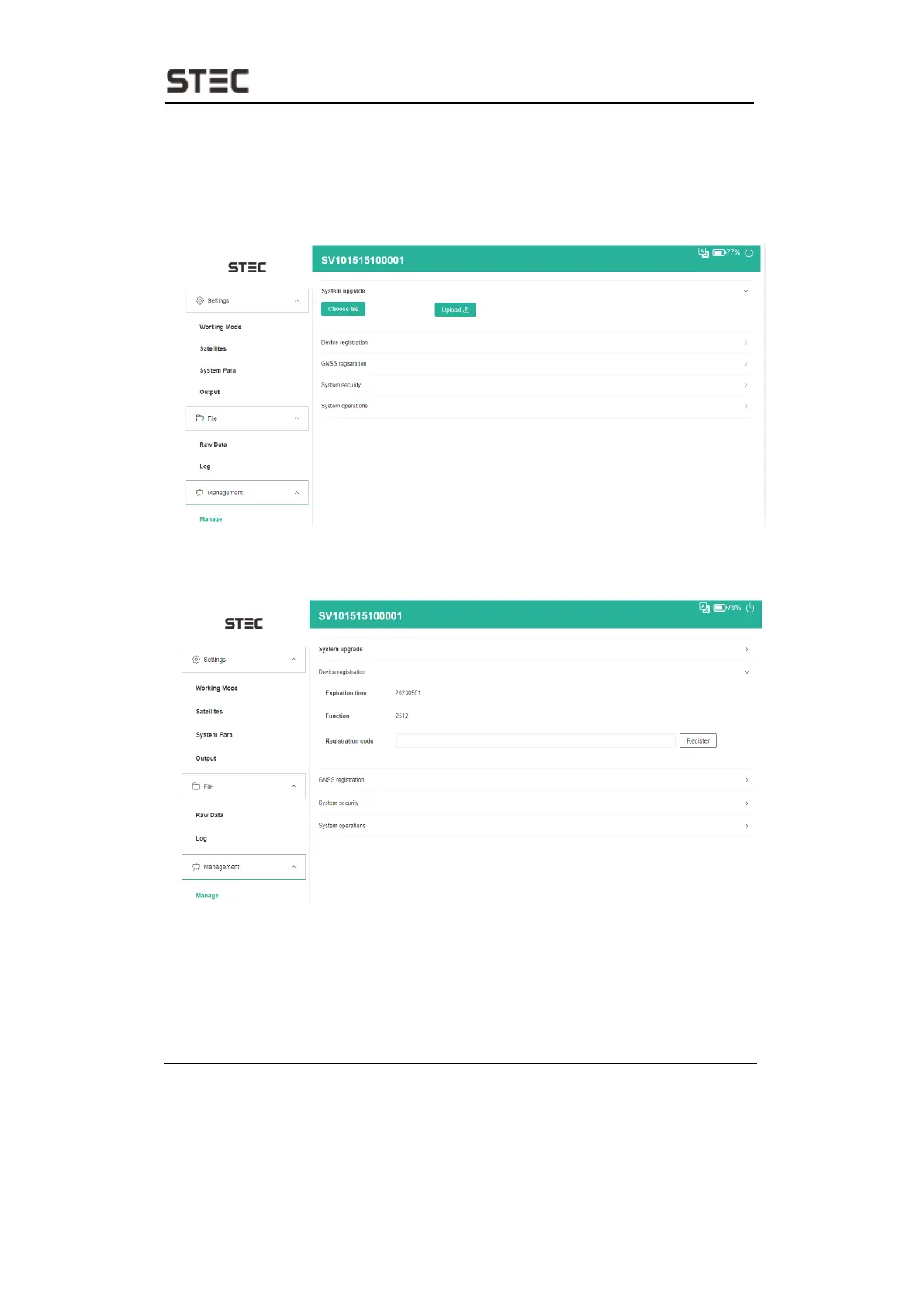
2.10 Management
User can update receiver and GNSS firmware as well as register device, format
internal disk, restore factory setting, restart device. To update the firmware, click
“Choose File” to import the firmware, then click “Upload File” to start updating.
Device Registration
This menu is used for registering permanent or temporary license.
GNSS Registration
This menu is used for open different module functions.


 To Next Page