EasyManua.ls Logo

Steca StecaGrid 10 000+ 3ph - User Manual

Steca StecaGrid 10 000+ 3ph
47 pages
Print Icon
To Next Page IconTo Next Page
Loading...
744378 | 12.13
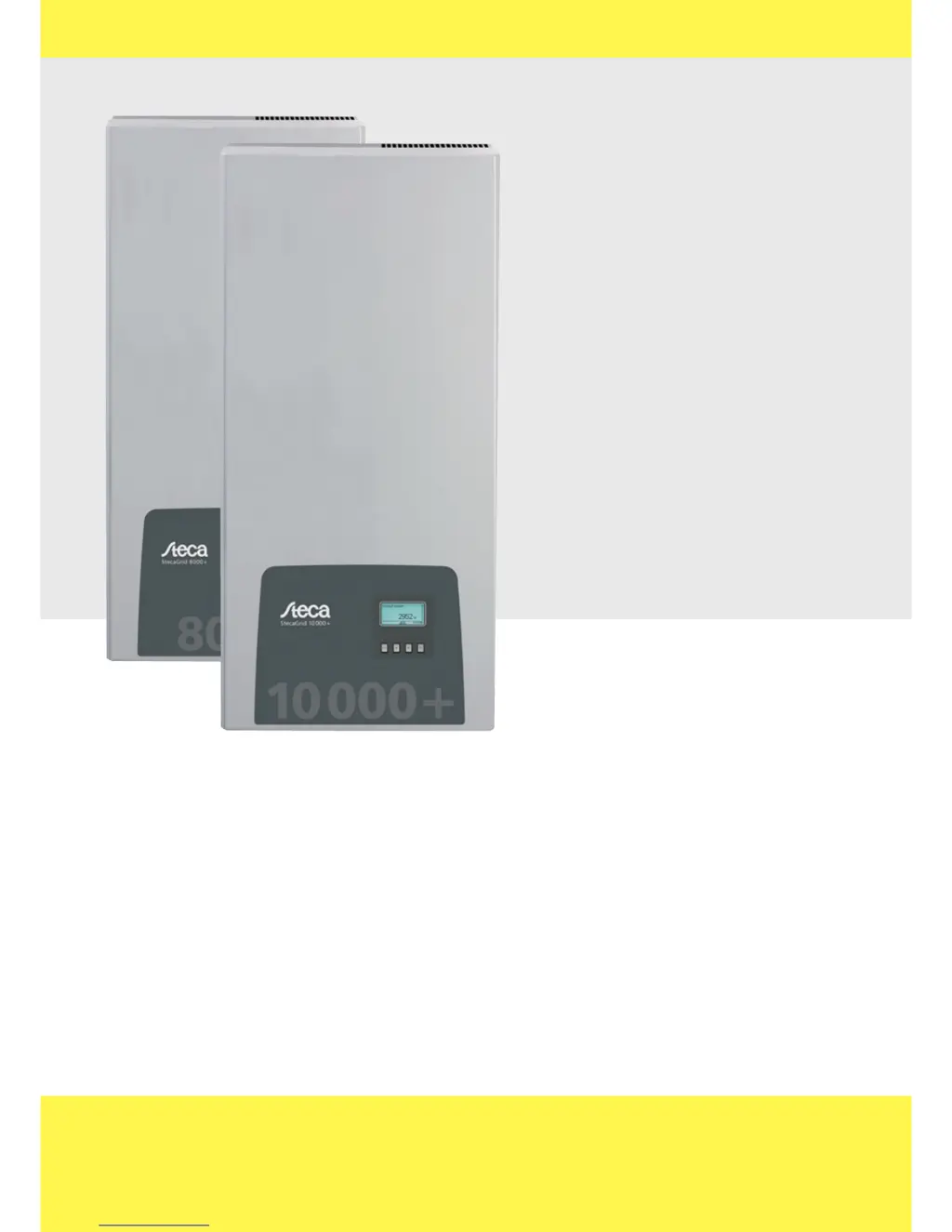
StecaGrid 8 000+ 3ph
StecaGrid 10 000+ 3ph
Installations- und Bedienungsanleitung
Installation and operating instructions
Notice d'installation et d'utilisation
744.378 | Z02 | 12.13
DE EN FR

Questions and Answers

  • A
    Anna StaffordAug 12, 2025
    What to do if my Steca StecaGrid 10 000+ 3ph Inverter has overheated?
    • J
      Joseph TaylorAug 12, 2025
      If your Steca Inverter displays the message 'Device has overheated', first ensure that the installation conditions are adequate. Then, check the cooling fins and ventilation grill for any dirt or obstructions. Clean them if necessary. If the issue persists, contact your installer.
  • L
    Lisa WilliamsAug 16, 2025
    What to do if the PV voltage is too high on my Steca StecaGrid 10 000+ 3ph Inverter?
    • R
      Rachel ShepherdAug 16, 2025
      If your Steca Inverter shows that the PV voltage is too high, immediately switch off the main DC switch on the inverter. After doing this, contact your installer for further assistance.
  • B
    brittany95Aug 20, 2025
    How to correct the time/date on a Steca Inverter?
    • L
      Lawrence GibsonAug 20, 2025
      If your Steca Inverter displays 'Time/date lost', you can correct it by navigating to Settings, then Time/Date, and updating the information.
  • H
    Haley CarterAug 25, 2025
    What to do if the self test failed on my Steca StecaGrid 10 000+ 3ph Inverter?
    • Z
      Zachary SullivanAug 25, 2025
      If the Steca Inverter's self-test fails multiple times at different times of the day, and you are certain that the grid voltage and frequency are within the country's defined limits, contact your installer for assistance.
  • R
    reevesjaredAug 27, 2025
    What to do if my Steca StecaGrid 10 000+ 3ph Inverter says 'Grid voltage Ø too high'?
    • M
      Michelle AlexanderAug 27, 2025
      If your Steca Inverter displays 'Grid voltage Ø too high', contact your installer for assistance.
  • K
    kelseyhesterAug 31, 2025
    What to do if my Steca Inverter displays 'Grid current DC Offset too high'?
    • J
      jnelsonAug 31, 2025
      If your Steca Inverter displays 'Grid current DC Offset too high', contact your installer for assistance.
  • J
    Jessica ChanSep 3, 2025
    What to do if my Steca StecaGrid 10 000+ 3ph Inverter displays 'Resid. curr. too high'?
    • C
      Casey GarciaSep 4, 2025
      If your Steca Inverter displays 'Resid. curr. too high', contact your installer for assistance.
  • J
    Jessica CameronSep 8, 2025
    What to do if the fan is faulty in my Steca Inverter?
    • K
      Kathryn NicholsSep 8, 2025
      If the fan in your Steca Inverter is faulty, contact your installer.

Summary

General Safety Instructions

Device-Specific Safety Warnings

Highlights safety warnings and symbols directly affixed to the inverter unit.

Scope of Delivery and Proper Usage

Guidelines for Correct Inverter Usage

Outlines the correct and intended operational use of the inverter.

Structure and Function - Casing

Structure and Function - Controls and Display

Operating Buttons Functionality

Explains the function of the inverter's control buttons.

Structure and Function - Information and Data

Structure and Function - Graphical Data and Events

Structure and Function - Settings and Controls

Structure and Function - Advanced Options

Structure and Function - Service Menu

Structure and Function - Communication and Cooling

Structure and Function - Data Connectivity

Structure and Function - Communication Setup

Installation

Safety Measures During Installation

Crucial safety precautions to be observed during the inverter installation process.

Mounting the Inverter

Step-by-step instructions for securely mounting the inverter unit.

AC and DC Connection Preparation

Guides through essential steps for connecting AC and DC power sources.

Initial Commissioning Procedure

Outlines the mandatory procedure for setting up the inverter after installation.

Operation

General and Main Operating Functions

Details basic and primary functions for operating the inverter.

Self Test and Troubleshooting

Performing the Inverter Self Test

Instructions on how to execute the mandatory self-test procedure.

Understanding and Confirming Event Messages

Explains how event messages are displayed, their types, and how to confirm them.

Troubleshooting Event Messages

Provides a detailed list of event messages and their corresponding troubleshooting steps.

Technical Data and Country Settings

Inverter Technical Specifications

Comprehensive technical specifications for the inverter models.

Appendix: Certificates and Connector Installation

AC Plug Connector Installation Guide

Detailed instructions for installing and connecting the AC plug and associated cables.

Steca StecaGrid 10 000+ 3ph Specifications

General IconGeneral
ModelStecaGrid 10000+ 3ph
Max. apparent AC power10000 VA
Nominal AC Power10000 W
Max. AC Power10000 W
AC voltage range320-480 V
AC frequency50 / 60 Hz
Nominal AC Frequency50 / 60 Hz
THDi< 3 %
Number of MPPTs2
Number of MPP trackers2
Rated Output Power10000 W
Max. Efficiency98.3 %
CoolingConvection
Nominal AC Voltage400 V
Max. Input Current16 A
Output Voltage400 V
Protection ClassClass I
Operating Temperature Range-25°C to +60°C

Related product manuals