EasyManua.ls Logo

Steca StecaGrid 8 000+ 3ph - User Manual

Steca StecaGrid 8 000+ 3ph
47 pages
Print Icon
To Next Page IconTo Next Page
Loading...
744378 | 12.13
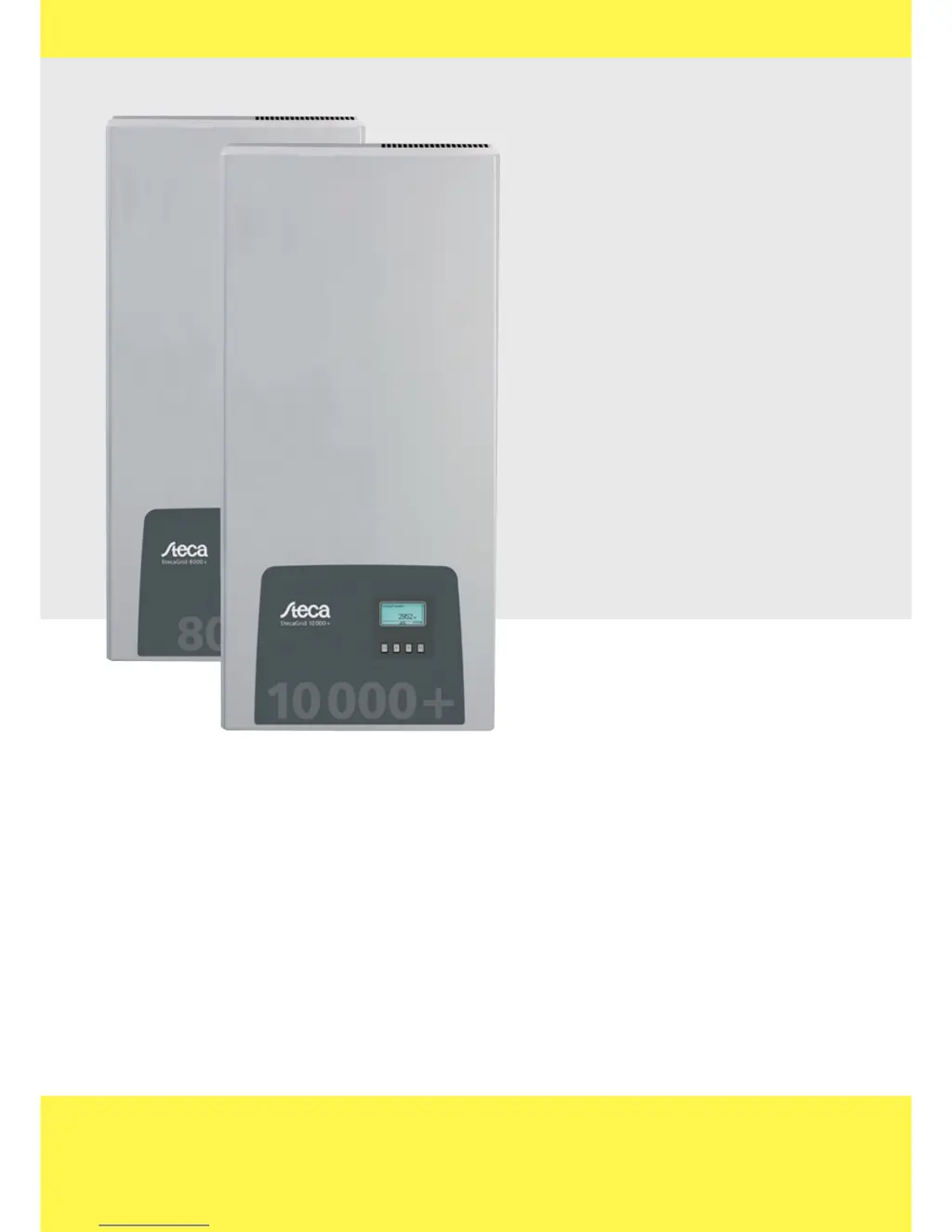
StecaGrid 8 000+ 3ph
StecaGrid 10 000+ 3ph
Installations- und Bedienungsanleitung
Installation and operating instructions
Notice d'installation et d'utilisation
744.378 | Z02 | 12.13
DE EN FR

Questions and Answers

  • P
    Paul NolanAug 12, 2025
    What to do if my Steca Inverter has overheated?
    • M
      Michelle WellsAug 13, 2025
      If your Steca Inverter displays the message 'Device has overheated', first ensure that the installation conditions are adequate. Then, check the cooling fins and ventilation grill for any dirt or obstructions. Clean them if necessary. If the issue persists, contact your installer.
  • J
    Jonathan LopezAug 16, 2025
    What to do if the PV voltage is too high on my Steca Inverter?
    • J
      John SmithAug 16, 2025
      If your Steca Inverter shows that the PV voltage is too high, immediately switch off the main DC switch on the inverter. After doing this, contact your installer for further assistance.
  • S
    Sarah SimonAug 20, 2025
    How to correct the time/date on a Steca StecaGrid 8 000+ 3ph?
    • M
      mcneillynnAug 20, 2025
      If your Steca Inverter displays 'Time/date lost', you can correct it by navigating to Settings, then Time/Date, and updating the information.
  • L
    Latasha SmithAug 25, 2025
    What to do if the self test failed on my Steca StecaGrid 8 000+ 3ph?
    • K
      Kenneth PerryAug 25, 2025
      If the Steca Inverter's self-test fails multiple times at different times of the day, and you are certain that the grid voltage and frequency are within the country's defined limits, contact your installer for assistance.
  • J
    James WardAug 27, 2025
    What to do if my Steca StecaGrid 8 000+ 3ph Inverter says 'Grid voltage Ø too high'?
    • J
      James HenryAug 28, 2025
      If your Steca Inverter displays 'Grid voltage Ø too high', contact your installer for assistance.
  • H
    holmestiffanyAug 31, 2025
    What to do if my Steca StecaGrid 8 000+ 3ph Inverter displays 'Grid current DC Offset too high'?
    • S
      Steven EstradaAug 31, 2025
      If your Steca Inverter displays 'Grid current DC Offset too high', contact your installer for assistance.
  • A
    Alexandra ParrishSep 4, 2025
    What to do if my Steca Inverter displays 'Resid. curr. too high'?
    • C
      carlos03Sep 4, 2025
      If your Steca Inverter displays 'Resid. curr. too high', contact your installer for assistance.
  • S
    shelby37Sep 7, 2025
    What to do if the fan is faulty in my Steca Inverter?
    • B
      Brendan RodriguezSep 8, 2025
      If the fan in your Steca Inverter is faulty, contact your installer.

Summary

Identification

Type Plate

Explanation of the information found on the inverter's type plate.

General Safety Instructions

Safety Instructions on the Device

Visual warnings and safety instructions directly on the device.

Scope of Delivery

Proper Usage

Structure and Function

Casing

Description of the inverter's casing components and their functions.

Operating Buttons

Information Display

Numeric Yield

Display of daily, monthly, annual, and total yields numerically.

Graphical Yield

Event Messages

Control Elements

Selection Lists

Editing selection lists using check boxes or radio buttons.

Dialogs and Numeric Settings

Responding to dialog prompts and changing numeric settings.

Other Display Fields

Service Menu

Reactive Power Characteristic Curve

Setting the reactive power characteristic curve according to local regulations.

Grid Monitoring

Data Communication

Termination and Addressing

Feed-in Management

Installation

Safety Measures during Installation

Critical safety precautions to be observed before and during installation.

Mounting the Inverter

Preparing the AC Connection

Connection Diagrams

Diagrams illustrating AC/DC connections and isolation transformer setup.

Wiring the AC Plug

Preparing the DC Connections

Connecting AC Power

Initial Commissioning

Guided Commissioning Process

Step-by-step guide for initial setup including language, date, and country.

Operation: Initial Commissioning

Setting Country and Reactive Power Curve

Finishing Initial Commissioning

Switching on the DC Supply

Deinstalling the Inverter

Power Supply Shutdown

Steps to safely switch off AC and DC power supplies.

Operation

Overview of Operating Functions

Provides a visual overview of the inverter's display menu structure.

General Operating Functions

Main Operating Functions

Status Display

How to view the current status and measurements on the display.

Menu Navigation

Steps to navigate the main menu and access submenus.

Editing Selection Lists

Changing Numeric Settings

Calling up Service Menu

Self Test

Function

Prerequisites and purpose of the inverter's self-test procedure.

Troubleshooting

Event Message Types

Categorization of event messages (Information, Warning, Error).

Technical Data

Inverter Specifications

Detailed technical data for the StecaGrid 8000+ 3ph and 10000+ 3ph inverters.

AC Cables and Circuit Breakers

Table of Countries

Installation Procedures

Steca StecaGrid 8 000+ 3ph Specifications

General IconGeneral
BrandSteca
ModelStecaGrid 8 000+ 3ph
CategoryInverter
LanguageEnglish

Related product manuals