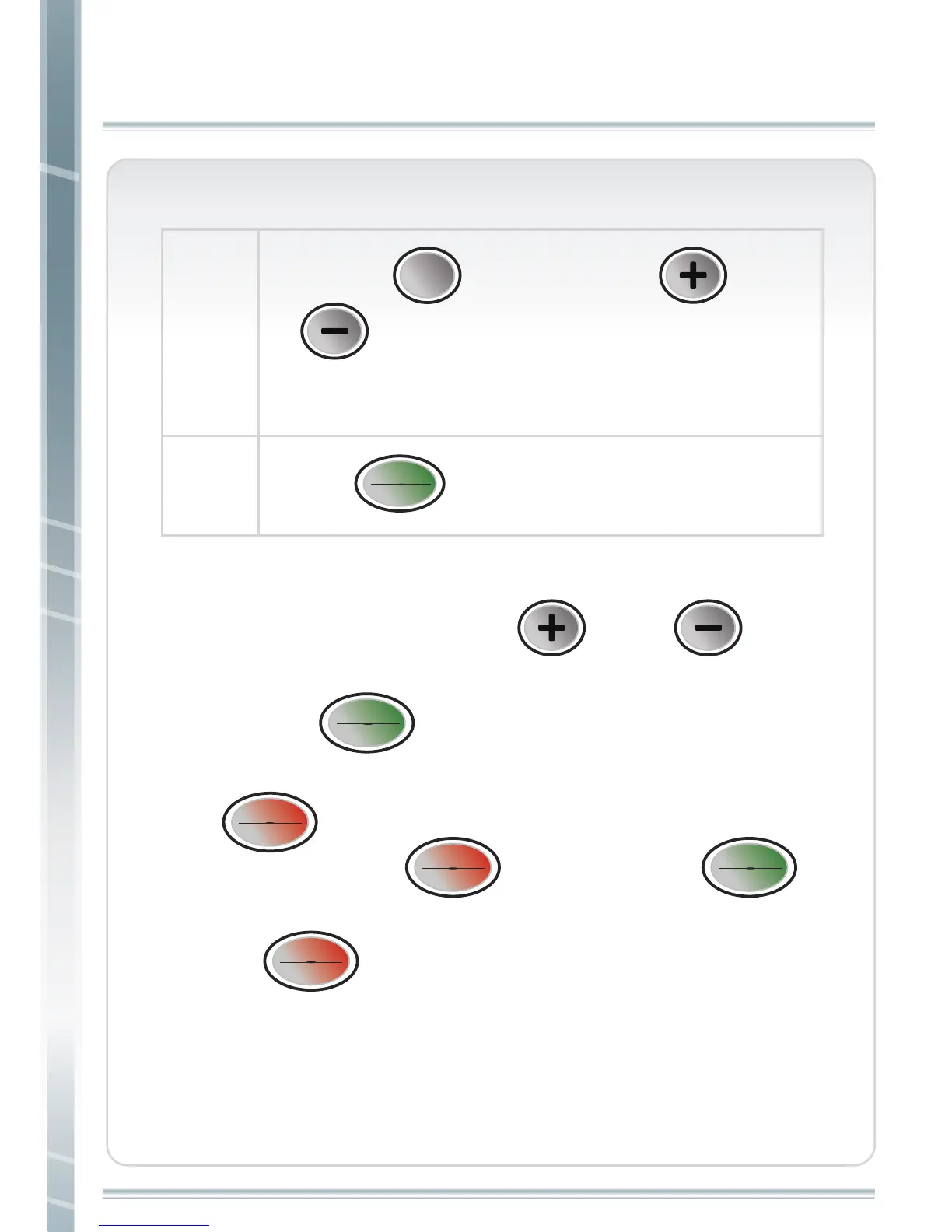
1. During workout, you can change speed and incline using Quick
Keys, corresponding arrow or “ ” and “ ” keys.
When using speed quick keys, for any increase in speed, user
must press
“ ” after selection before speed will
increase.
2. If
“ ” is pressed during workout, speed will decrease
to 0. After pressing
“ ” , and then press “ ” ,
program will keep working.
3. Press
“ ” and hold for 3 seconds, it will go back to
start condition.
31
step 4
step 5
Or press
“ ” again and press “ ” and
“ ” to set distance. The default distance is 1
minute.
GOALGOAL
START
ENTER
START
ENTER
Press “ ” to start workout.
START
ENTER
START
ENTER
START
ENTER
START
ENTER
STOP
RESET
STOP
RESET
STOP
RESET
STOP
RESET
STOP
RESET
STOP
RESET
CUSTOM LEARN 1/CUSTOM LEARN 2



 To Next Page