EF110_r1.0 – 10/2019 p. 18
CONFIGURATION
To configurate the pump accordingly with your application needs, refer to the below instructions.
Meaning of parameters
P1: This parameter allows to select the measurement type, pH or redox (mV).
When setting P1=0 (pH reading with two decimal), please note that the two decimal places
are visible only for pH values below 10, because the display can show up to three digits.
However, generally the precision of pH measurements with one decimal is sufficient in most
applications.
P2: This parameter allows to configure the working mode of level contact:
0 = NO (normally open, standard configuration)
1 = NC (normally closed, fail-safe mode)
P3: This parameter allows to store the status of the ON/OFF button at the system shutdown:
0 = at start-up the pump is always enabled
1 = at start-up the pump restores its status at shutdown
P4: This parameter allows to set the pump working mode:
0 = OFF the pump is always off, independently from measured value: this option allows
to monitor the measurement without intervening, for example during the plant start-up
Parameter Description
Default
Set value
P1
Measure type:
0 = pH with two decimal
1 = pH with one decimal
0
P2
Level input:
0 = NO
0
P3
Storage of the ON/OFF
key status at shutdown:
0 = no
1 = yes
1
P4
Control type:
0 = OFF
1 = ON
2 = ON/OFF acid
3 = Proportional acid
4 = ON/OFF chlorine
5 = Proportional
3
P5
Working threshold
0 to 14.0 (pH)
0 to 999 (mV)
7.00
P6
Hysteresis
0 to 2.00 (pH)
0 to 200 (mV)
0.40
P7
Delay at start-up
0 to 30 minutes
0
P8
Alarm delay
0
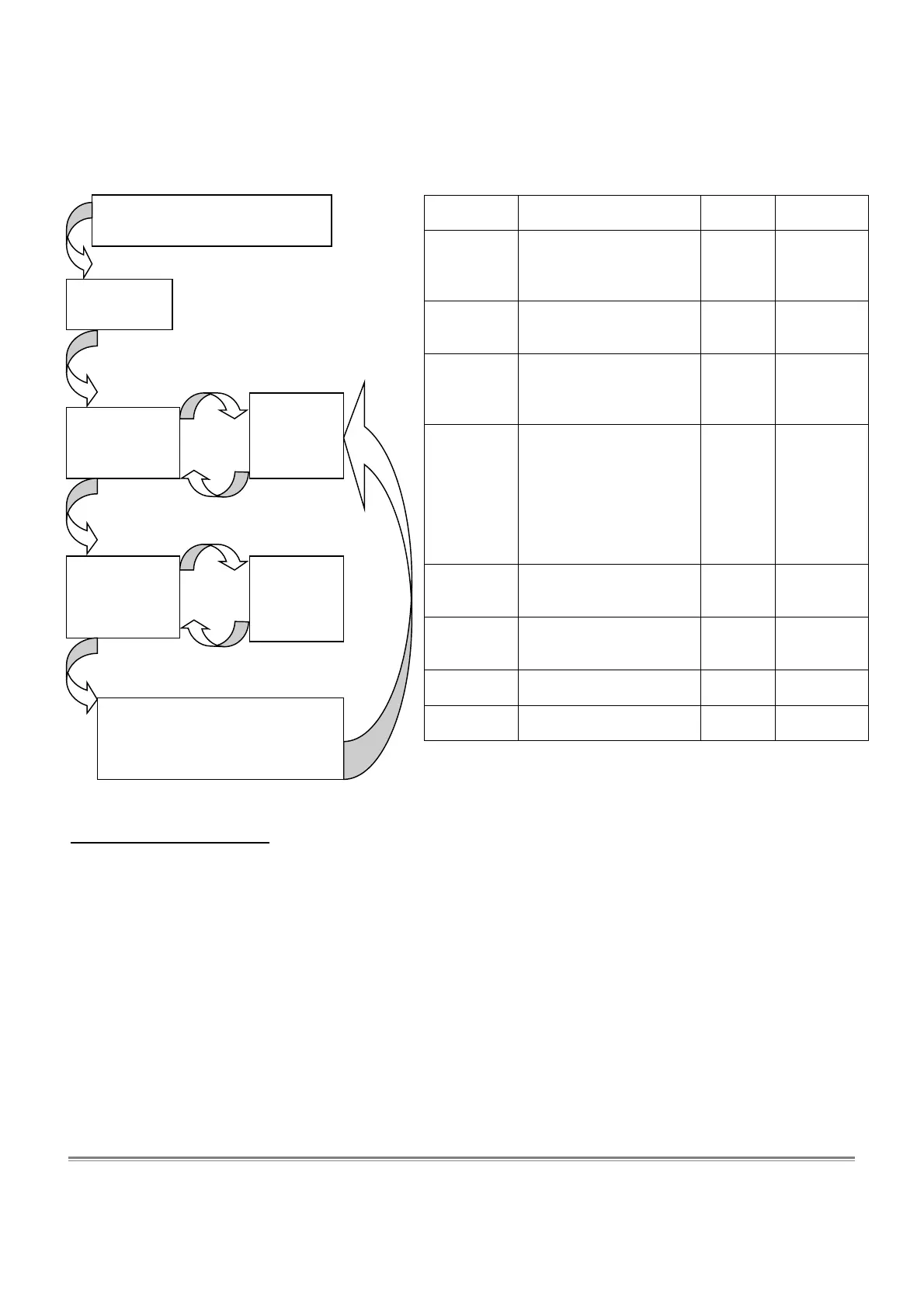
Press and hold the ON/OFF
key for at least 3 seconds
“Edi” is
displayed
[-] key
[+] key
The value of
the selected
parameter is
Increase /
d
parameter
number
Release the
ON/OFF key
“Pn”
(no. of
parameter) is
displayed
ON/OFF
[+] key
[-] key
Increase /
parameter
value
ON/OFF
Store the set value and increase
the parameter number.
At last parameter, exit the
configuration mode.



 To Next Page