6947400000
25
WFS + VOLTS
LANGUAGE
Manage the user interface language
ITALIAN
ENGLISH
UNIT
It manages the measurement unit of the wire
speed and of the thickness of the material
METRIC
IMPERIAL
BACKLIGHT
Manage the brightness of the display
0-100
LAYOUT COMPENSATION
Activates compensation for voltage drops caused
by the welding circuit (torch, cable harness, earth
cable)
DEFAULT typical value
MEASURED value obtained from R/L calibration
OFF compensation disabled . Set up not
recommended
VOLTAGE READING
Allows you to choose between the real voltage at
the terminals (negative – Euro) or the calculated
one of the welding arc
TERMINAL
ARC
NAVY MODE
It can solve some anomalies in the pulsed arc in
particular situations (shipyards, very long earth
cables)
ON
OFF
MODBUS ADDRESS
Allows you to set the MODBUS address of the wire
feeder for interfacing with digital systems through
the RS-232 port. For more information, contact
your dealer.
1-247
STAND BY TIMER
It manages the time after which the machine goes
to stand-by if it is not being used.
To reactivate it, move an encoder or press a key
and wait for the screen to reactivate
15-30-1h-NEVER
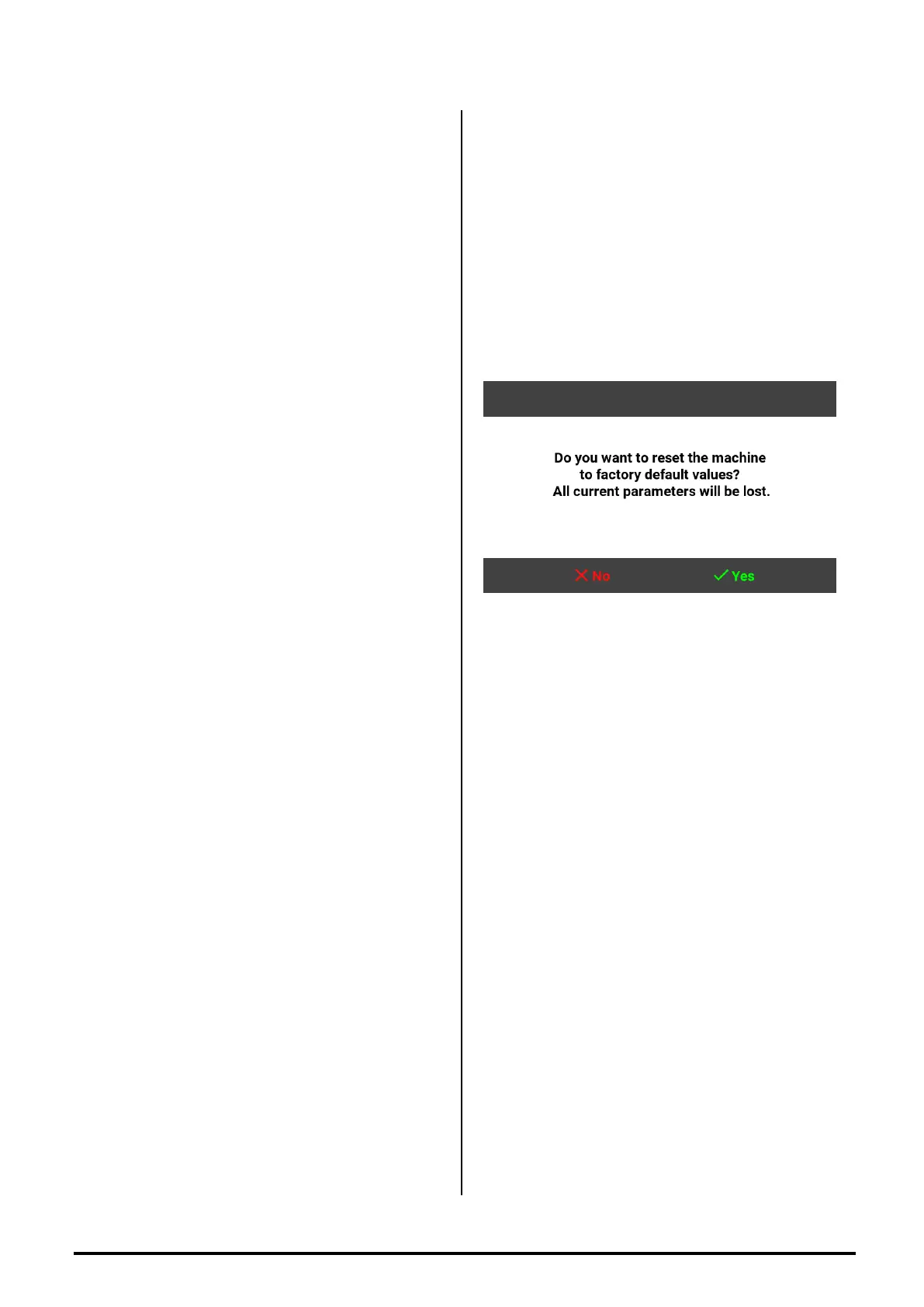
RESTORE FACTORY
DEFAULT
This function is used to return the machine settings
to factory defaults . Press the button SETUP
(ref.10) to go in the MIG SETUP page.
Press the button MODIFY (ref.8) and with the
button SELECT to select RESTORE FACTORY
DEFAULT.
Press the button CHANGE (ref.9) and on the
screen you will see written “ DO YOU WANT TO
RESTORE FACTORY DEFAULT DATA ?”
To restore the default data press the V (ref.10)


 To Next Page