17
• Press the X-key to terminate the
sequence at any time
• Dial feature code 95 + 7
- the same operation as 95 + 5 except
that monitoring will automatically
continue for three sequences or be
terminated when a call is established or
the X-key is pressed.
REMOTE PROGRAM
DISTRIBUTION
• Accept a CAS call with the 0-key.
• Dial 98 + sound level 1, 2 or 3
- the caller will be connected to the
distributed program channel.
Disconnect a station:
• Dial 98 + stn. no. + 0
- the called station will be disconnected
from the distributed program channel.
Disconnect all stations:
• Dial 98 + 0
- all stations will be disconnected from
the distributed program channel.
ANTI HARASSMENT FUNCTION
• Accept a CAS call with the 0-key.
• Press the 7-key
- the connection to the CAS Call-in
station will be cancelled
- the Call-in station can not initiate any
calls for the next 15 minutes.
REMOTE DIAL
The CAS operator can establish a call
between two CAS Call-in stations.
• Dial 94 + stn. no. A + stn. no. B
-a connection between station A and B
is established.
• Dial 94 + X to cancel the call from the
Operator station.
• Press the CALL button on station A or
B to cancel the call from either Call-in
station.
DELAYED CAS CALL
CAS Call-in stations can be programmed
to have a Delayed Call function to avoid
unintentional calls.
• Press and hold the CALL button for a
minimum of 3 sec. to activate a call.
REMOTE CONTROL
The CAS operator may remotely control
the Remote Output feature.
• Push and hold the 5-key to activate the
remote output (open a door, turn on a
camera, etc.).
ADDITIONAL CAS OPERATOR
FUNCTIONS
AUDIO MONITORING,
SELECTED STATION
The CAS operator may listen in to the
CAS Call-in station without giving warning
tone or light.
• Dial feature code 95 + station no.
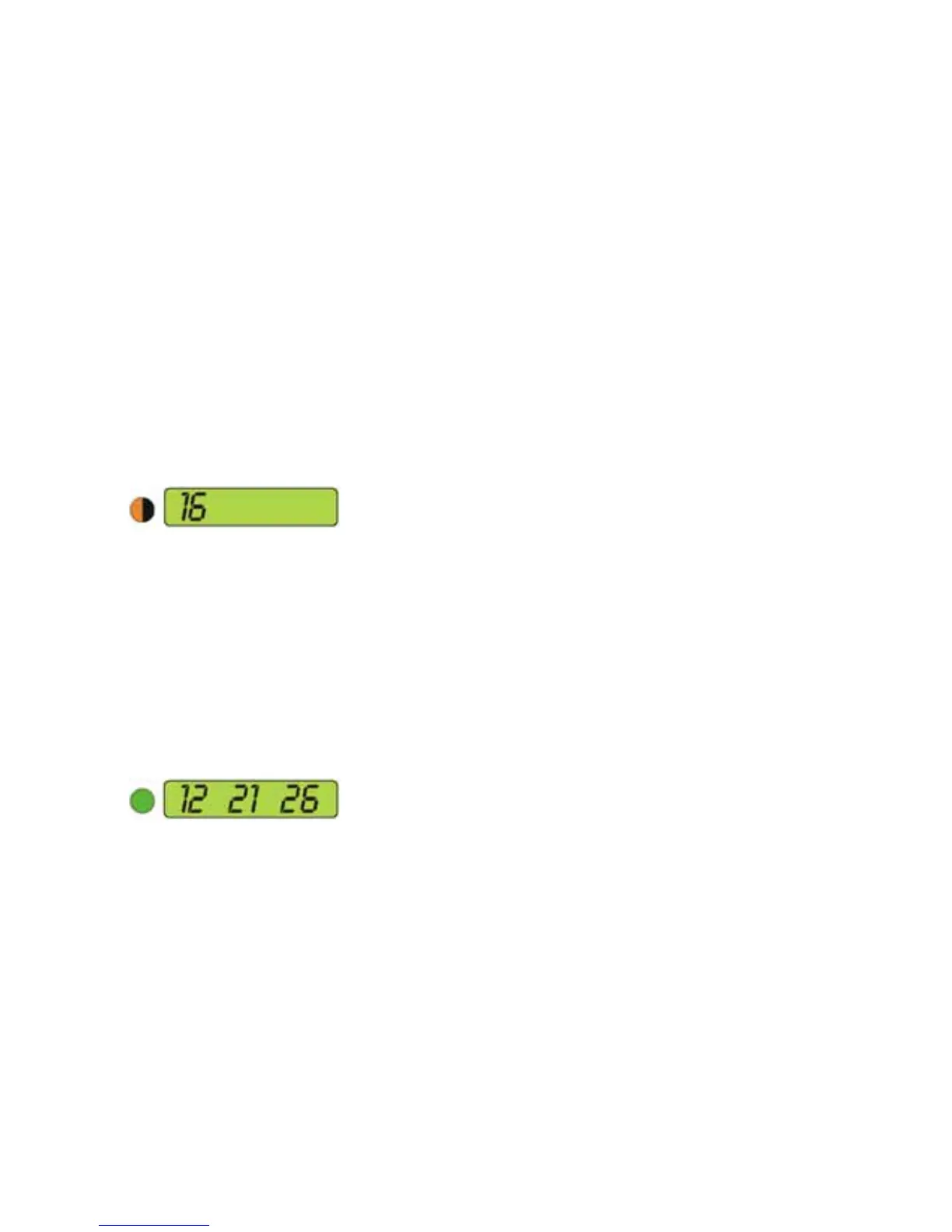
- The CAS operator display shows the
number of the called station. The lamp
is fl ashing orange.
AUDIO MONITORING, AUTOMATIC,
ALL STATIONS
The CAS operator may listen in to all Call-
in stations for 5 sec., one by one in one
round.
• Dial feature code 95 + 5
• The CAS operator’s display shows:
- connected station (12)
- queue index no. (21)
- number of stations to be monitored (26)
AUDIO MONITORING, MANUALLY,
ALL STATIONS
The CAS operator may listen in to all
programmed stations and manually step
one by one.
• Dial feature code 95 + 6
- connection with the fi rst station is
established in listen mode.
• Press the T-key to switch to the next
station.
• Press the 0-key to establish a call to the
monitored station.
• The audio monitoring sequence is ter-
minated after monitoring the last station.


 To Next Page