IP Address
This option allows you to set the IP address manually or
automatically. When you choose Manually Assign, you should
enter the related information in the following boxes, including IP
Address, Subnet Mask, and Default Gateway.
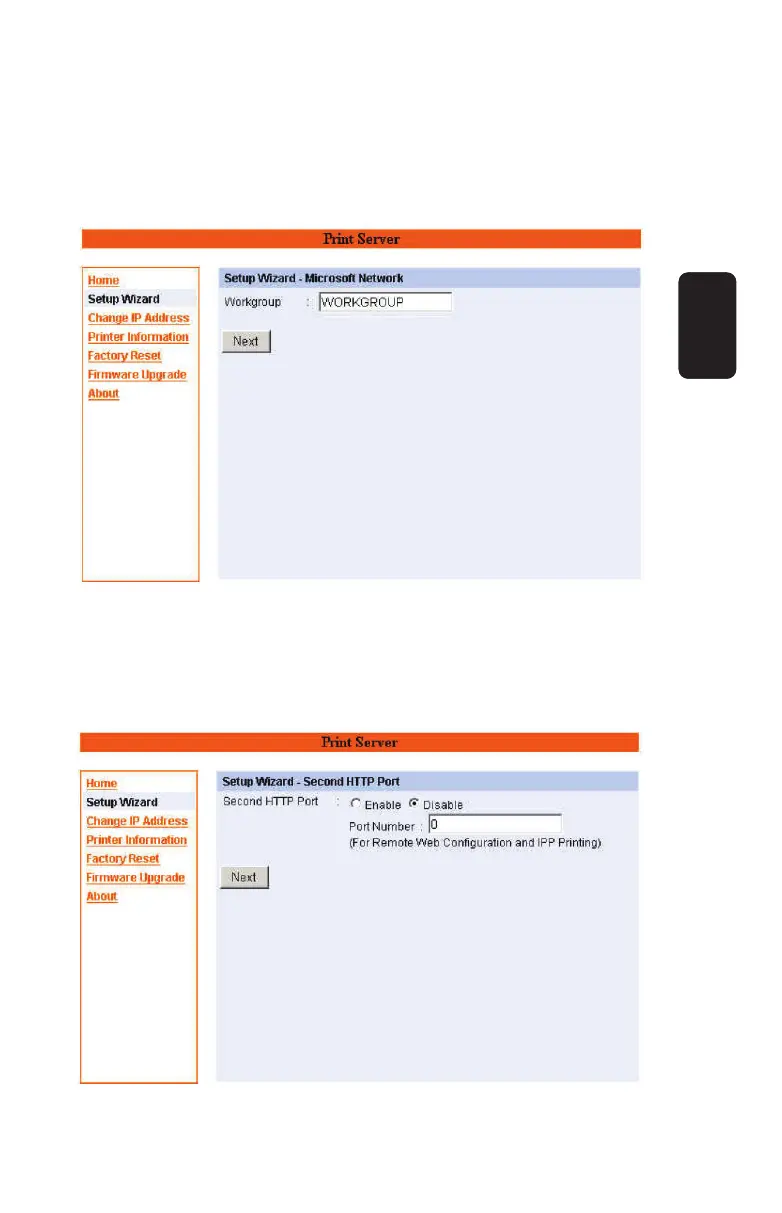
Microsoft Network
Enter the name of the Workgroup that you want the print server
associated with in this fi eld.
ENGLISH
ENGLISH-13



 To Next Page