• Quick Installation Guide
Click to preview the Quick Installation Guide in PDF format for
setting of the Print Server.
• Exit
Click to close the Auto-Run program.
PS-UTILITY
To avoid the confl ict in your network, you can use PS-Utility to
change the related settings of your print server (such as the IP
address) after fi nishing the installation.
INSTALLING PS-UTILITY
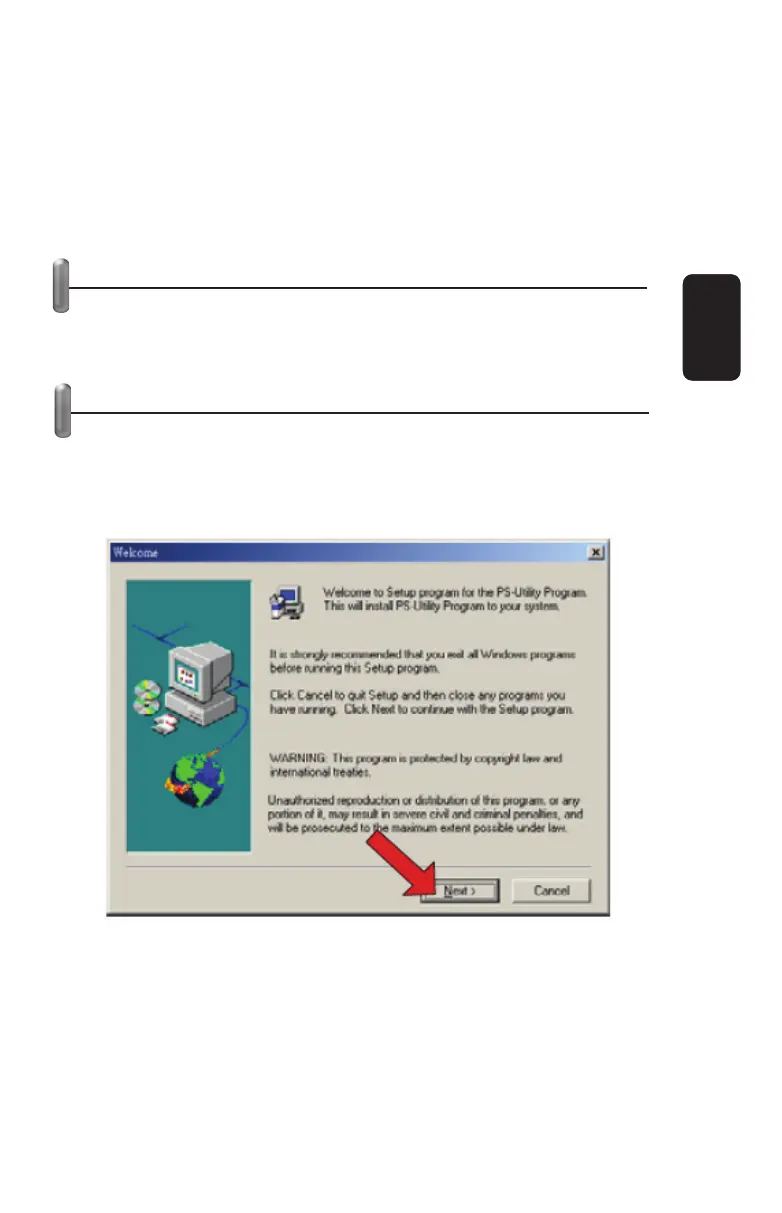
1. Click Install Utility from the Auto-Run menu screen. Once
executed, the Setup program will extract fi les to launch the
InstallShield Wizard; then, click Next > in the welcome screen of
InstallShield Wizard.
2. Choose the destination location. If no specifi c requirement,
leave the default setting and click Next >.
ENGLISH
ENGLISH-6



 To Next Page