PRINTING FROM WINDOWS 95/98/ME
After you have added the necessary printer ports, you can add
a printer device for printing to the port. To enable printing to an
lpr-accessible printer port from Windows 95/98/Me,
1. From the Start menu, choose the Settings submenu, then the
Printers item within it. Windows will display the Printers folder.
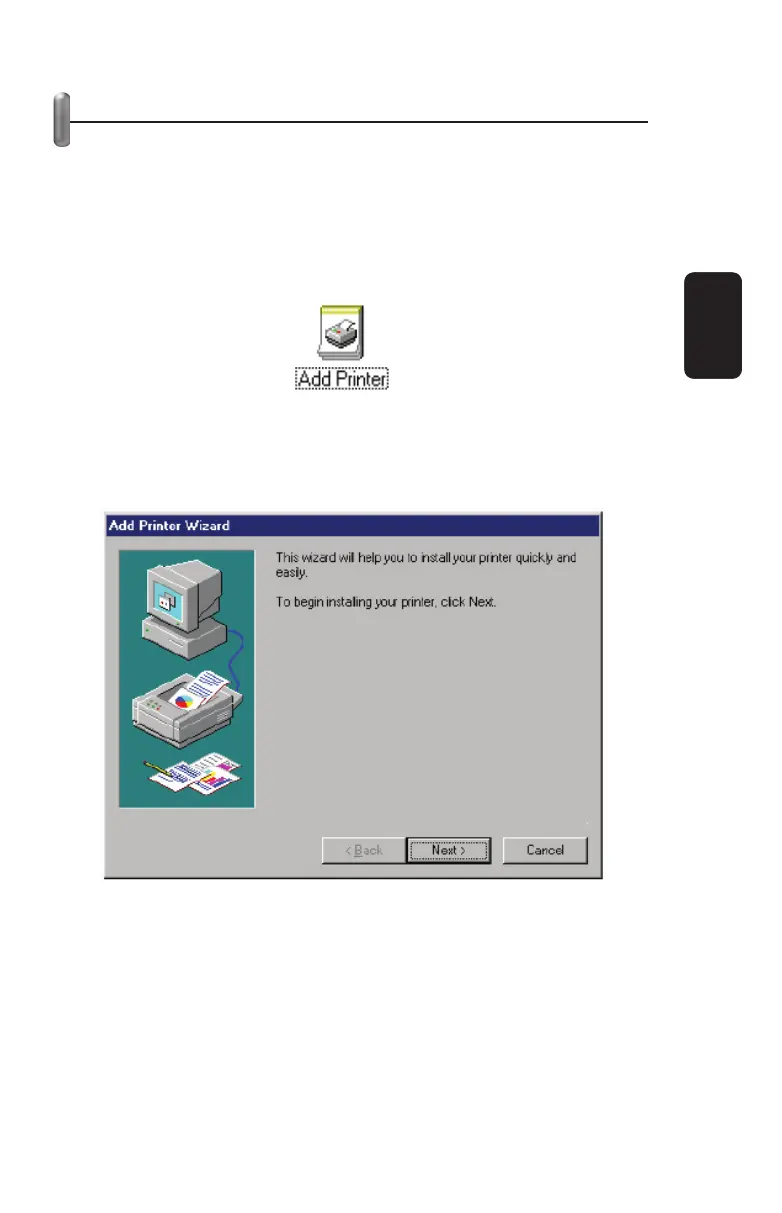
2. Double-click on the Add Printer icon in the Printers folder.
Windows will start the Add Printer Wizard.
Click the Next > button to continue to the next screen.
3. Choose the Network Printer selection and click the Next >
button to continue.
ENGLISH
ENGLISH-23



 To Next Page