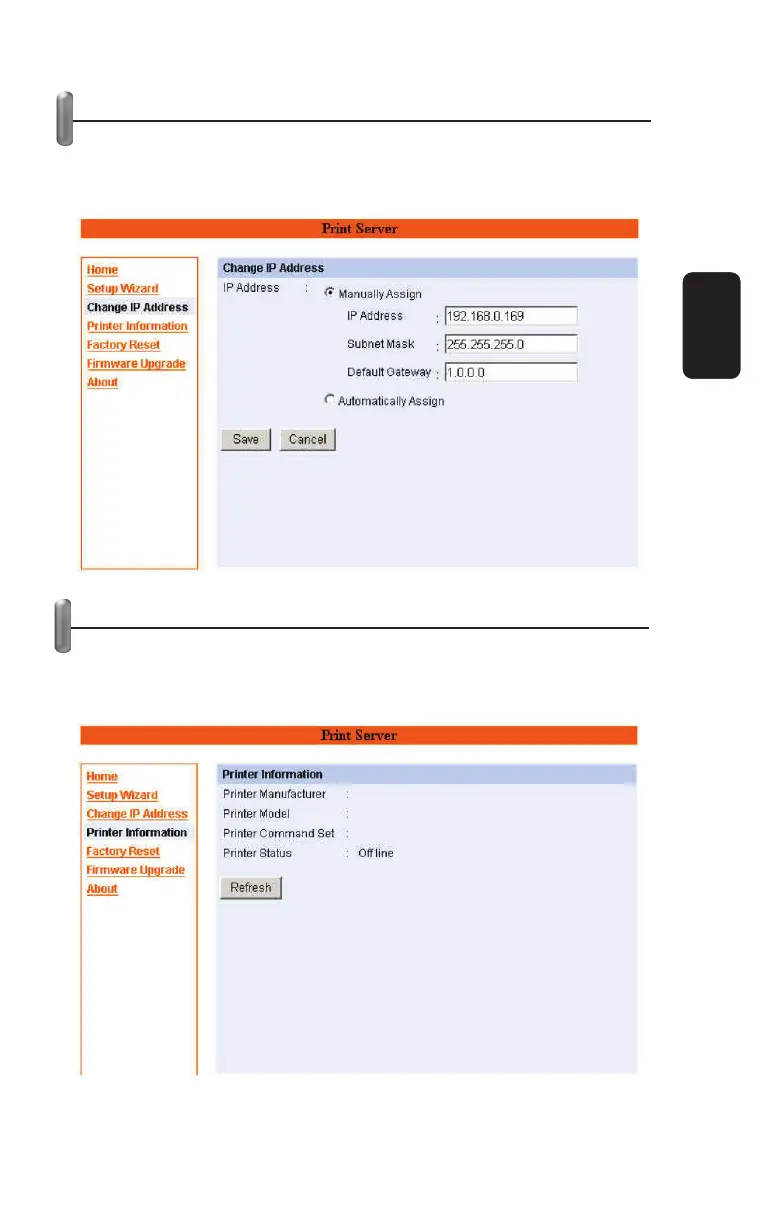
CHANGE IP ADDRESS
If you only need to change the print server’s IP address without
any other confi guration. Please click the “Change IP Address”
icon and change it to what you want.
PRINTER INFORMATION
The items in this fi eld display the information of the printer, such
as the given name for the printer, printer status, and status of
your printing tasks, etc.
ENGLISH
ENGLISH-15



 To Next Page