SETUP WIZARD
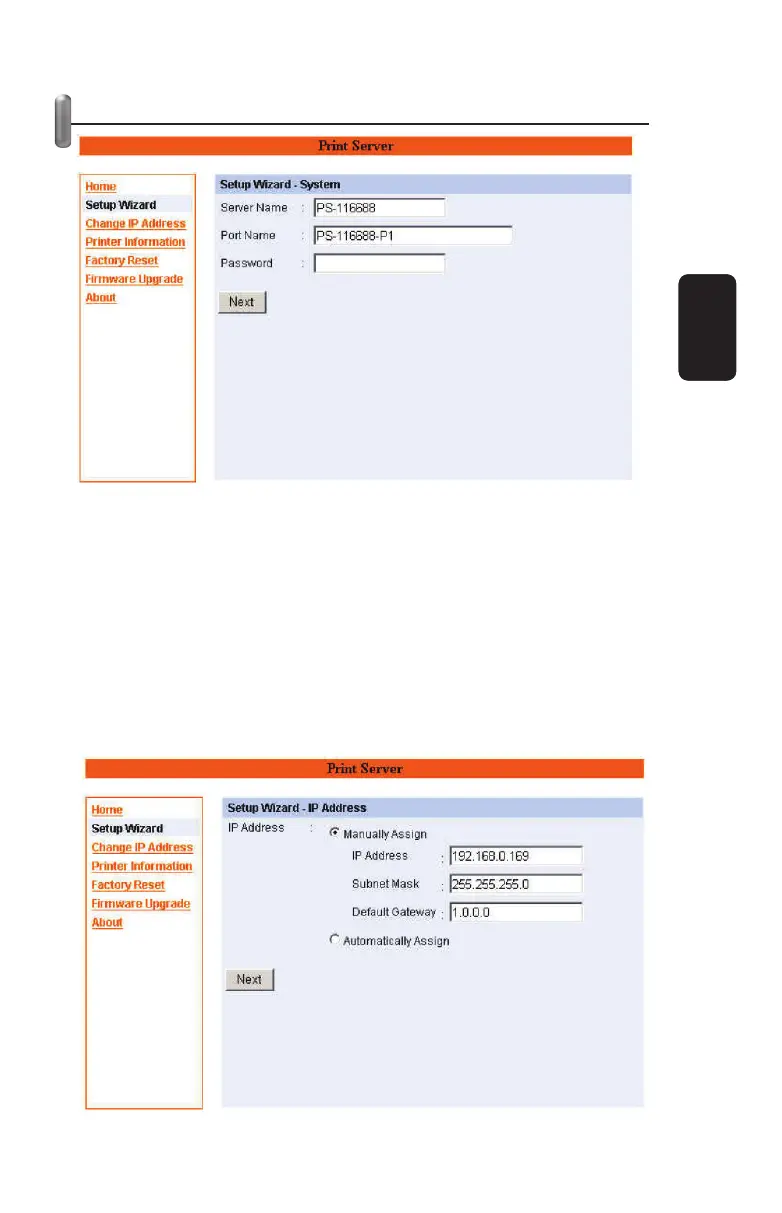
The “Setup Wizard” will lead you to change all the confi gurations
step by step. Please follow below steps to fi nish it .
System
In this fi eld, you can confi gure the basic information of your print
server.
Server Name: Assign a name to the print server.
Port Name: Assign the Port Name for the print server
Password: Enter the Administrator password (3-8
characters).
ENGLISH
ENGLISH-12



 To Next Page