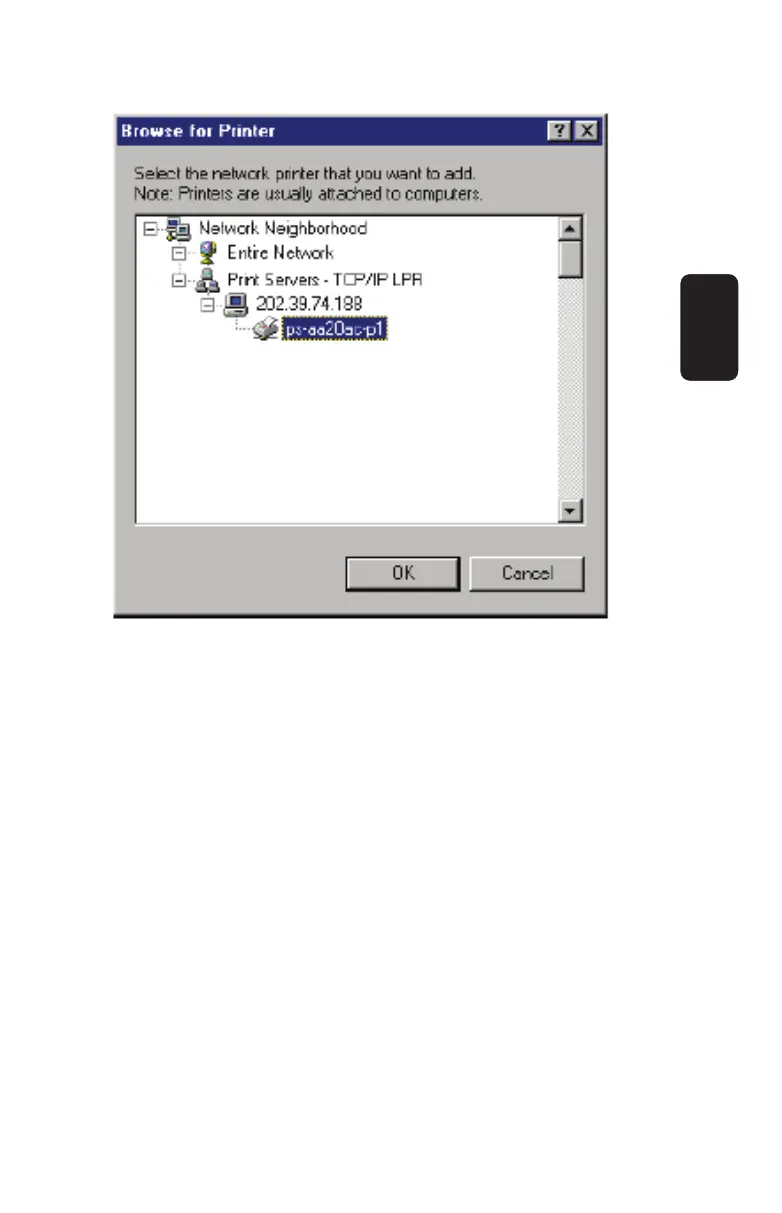
Press OK when you have located the proper printer port.
Click Next > to continue to the next step.
5. At this point Windows will ask you to choose the correct printer
driver for the printer. Choose you printer’s make and model from
the list, or use the driver disk included with the printer. When you
have chosen the correct printer, click Next > to continue.
6. Windows will then ask for a name for the new printer, and ask
whether or not you want to set the printer as the Windows default
printer. Click Finish (or Next >) to continue.
ENGLISH
ENGLISH-25



 To Next Page