Component Features:
1. Device List
Display the connected print server within the network.
2. Control Buttons
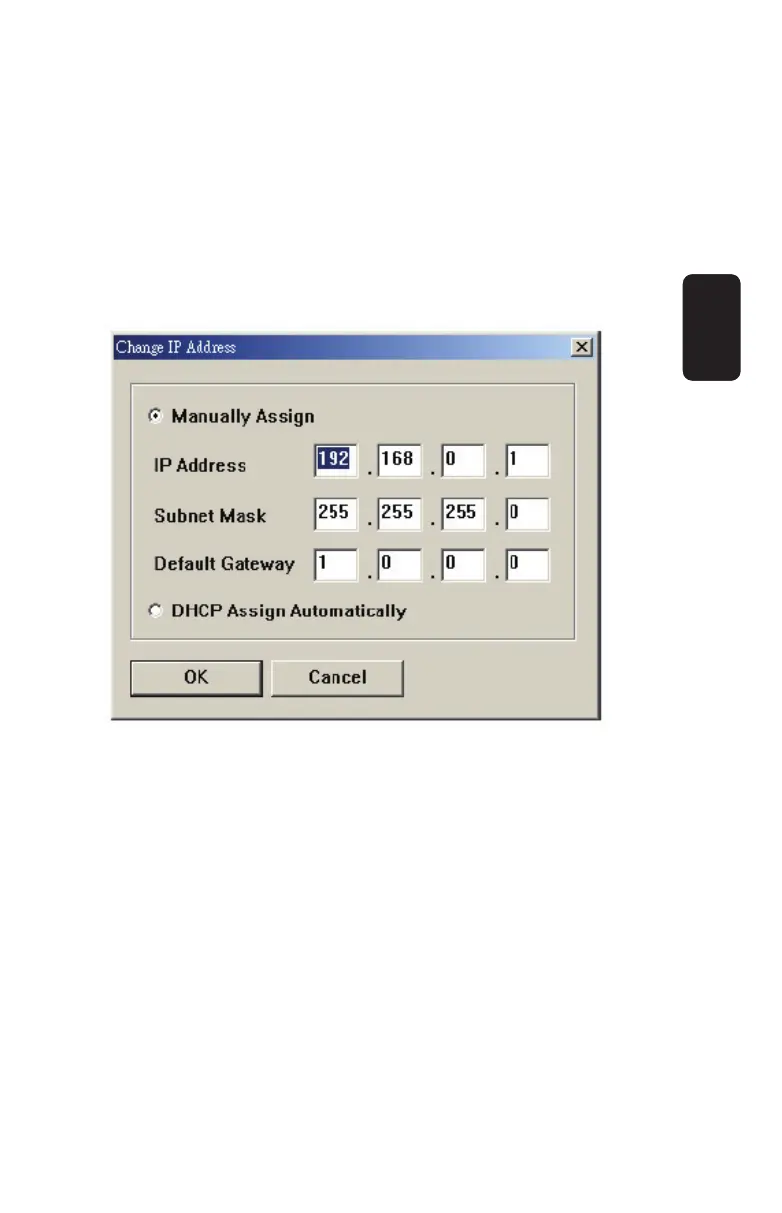
Change IP Address: Click this button to bring up the
following dialog box, allowing you to change the IP Address.
In this dialog box, you can select either Manually Assign or
DHCP Assign Automatically. When completed, click OK.
Update Firmware: Click this button to update the fi rmware
of the selected print server.
Show Web Setup: Click this button to open your web
browser and launch the Confi guration Utility.
Alternately, you can double-click the print server in the Device
List to launch the Confi guration Utility.
Factory Reset: Click this button to reload the factory set-
tings of the print server.
•
•
•
•
ENGLISH
ENGLISH-9



 To Next Page