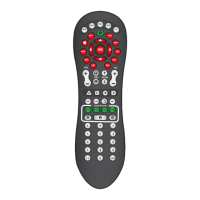
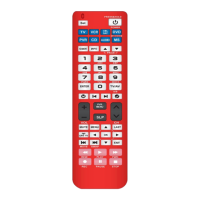
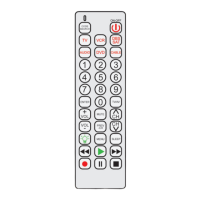
ENGLISH
ENGLISH-04
9.- TV / AV
Switch the signal between TV and Video
10.- Mute
Disable TV sound
HOW TO USE THE QUICK PROGRAM METHOD
Before using your new Universal Remote Control be sure that you has
installed 3 new alkaline batteries type AAA or with enough charge.
You can use the quick program with the enlisted codes, that you
can see on the next pages. If your device does not respond or is
not functioning properly, please try with each code listed for your
brand. If it’s necessary, try the Search Method.
1.- Press and hold SET. Then press the corresponding key, to program
your desired device (TV, DVD, VCR, etc). The indicating LED turns on.
2.- Find the code for your device in the codes list and enter the 3 digits
code. The indicating light turns off.
3.- Now aims the remote control at your device, and press POWER. If
your device switch on, you are ready to operate the device. Ckeck that
your device works properly with the remote control. If your device does
not respond or is not functioning properly, please try with each code
listed for your brand, repeating from step 1 to 3. If is necessary, try the
Search Method.
This kit is ideal for electronic students or hobbyists because


 To Next Page