Getting Started with the ZED
Introduction
Welcome to the ZED Camera Getting Started Guide.
Please read the following instructions carefully to make sure you get the best experience out of the ZED Camera.
This first part describes how to set up and use your ZED Camera for the first time. That includes:
• Installing the required runtime packages prior to installation.
• Installing the ZED drivers and software.
• Configuring your ZED Camera and loading calibration files.
• Testing the ZED Camera with the ZED Viewer
For further information about the ZED SDK and code structure please refer to the following section “Getting
Started with the ZED SDK” page 8.
What’s In The Box ?
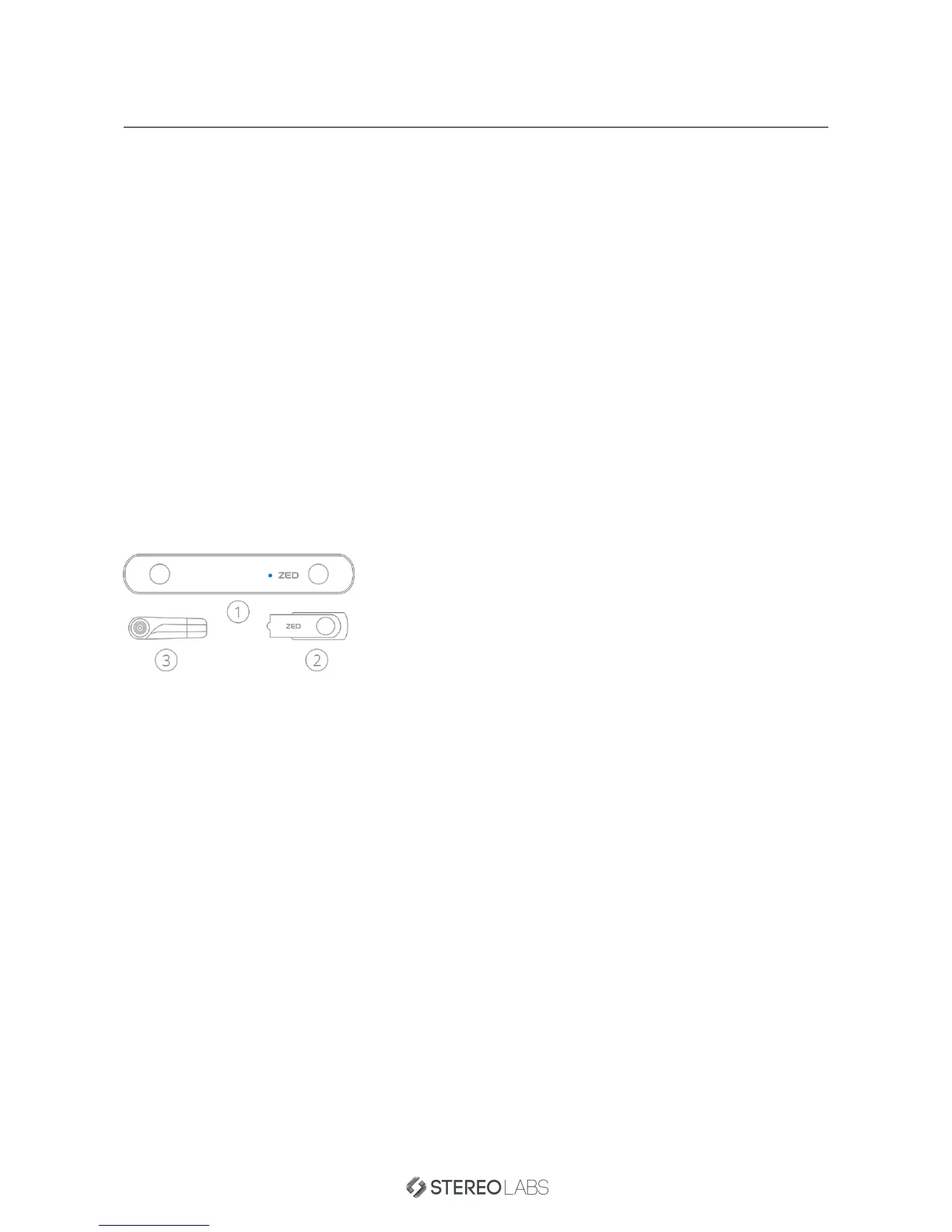
Make sure your ZED package is complete when you open the box for the first time.
1. ZED Stereo Camera
2. USB Drive for Drivers and SDK
3. Mini Tripod Stand
The ZED Camera has an integrated 2.0m / 6.5 feet USB3.0 cable. On the provided ZED USB Drive you will find
the setup files for the ZED Camera and ZED SDK software. If you have lost the USB drive, you can find all the
necessary files in our developer zone at stereolabs.com. Feel free to check our website often since we release
updates on a regular basis.
Doc Rev 1.3 - November 7, 2015 2


 To Next Page