6 7
SETTINGS ADJUSTMENT SETTINGS ADJUSTMENT
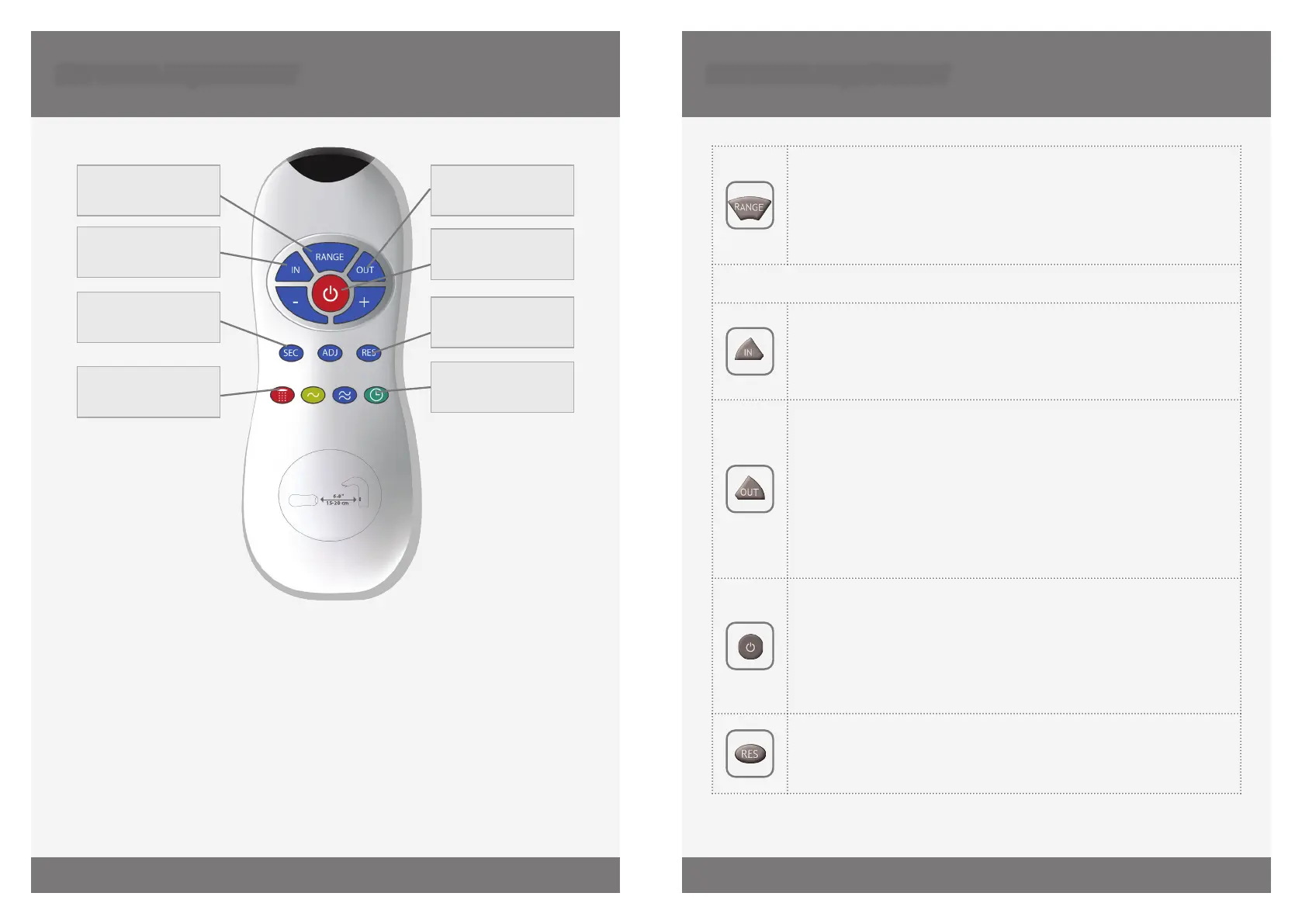
DETECTION
RANGE
DELAY IN TIME
SECURITY TIME
COMFORT FLUSH
DELAY OUT TIME
TEMPORARY OFF
FUNCTION
RESET
HYGIENE FLUSH
Adjusting the settings with the remote control
If necessary, the sensor settings can be adjusted as following:
Shut o the water supply. In order to adjust the sensor with the remote control, hold
the remote control straight in front of the sensor in a distance of about 6-8” (cm).
Choose the function you want to adjust by pressing once on one of the function buttons.
Aer pressing once on a specic function button, a quick flashing of the LED at the
front of the sensor will occur. At this stage, you can change the setting by pressing the
(+) or the (-) buttons, every push will increase or decrease one level. Aer nishing the
adjustment, turn the water supply back on.
DETECTION RANGE: Only if necessary, use the remote control to adjust
the sensor range as follows:
Press the RANGE button. Wait until a quick flashing of the LED in the
sensor eye is perceived. Then, press + to increase the one level and – to
reduce it every push will increase or decrease one level.
NOTE: Once you have changed the detection range with the remote control, this
distance will be remembered by the sensor, even if the power source is disconnected.
DELAY IN TIME: If required, the delay in time can also be modied as
follows: Press the IN button. Wait until a quick flashing of the LED in the
sensor eye is perceived. Then, press + to increase the delay in time and
– to reduce it.
DELAY OUT TIME: This button allows modifying the flushing start time
aer the user moves away from the product. A delay out time close to
0 will save more water. An increased delay out time will make the user
experience more comfortable.
If required, the delay out time can be modied as follows:
Press the OUT button. Wait until a quick flashing of the LED in the sensor
eye is perceived. Then, press + to increase the delay out time and – to
reduce it.
TEMPORARY OFF FUNCTION: This function is ideal to perform any kind of
activity in front of the sensor without operating the system (for example,
cleaning).
The product will remain shut for minute when this button is pressed
once. To cancel this function and to return to normal operation press the
On/O button again or wait minute.
RESET BUTTON: This function restores all the factory settings except
for the sensor range. If required, press the Reset button and without
releasing it, press the + button once.


 To Next Page
 Loading...