SPXM1
14
15
StingerElectronics.com StingerElectronics.com
®
AUX Input Accessory Control
(Switch Command)
Camera
Battery Voltage
NOTE! The AUX source is selectable even if there is no
device connected.
If a audio source is connected to the auxillary input (AUX),
press the [SOURCE] button and select AUX.
Volume can be controlled through the device and with
SPXM1 volume knob.
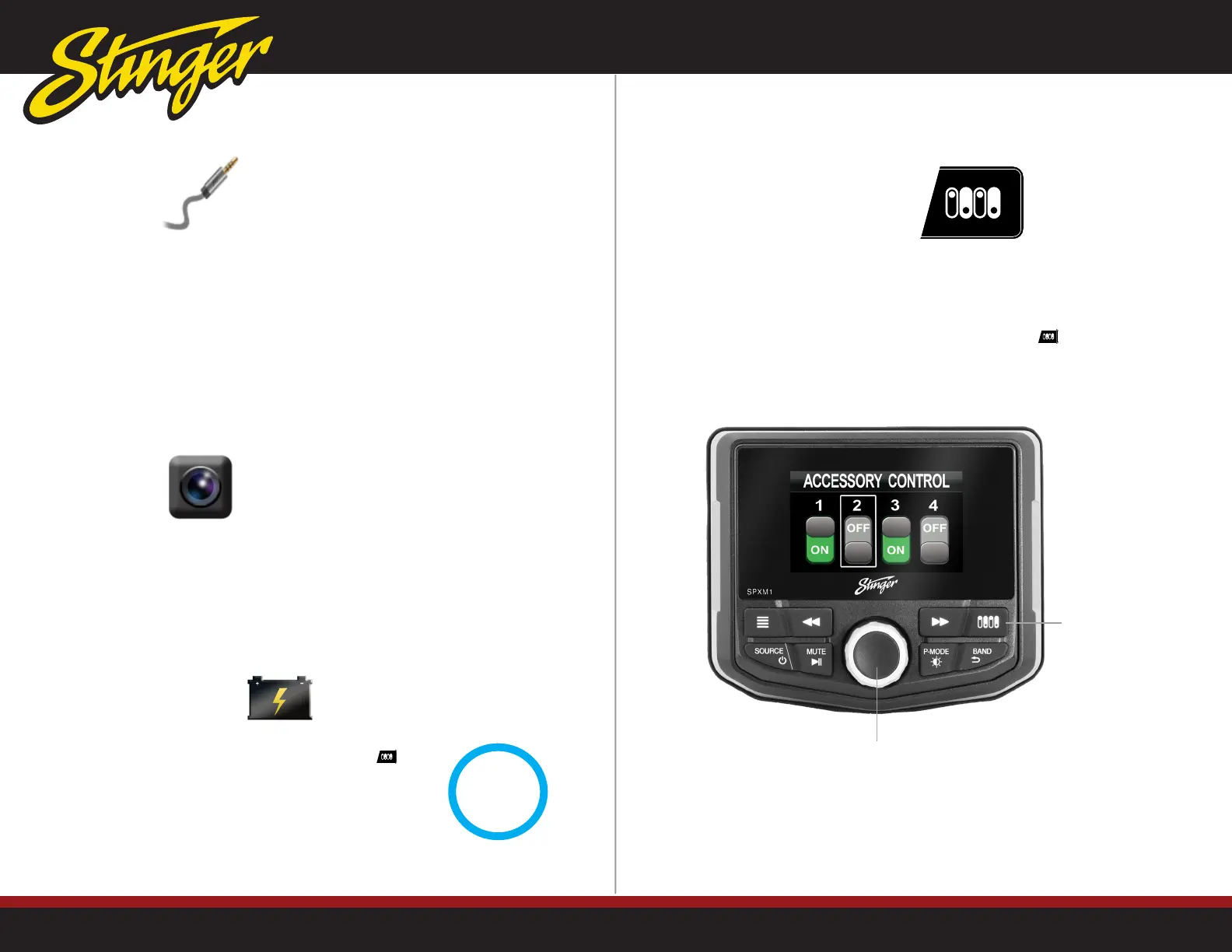
The SPXM1 is capable of controlling up to 4 external devices when
used in conjunction with the optional SwitchHUB (SPXSH440) four
output solid state switcher.
To access the controls, press the Accessory Control button
The SPXM1's camera input can be activated by a trigger wire
or accessed by selecting Camera as the source.
NOTE! The camera connected to the input must have power
for the video signal to be displayed.
Pressing and holding the Accessory Control button
will display the current battery voltage.
NOTE! The SPXM1 will display a WARNING message
when the battery voltage drops below 10.5 volts.
Rotate the [M-KNOB] to cycle through the four switch controls.
Press the [M-KNOB] to toggle the highlighted switch ON/OFF.
Rotate to cycle through the four switch controls.
Press to toggle the highlighted switch ON/OFF.
Press to access
Accessory Control
13.1
VOLTS



 To Next Page