12
MODEL: SO69S | PRODUCT CODE: 54288 | 08/2016
Instructions
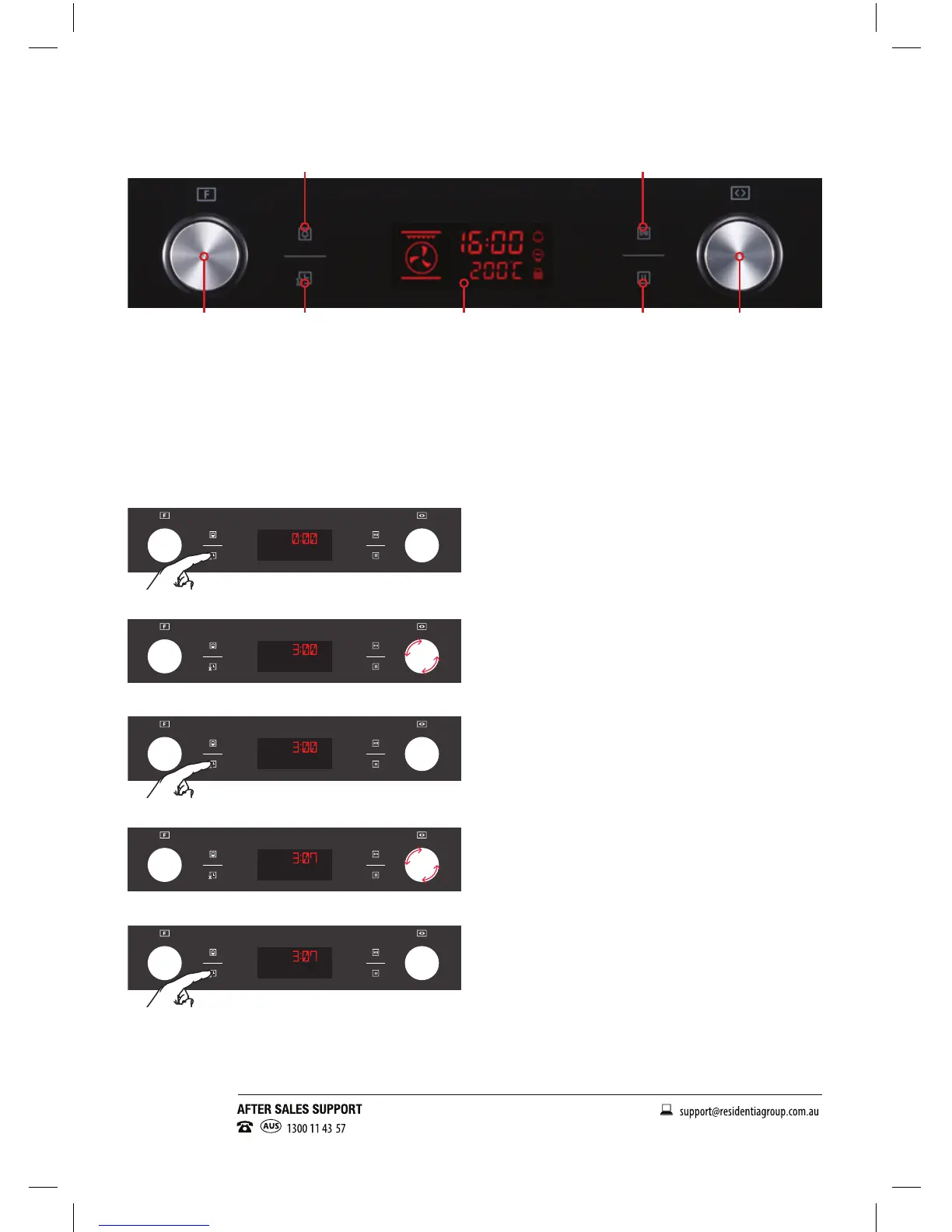
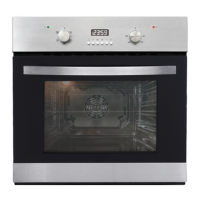
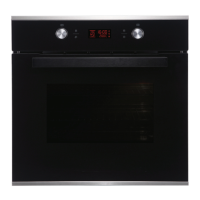
1. Function Selector 2. Programmable Timer 3. Alarm Button 4. Display / Clock
5. Start/Select button 6. Pause/Stop button 7. Temperature Control
The below instructions refer to Fig. 4. For all references to of buttons or controls, please reference the
numerals in Fig. 4, above.
Setting the Clock
After connecting the unit to the power, the numbers “0:00” will be visible on the display.
1. Press the Timer Button (2), the hour gures will ash.
2. Rotate the Temperature Control (7) to adjust the hour (range from 0 to 23).
3. Press the Timer Button (2) again, the minutes will ash.
4. Rotate the Temperature Control (7), to adjust the minutes setting (from 0 to 59).
5. Press the Timer Button (2) again, to nish the clock settings.
6. The clock has been set when the colons (:) are ashing and the time displayed.
Note: The clock is in 24 hour time. If the mains power to the oven is turned off, the clock will need to be
set again.
1 72 64
3 5
Fig.4


 To Next Page