19
MODEL: SO69S | PRODUCT CODE: 54288 | 08/2016
Other Useful Information Cont.
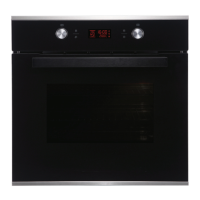
Replacing the light bulb
To replace the light bulb inside the oven cavity, follow the below steps:
1. Disconnect the power from the mains power outlet or switch off the circuit breaker of the units mains
outlet.
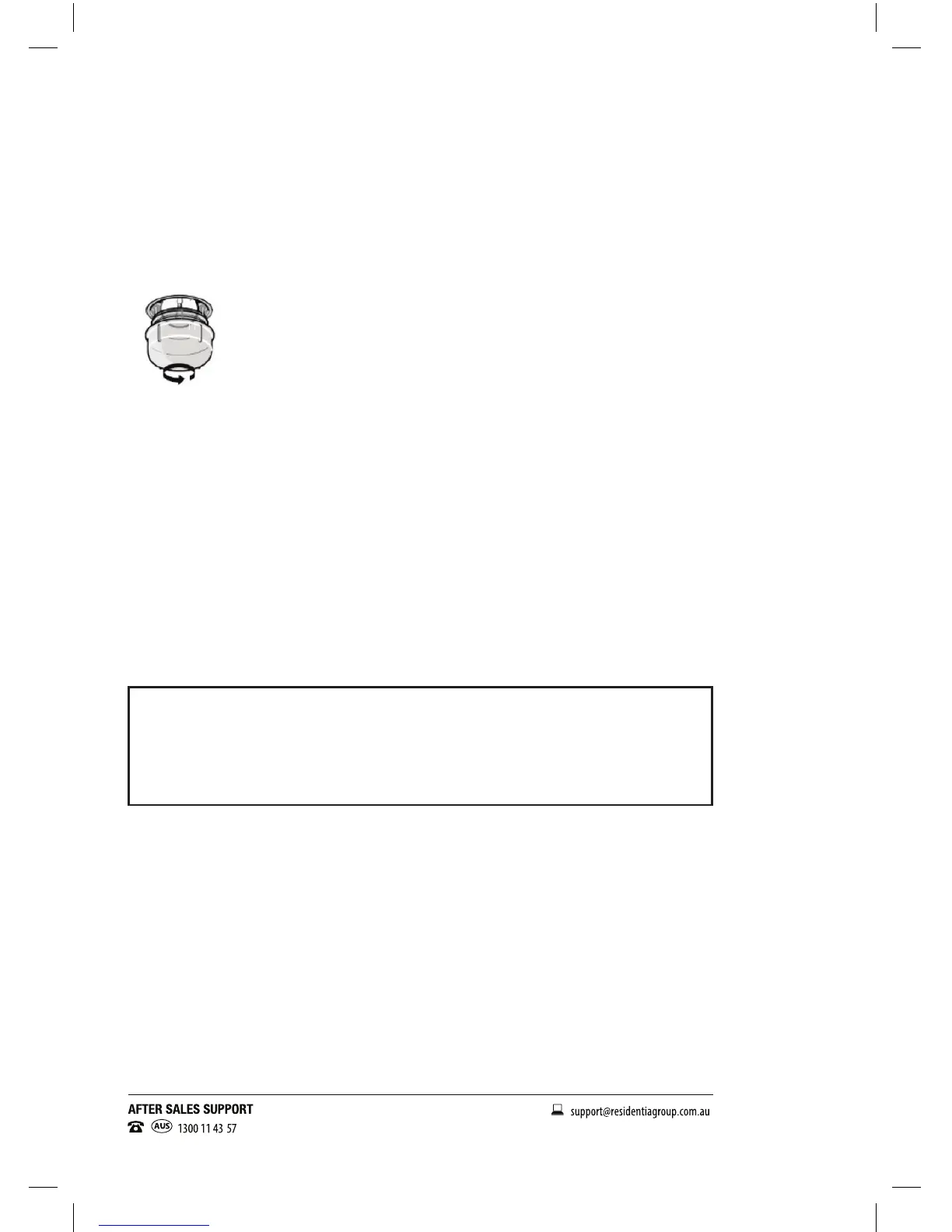
2. Unscrew the glass lamp cover by turning it counter-clockwise (note, it may be stiff) and replace the bulb
with a new one of the same type.
3. Screw the glass lamp cover back in place.
NOTE: Only use 25-40W/220V-240V , T300°C halogen lamps.
Other repairs or service inspections
Besides keeping the oven clean, regularly inspect the control dials and heating elements. In case of damage,
or if you experience any problems with the appliance, contact our after sales support line to arrange a technical
inspection of the oven and x any operational faults. Do not attempt to carry out any repairs yourself!
This product complies with AS/NZS 60335.2.6:2008+A1:2008+A2:2009+A3 :2010+A4:2011 for electrical
safety, and with EN 55014-1:2006+A1:2009 for electromagnetic compatibility.
Responsible disposal
At the end of their working life, do not throw the appliance out with your household rubbish. Electrical and
electronic products contain substances that can have a detrimental effect on the environment and human
health if disposed of inappropriately. Observe any local regulations regarding the disposal of electrical
consumer goods and dispose of it appropriately for recycling. Contact your local authorities for advice on
recycling facilities in your area.
To purchase a part
Call our after sales support centre on: 1300 11 4357
Or email us at: support@residentiagroup.com.au


 To Next Page