TA+P2I
User Manual
Release r06 www.stollmann.de Page 8 of 18
• For accepting incoming calls with the correct calling number, you have to set up
the MSN inside the ISDN PABX:
Set up the MSN of your ISDN PABX as they are signaled by the TA+P2I:
By default the MSN “1” for the analogue line 1 and the MSN “2” for the analogue
line 2.
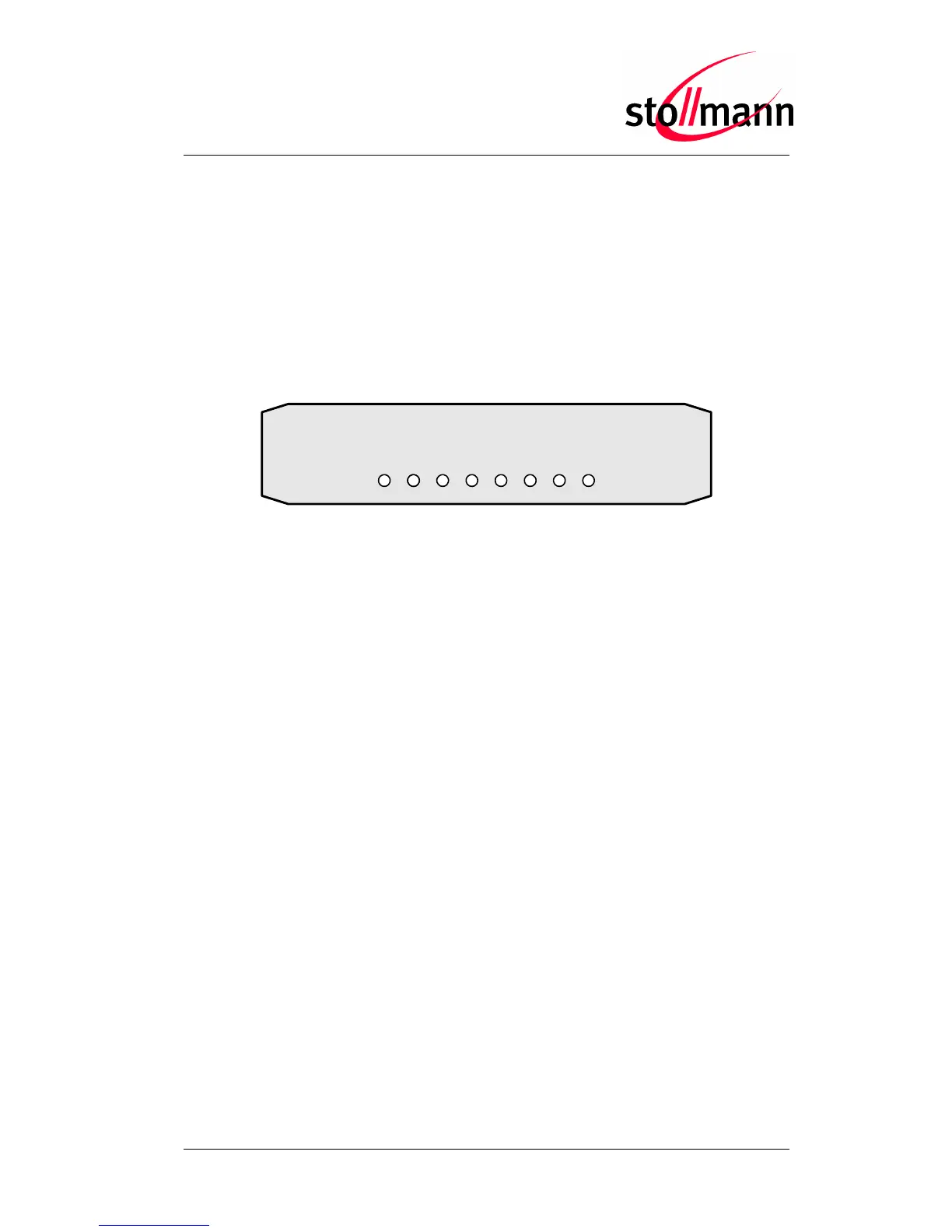
2.4 Displays
E
R
R
O
R
L
I
N
E
1
LINE2
I
S
D
N
1
I
S
D
N
2
CON
F
EXT
R
E
A
D
Y
READY The TA+P2I is powered and ready to use
ERROR Hardware error, the TA+P2I cannot be used
LINE1 Lit: The analogue line 1 is connected to a working analogue
interface
Blinking: The analogue line 1 is connected to a working
analogue interface, but there is no dial tone
LINE2 Lit: The analogue line 2 is connected to a working analogue
interface
Blinking: The analogue line 2 is connected to a working
analogue interface, but there is no dial tone
ISDN1 The first B channel is in use respectively
the hand set of the ISDN phone is off hook
ISDN2 The second B channel is in use respectively
the hand set of the ISDN phone is off hook
CONF The configuration of the TA+P2I has been changed
EXT Reserved



 To Next Page