MediaZapper HD 2 Page 12/20
V
IEWING AND
R
ECORDING
DVB-T
C
HANNELS
VIEWING
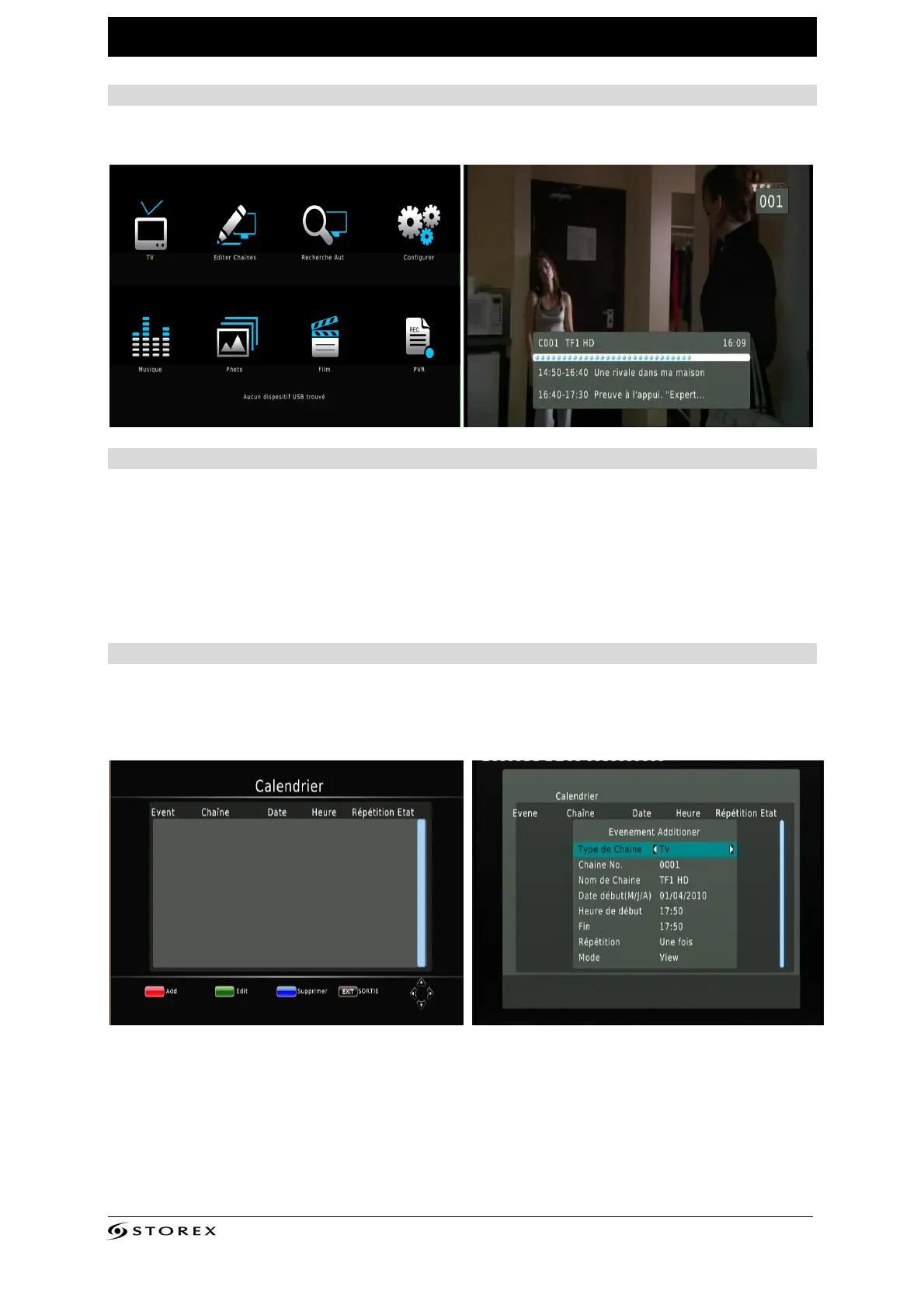
Select the "TV" menu by pressing the "ENTER" button.
LIVE RECORDING
To record TNT channels, you must have previously connected a USB device to the
MediaZapper HD 2.
Note: Recordings are stored directly at the root of the connected device (USB key,
external hard drive) in the "HBPVR" folder.
SCHEDULED RECORDING
To schedule a recording, press on the "BLUE" button of the remote control.
1. To add a new scheduled program, press on the "RED" button of the remote control.
2. Enter your timer recording settings and press the "ENTER" button on your remote
control.



 To Next Page