MediaZapper HD 2 Page 13/20
MEDIAZAPPER HD 2 PARAMETERS
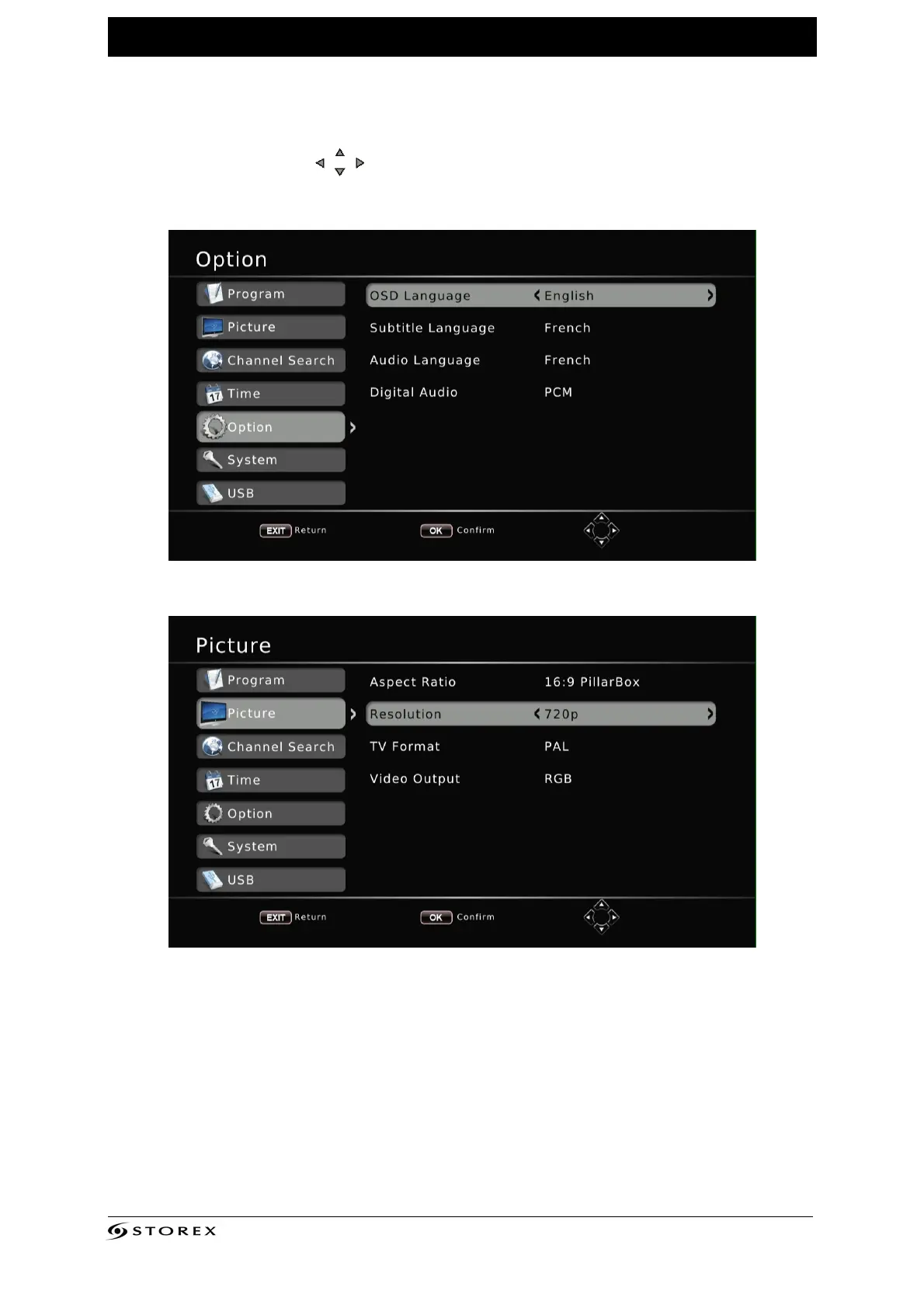
On this page you can adjust several settings, including the language and display
resolution.
1. Press the “SETUP” button of the remote control to enter the “SETUP” menu.
2. Use the arrow buttons
to select the setting and press “ENTER”.
On this page you can change the language.
On this page you can change the display resolution of MediaZapper HD 2.



 To Next Page