MediaZapper HD 2 Page 9/20
PLAYING A FILE
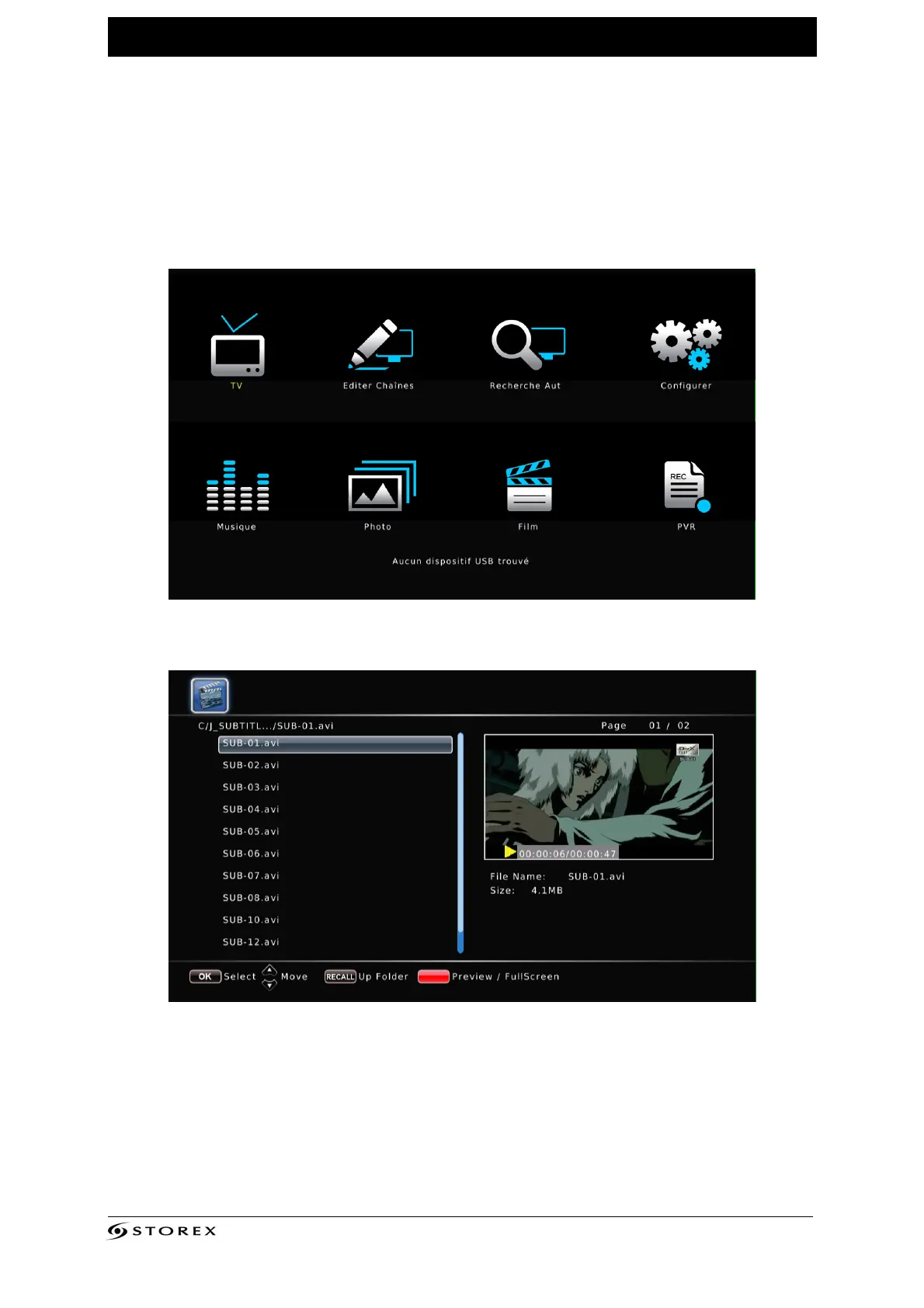
1. The home page (Home) displays 8 key icons, of which 4 are directly accessible from
the remote control(Video, Music, Photo and File). Select one of the 4 modesusing the
arrow buttons on the remote control and press "ENTER".To use the remote control,
please refer to the section on the remote control.
Home page
2. Select the folders and files with the arrow buttons and confirm the selection by
pressing “ENTER”.



 To Next Page