Application
Instructions for use • IMAGE1 PILOT • HLI417_EN_V2.0_11-2021_IFU_CE-MDR 14
6 Application
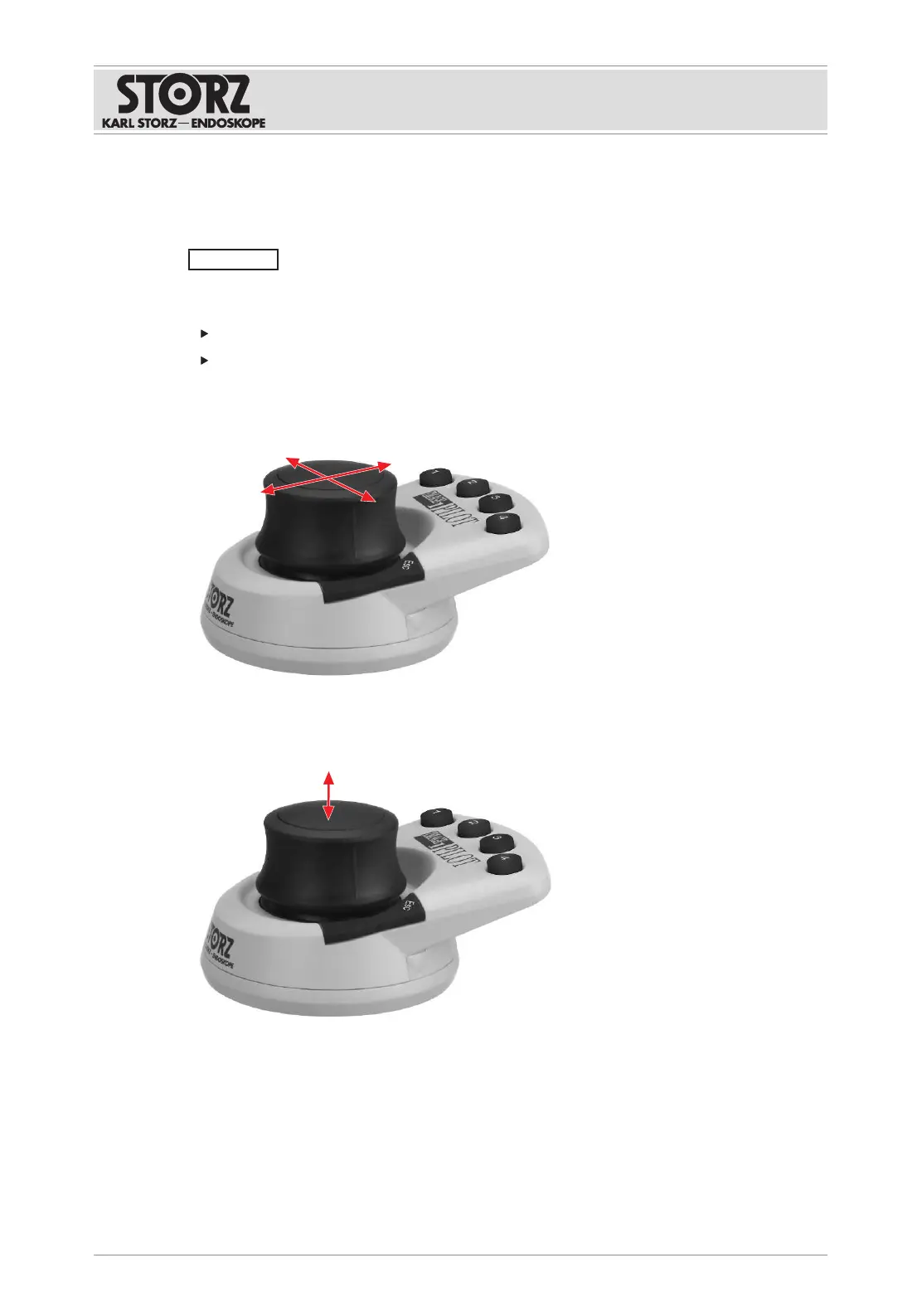
6.1 Using the 3D wheel
NOTICE
Incorrect handling! Product damage!
The product calibrates the 3D wheel position as soon as it is switched on.
Do not press the 3D wheel or the buttons while establishing the USB connection.
Do not press the 3D wheel or the buttons while switching on the IMAGE1S camera
platform.
1. Push the 3D wheel to navigate through the IMAGE1 menu and operate a camera-specific
function.
2. Press the 3D wheel to confirm or select a function.
3. Pull the 3D wheel to exit a menu, cancel an action, or operate a camera-specific function.



 To Next Page